20
S
S
e
e
t
t
t
t
i
i
n
n
g
g
U
U
p
p
t
t
h
h
e
e
P
P
r
r
i
i
n
n
t
t
e
e
r
r
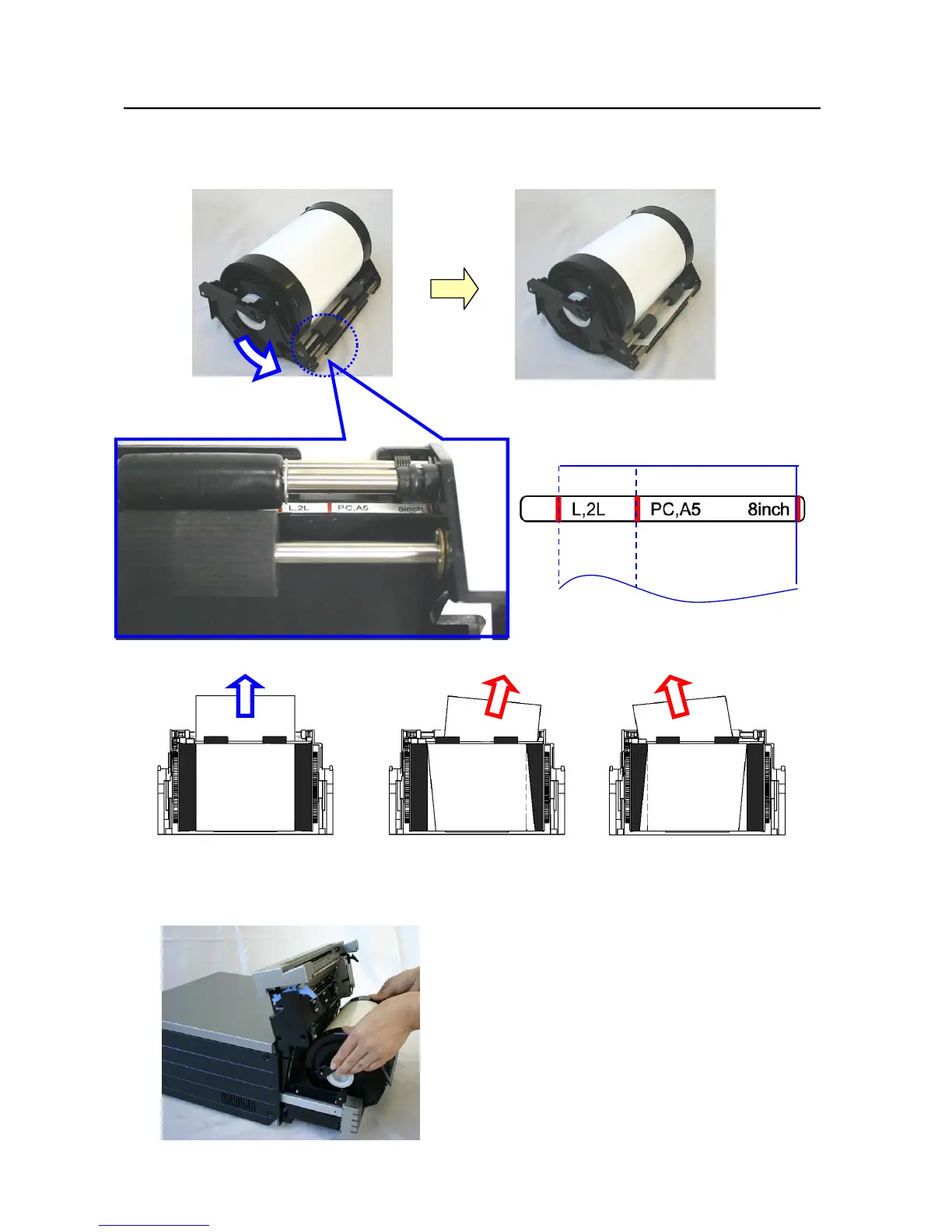
7. Remove the tape, and advance the roll as indicated by the arrow. Set the end of the paper about 5mm beyond
the roller. When doing this, insert the paper straight along the seal. If it isn’t inserted straight, the paper will
be crooked, which could cause white line on the edges of the print, ribbon wrinkles, and register slippage.
8. Set the paper cassette into the printer.
○ × ×
Path of the paper
As seen from above



 To Next Page