WCM2 User Guide Menu Options and Settings
DNP Imagingcomm America Corporation 12
Login
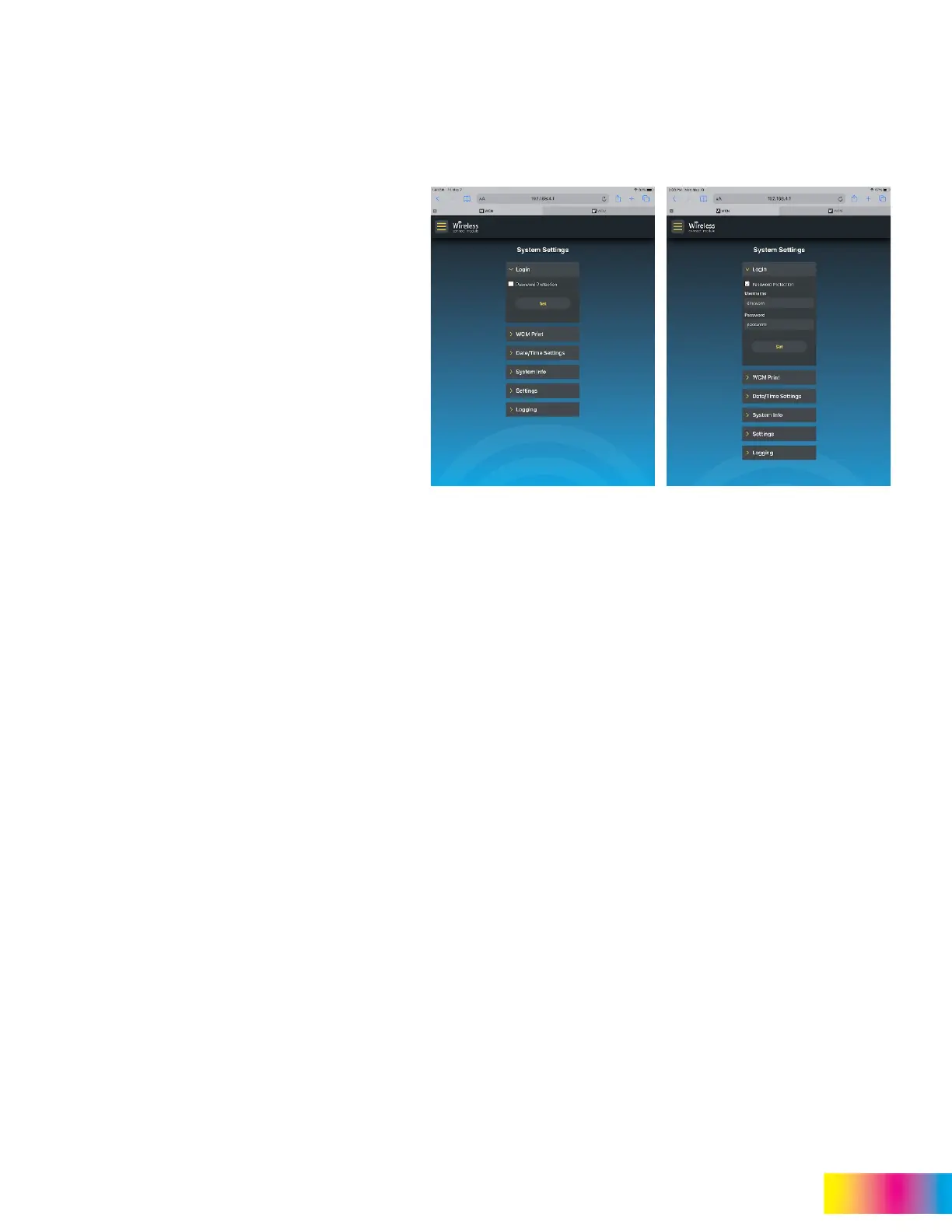
The Login section allows the administrator to set
password protection for all the WCM2 portal and
admin settings.
To set password protection, check the box next to
Password Protection. This will open Username
and Password fields.
Defaults
Username (case sensitive) = dnpwcm
Password (case sensitive) = password
Both the username and password are case sensitive
and can be customized
NOTE:
If the custom SSID name
or password is lost, tap
Reset user name and
password on the login
page to reset them to their
default settings.



 To Next Page