WCM2 User Guide WCM Print
DNP Imagingcomm America Corporation 24
WCM Print
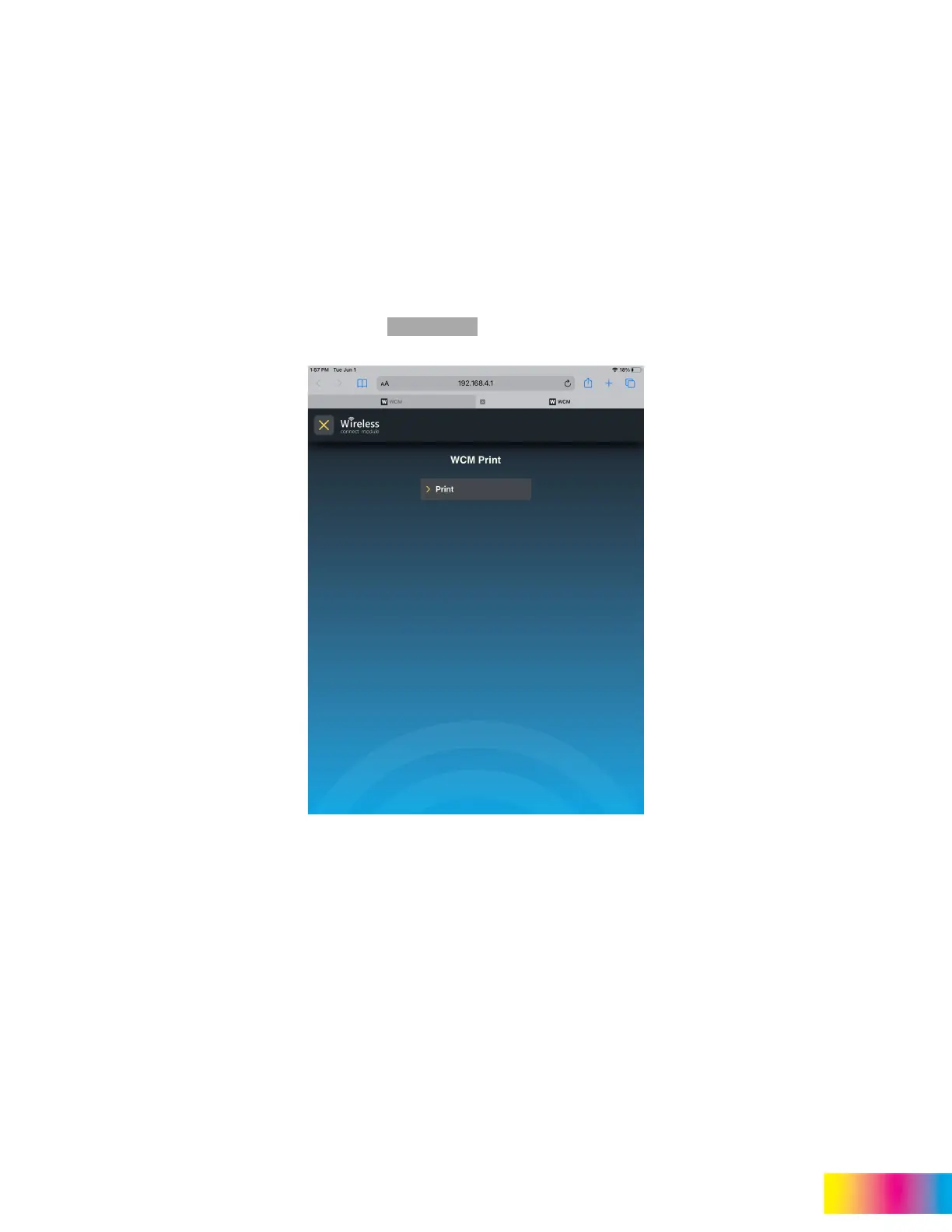
WCM Print provides direct printing capability without using IPP (AirPrint). WCM Print is accessed through the web portal
and allows you to directly select the pictures you would like to print.
Administrative controls are accessed from the main menu in the WCM2 Portal. From the main menu, select System
Settings and WCM Print.
Set up the WCM Print function as shown in “WCM Print” on page 13.
Once the WCM Print function has been enabled it can be accessed from WCM Print (now displayed in the main menu) or
type 192.168.4.1/print in the browser address bar. A QR code can also be printed from the administrative controls
page.
1. From the WCM Print page, tap or click on .



 To Next Page