WCM2 User Guide (PC Printing) Printing from Windows 10 PCs and Tablets (IPP – Internet Printing Protocol)
DNP Imagingcomm America Corporation 20
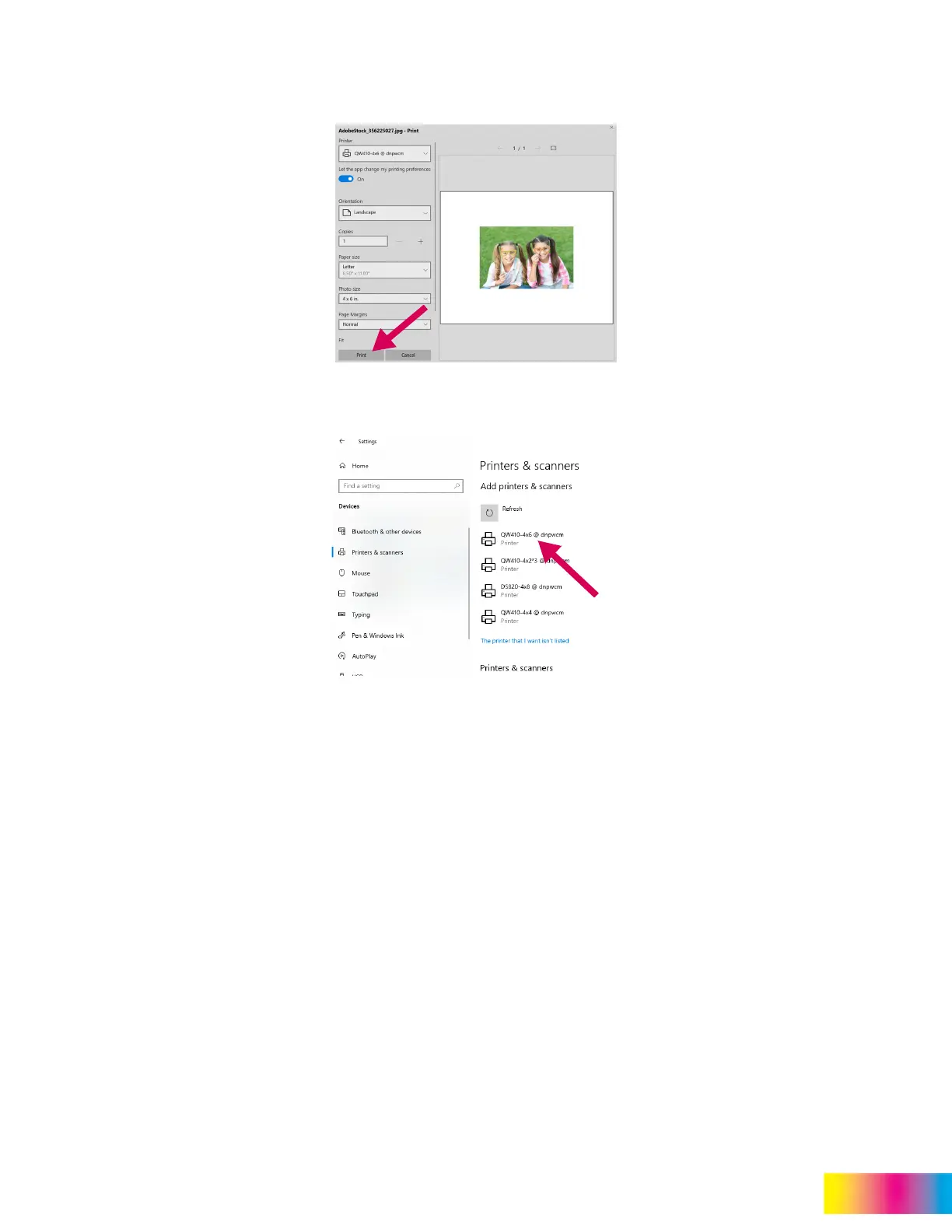
5. Click Print (WCM2 printers have the following naming format Printer-print size @ dnpwcm).
6. Select the printer-media size you want to add and click Add device.
You can return to the print dialog and print to the WCM2 printer.
7. Print size is established when a printer instance is set up in the WCM Portal and will override paper size in print
settings.



 To Next Page