WCM2 User Guide Menu Options and Settings
DNP Imagingcomm America Corporation 9
Printer Settings
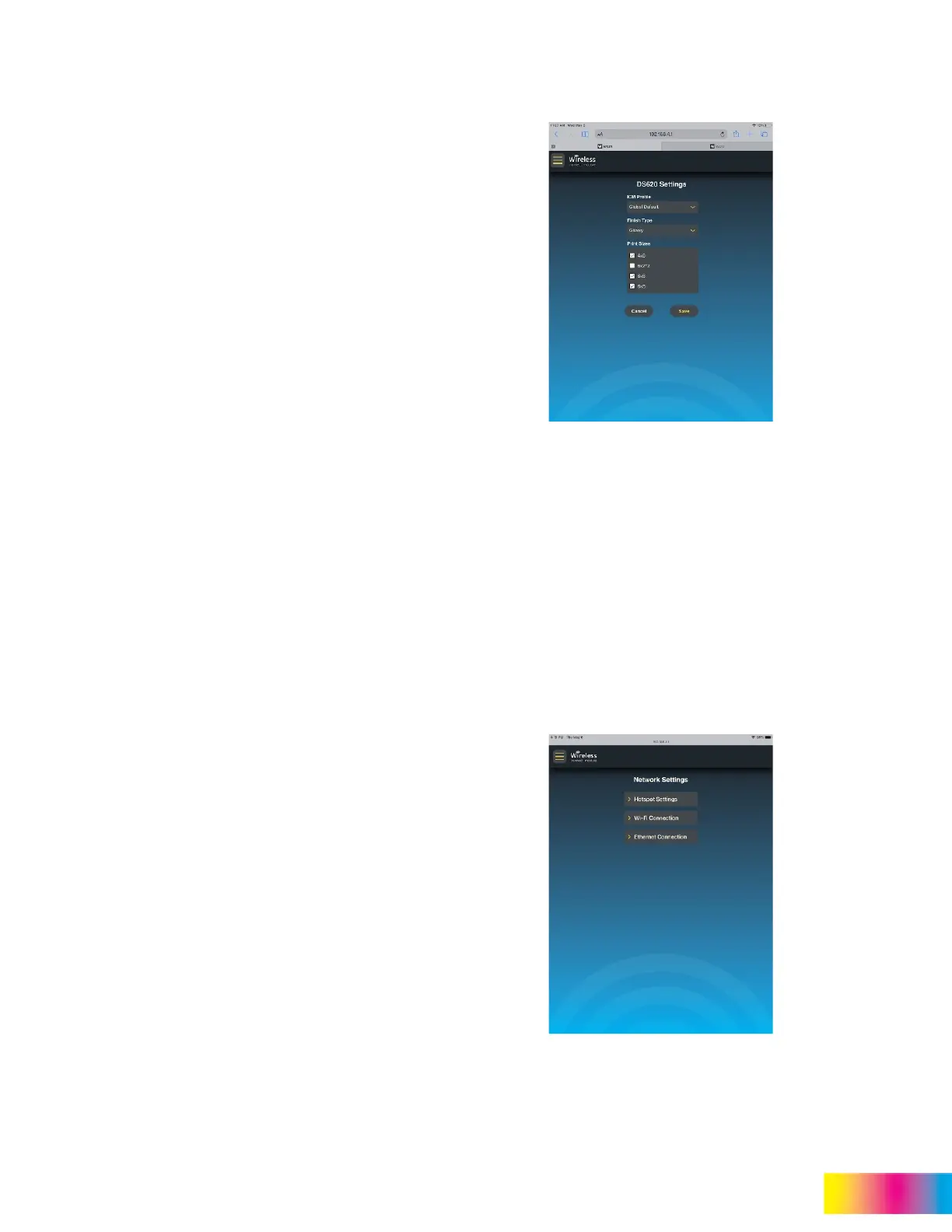
Printer Settings is where you can access information
about the ICM (Color) Profiles, finish type, and
available print sizes.
ICM Profile
These are based on regional preferences or media
type. A description of ICM Profiles is included in
“Other System Notes” on page 27.
Finish Type
Allows you to select the preferred surface finish for
the printed pictures.
Glossy
Matte
Luster
Fine Matte
Note:
Not all finishes are
supported on all DNP
printers.
Print Sizes
Shows all of the available print sizes and cuts for
each DNP printer/media combination that is
connected to the WCM2. The print sizes that are
checked are available for use. By default, only the
most common print sizes are selected.
Network Settings
Contains Hotspot Settings, Wi-Fi Settings and
Ethernet Connection information.



 To Next Page