English
- 32 -
Quality
Setup the compression rate of the photos. The values
are Fine/Normal/Economy. Economy has the highest
compession and the smallest image size.
Sharpness
Choose Sharpness and select Strong/Normal or Soft.
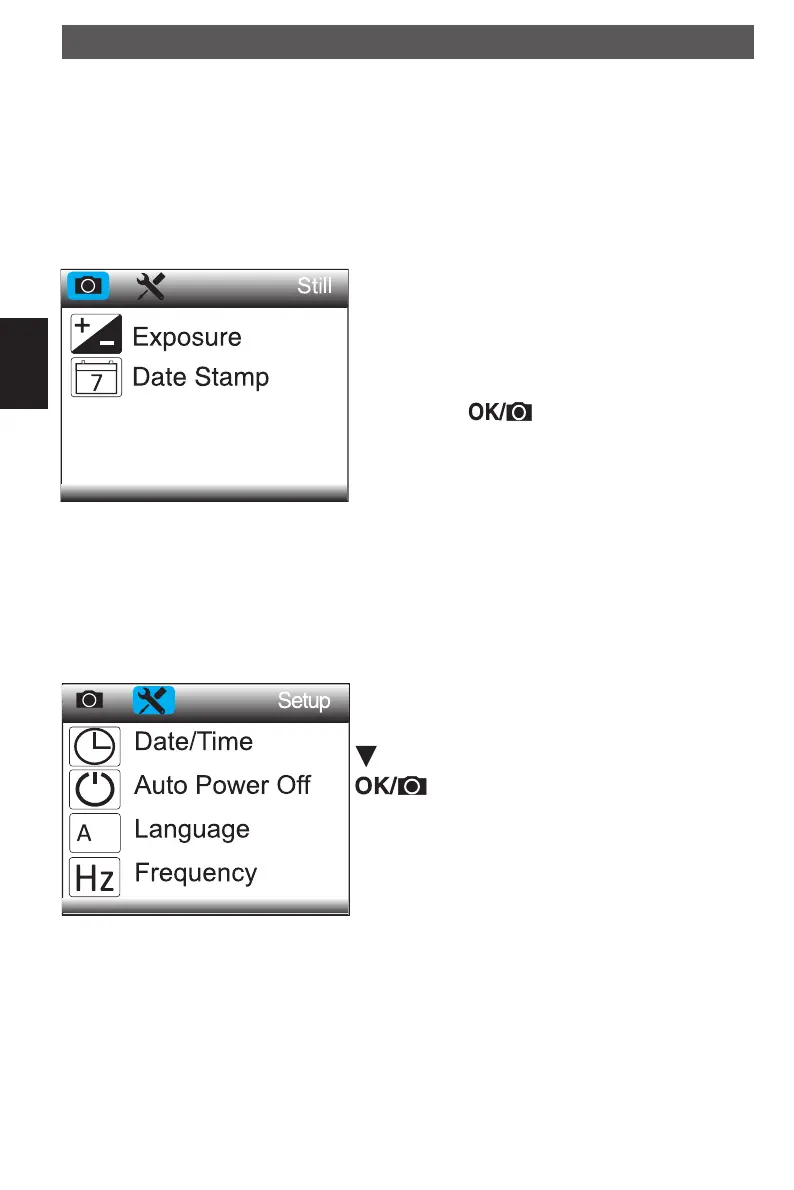
Exposure
This changes the light sensitivity of the camera, not to
be mixed with the lighting. The setting is of ± 1/3 steps:
+2.0, +5/3, +4/3, +1.0, +2/3, +1/3, +0.0, -1/3, -2/3, -1.0,
-4/3, -5/3, -2.0.
The exposure value is set immediately after the confi r-
mation with the
button. If the result is too dark
or too light, change the value accordingly.
The value is shown at the upper edge in the preview.
Date Stamp
Choose Date Stamp and then select the target option
Off, Date or Date/Time.
General setup
Press MENU button twice.
Date/Time
Setup the date, time and the display format.
Navigation:
setup target value
change input position
MENU leave the menu
Enter the date, time and display format.
Auto Power Off
Choose Auto Power Off and then select among the
following a target time for the microscope to power off
automatically, when it is not in use for a period of time.
Possible values are 3, 10 and 30 minutes. In OFF posi-
tion the Auto Power Off is disabled.
Menu
DM pHDMI.indd 32DM pHDMI.indd 32 04.08.2016 10:42:4104.08.2016 10:42:41



 To Next Page