English
- 34 -
Install the software
Insert the driver CD into CD-ROM Drive - it will automatically start the installation wizard.
Click Install PortableCaptureHD and the installation wizard will guide you through the whole
process.
Full user’s manual can be viewed by clicking User’s Manual.
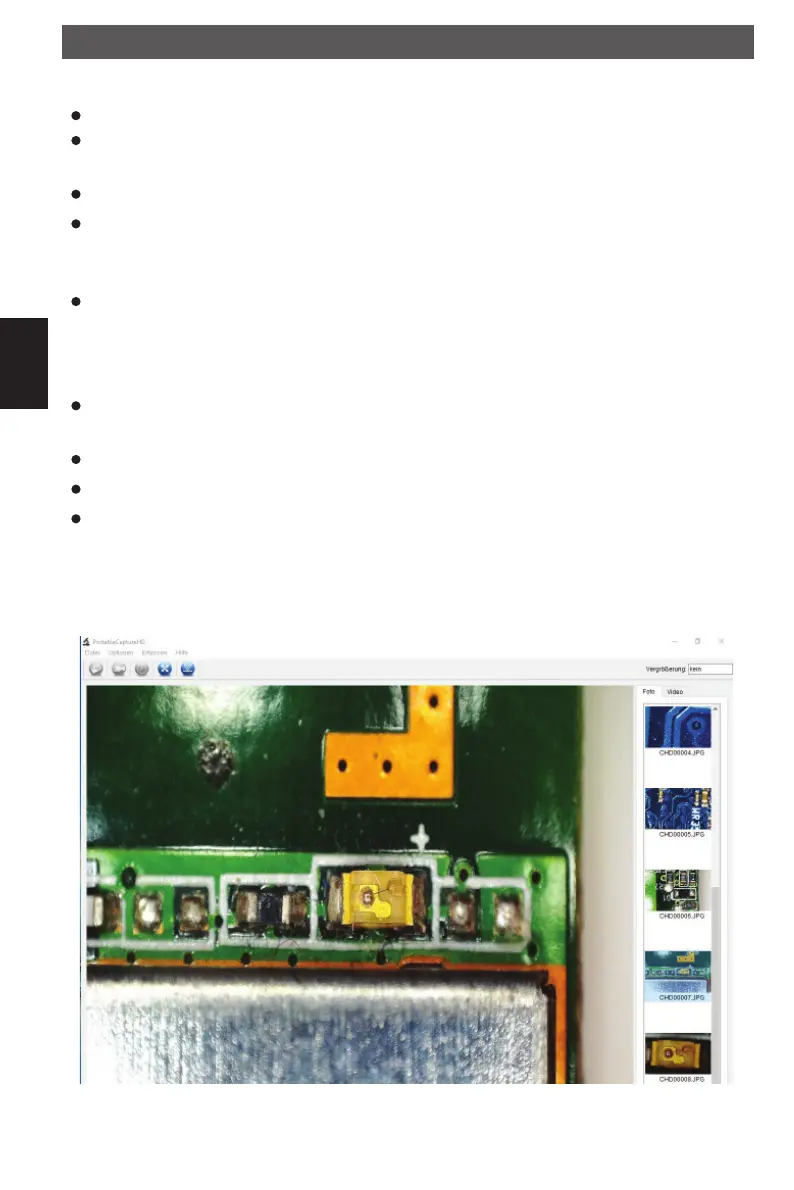
Connect your microscope to your PC USB port, start the software by clicking the Portabel-
CaptureHD icon generated on the desktop after installation and you will see the following
screen pop up.
When the microscope is disconnected from your PC USB port, the following message will
pop up: No Device detected, please connect your Microscope directly to your PC USB
port.
Software PortableCaptureHD
The software has a multilanguage user interface. To change the language select Options >
Language > English.
The captured image is displayed on the right side as a thumbnail.
If the mouse is moved over a thumbnail, the image will be shown in the preview window.
The right mouse button shows a submenu where you can open, save, copy and delete the
photo. Open will open the photo in the preview window. Save or Save as will open a dialog
window to browse a folder of your choice. Copy will copy the photo to the clipboard. Delete
to delete the current photo. Delete all will delete all photos from the list.
Software installation
DM pHDMI.indd 34DM pHDMI.indd 34 04.08.2016 10:42:4104.08.2016 10:42:41



 To Next Page