Advanced Configuration
2-20 72A-1230 Rev. F
July 22, 2005
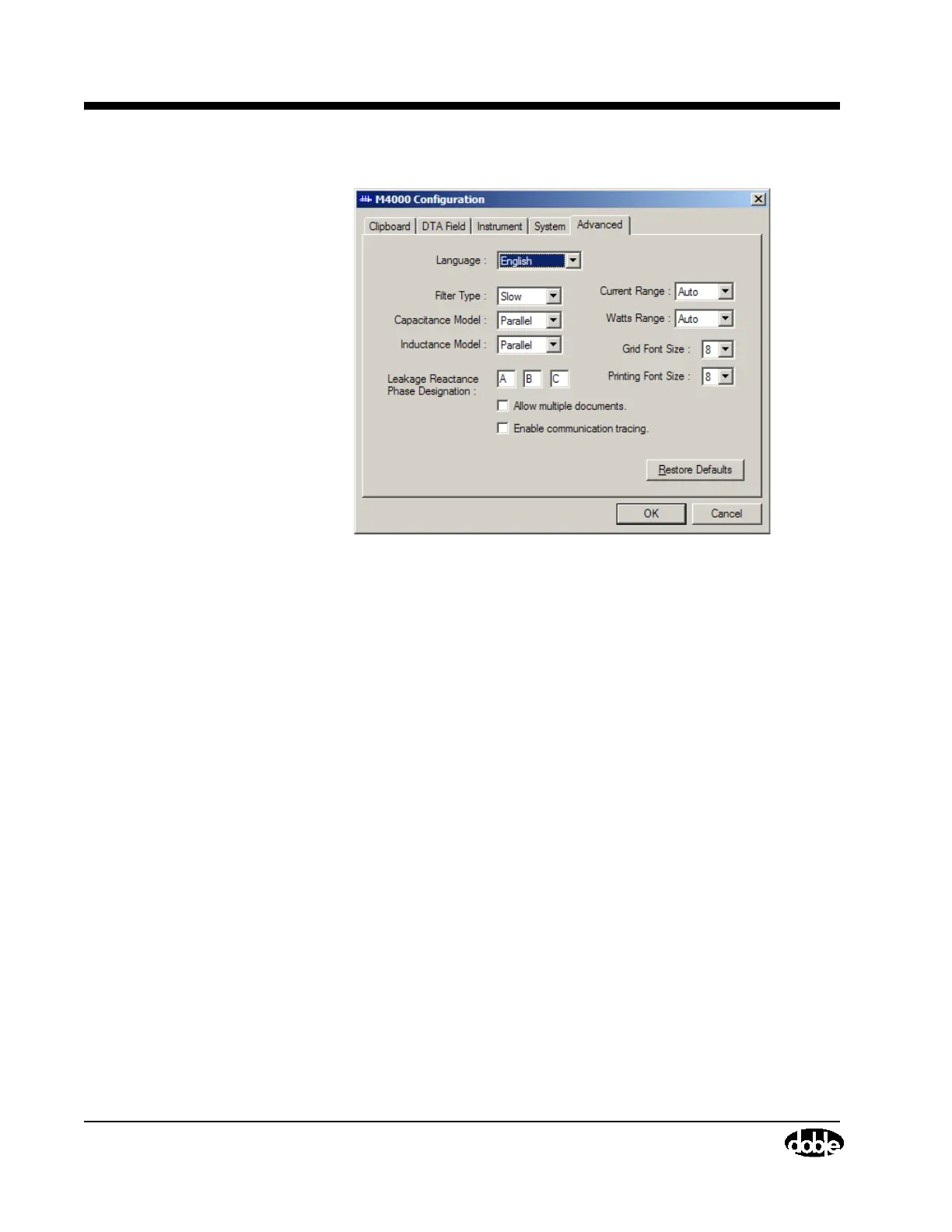
Figure 2.10 Advanced Configuration
Language: Choose from English, French, Spanish, and Portuguese, if selected
for installation.
Filter Type: The default is Slow, and should not be changed without
consulting Doble.
Capacitor Model: The default is Parallel, and should not be changed without
consulting Doble.
Inductor Model: The default is Parallel, and should not be changed without
consulting Doble.
Allow Multiple Documents: If this box is checked, more than one set of test
data can be active and displayed at once.
Current Range: The default is Auto, and should not be changed without
consulting Doble.
Watts Range: The default is Auto, and should not be changed without
consulting Doble.
Grid Font Size: Allows you to increase the size of the fonts on your screen,
making it easier to see the data.
Print Font Size: Increases the size of the font used in printing.



 To Next Page