M4000 Insulation Analyzer User Guide
72A-1230 Rev. F 3-21
July 22, 2005
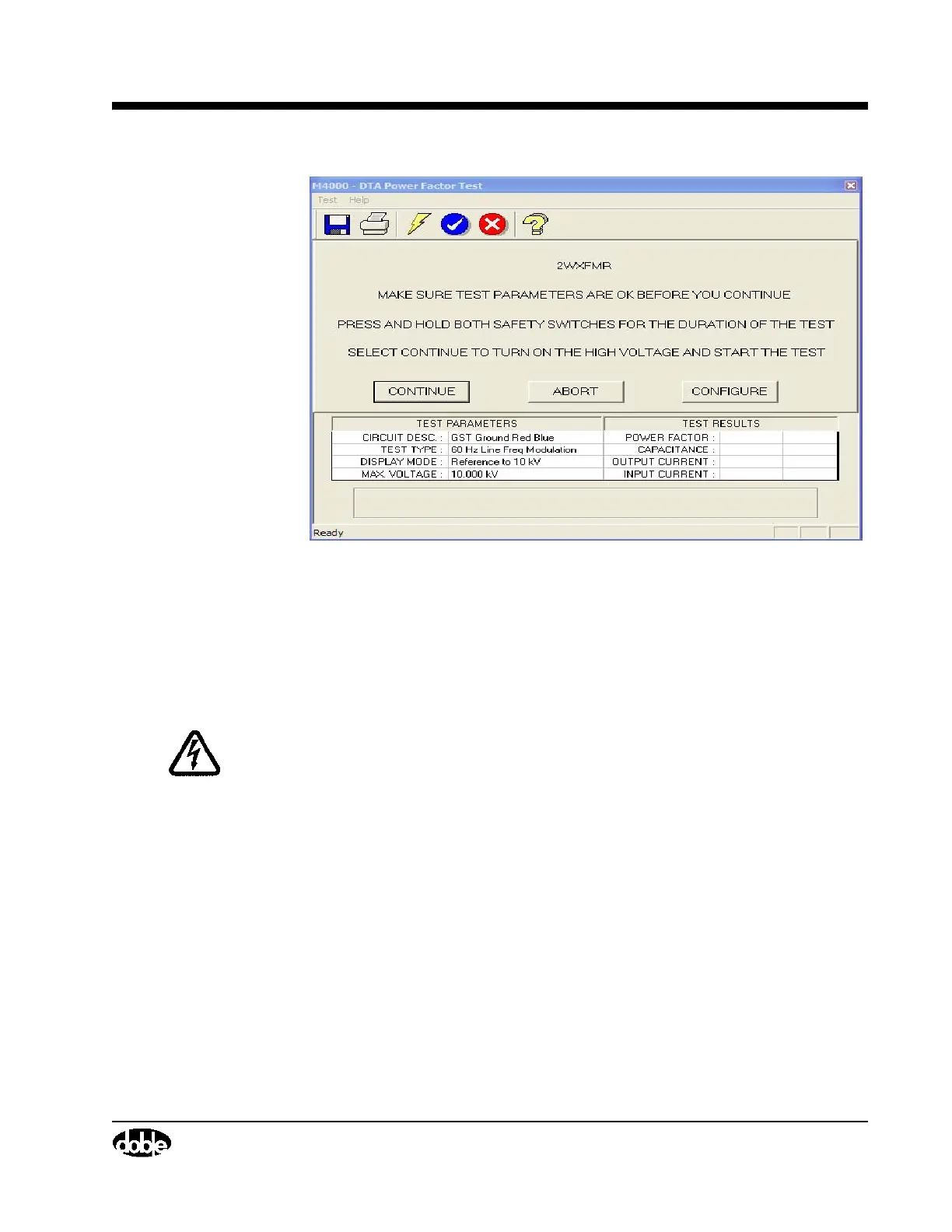
Figure 3.13 Safety Screen
1. Select the “Abort” button to return to DTA and make changes. Make this
choice if the test voltage needs to be changed.
2. Select the “Configure” button to change other test parameters, such as
Frequency or Test Type.
WARNING High voltage will be present after starting the test. Pressing the ESC or F4
key, or releasing a safety switch button, will turn off the high voltage.
When the parameters are correct, proceed with the test by:
3. Pressing both safety switch buttons.
4. Selecting the “Continue” button by highlighting it and pressing the
ENTER key.



 To Next Page