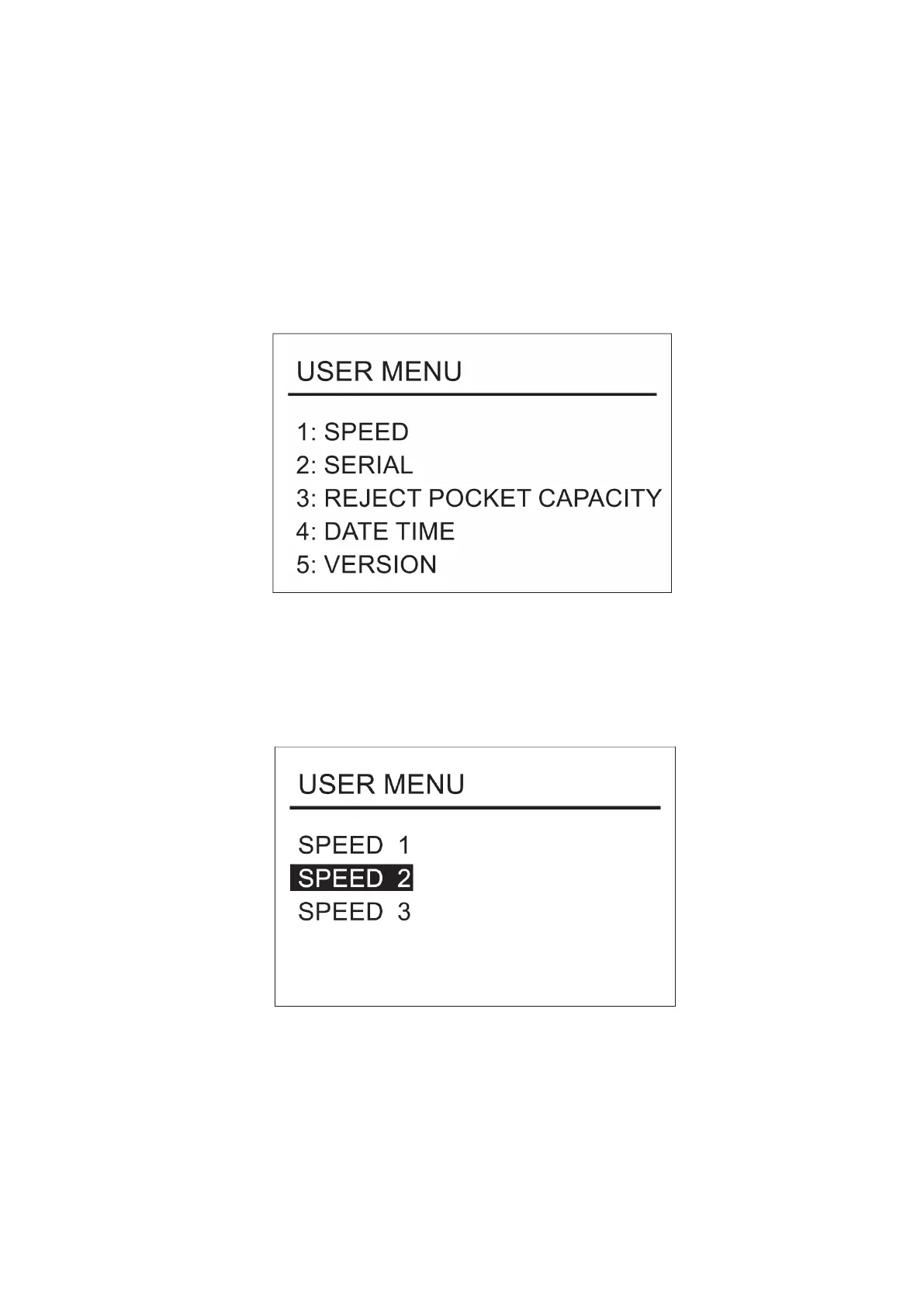
User menu
Press “MENU” to enter the user menu, while the machine is On.
To add a new object for user menu press “ADD” or “DISPLAY”.
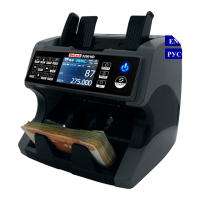
Speed setting
Select the setting “1:SPEED” and press RESET key to enter the
speed settings. To confirm the selection press RESET key and save
the chosen settings. To exit the menu and return to the working
state of the machine, press MENU key twice.
DoCash DC-45V
11
www.docash.de


 To Next Page