7. Error messages and solutions
Self-test error message display and solutions
The machine automatically performs a self-test after power on. If
one of the following error messages is displayed on the
LCD,Usually it is because the sensor is blocked by banknotes or
dusts. Please use a brush or a piece of soft cloth to clean the dusts
on the Sensor or remove the banknotes, and then restart the
machine.
DoCash DC-45V
15
www.docash.de
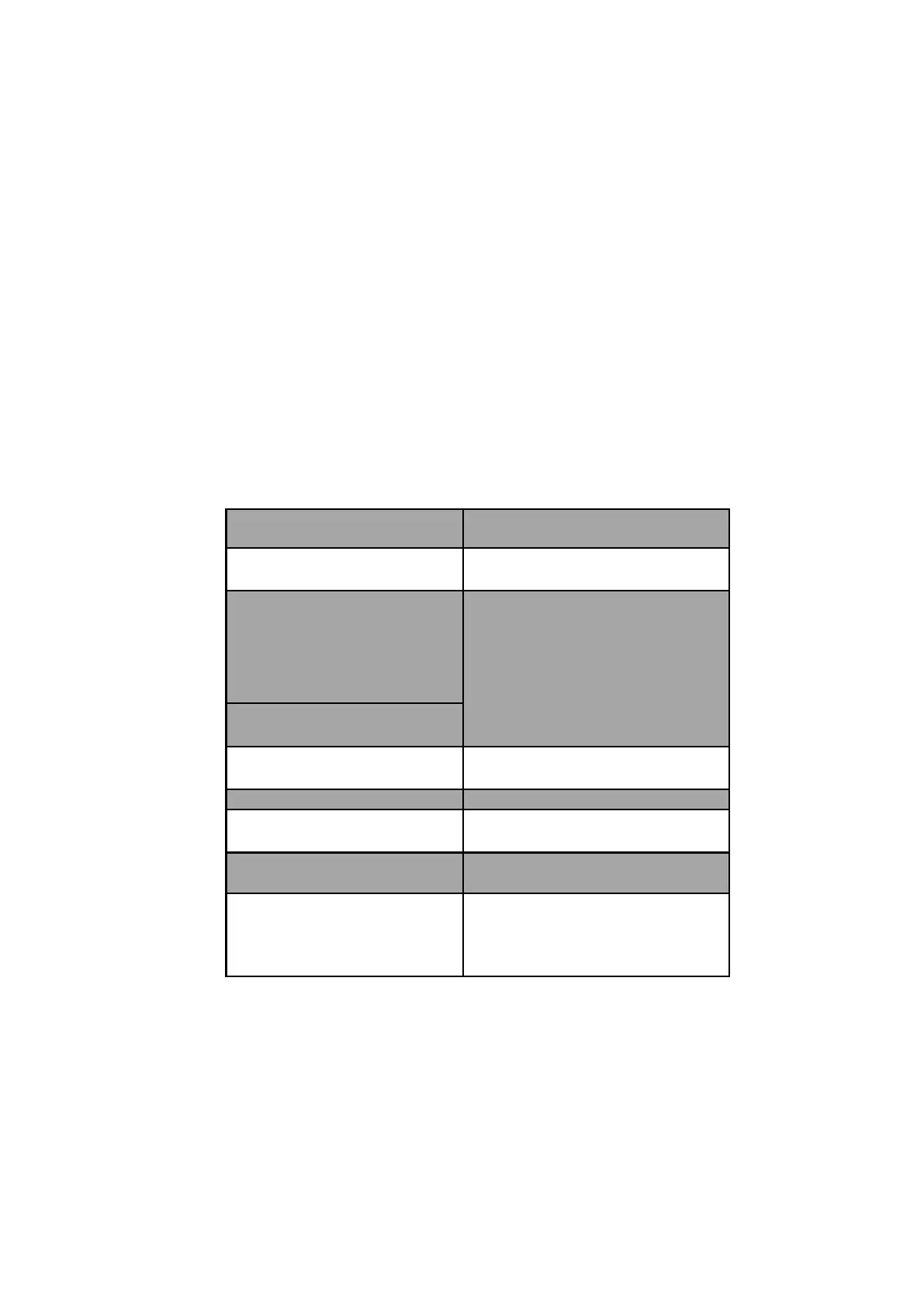
Error message display Solution
Fluorescence sensor Adjust the top cover to correct position
so as to avoid strong light source.
Banknote feeding sensor
Banknote receiving sensor
Left CIS IR sensor
Right CIS IR sensor
Remove the banknote and clear away
the dusts.
Left counting sensor
Right counting sensor
Rotate speed sensor Clean the code wheel and sensor, or
replace the rubber-belt.
Reject pocket full Clear the pocket and continue counting.
TOP COVER OPEN Remove the banknote and clear away
the dust.
BACK DRAWER OPEN In case of jamming remove all the
jammed notes, close the back drawer.
JAM!
REMOVE ALL NOTES!
THEN PRESS RESET KEY!
Jammed banknotes, please open the top
cover and back drawer to remove the
banknotes, and then press the RESET


 To Next Page