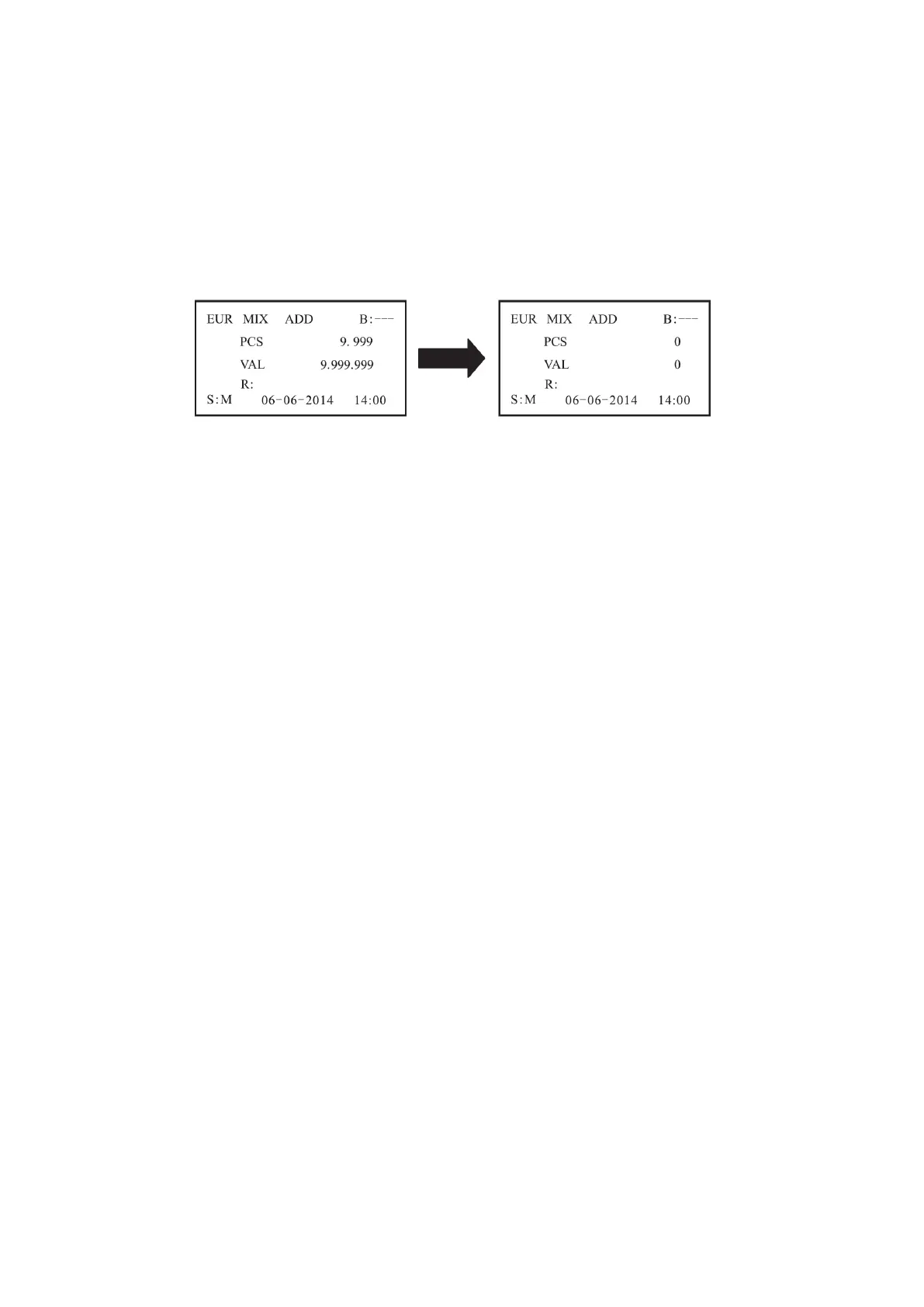
When the accumulative pieces reach 9.999+1 or accumulative
value reaches 9.999.999+1, the number will be resumed to 0.
5.4. Batch counting mode
When you need a batch counting, press the BATCH key, if “100”
is displayed on the LCD, it shows the batch function has been
turned on and the batch number is 100. Each time when you press
the BATCH key, “100, 50, 20, 10 and ---" will be displayed in
turn repeatedly.
When "---" is displayed, the batch function is disabled, except
that, you also can press or hold the "+1/+10" key to increase the
batch number by 1 or 10 according to you desire.
The default Batch number is 200. It is automatically set when the
machine is loading and is used to prevent jams.
The batch number can be selected in the range of 1~200. After
setting the batch number, Put the banknotes on the hopper and the
machine will count automatically. While reach the batch number,
the machine will stop automatically.
DoCash DC-45V
14
www.docash.de


 To Next Page