5. Setting functions
5.1. Currency selection
After turning on the machine, the symbol of current currency is
displayed. If you need counting/detecting other types of
currencies, press the "CUR" key to change current currency, the
symbol of counted/detected currency will be displayed in turn.
"RUB" means Russian Rubles
"USD" means US Dollar
"EUR" means Euro
etc.
5.2. Detection/counting mode selection
Four counting/detecting modes are supported. These modes are:
MIX, SORT, ORIENT, FACE, COUNT. Press MODE to select
the necessary counting/detecting mode.
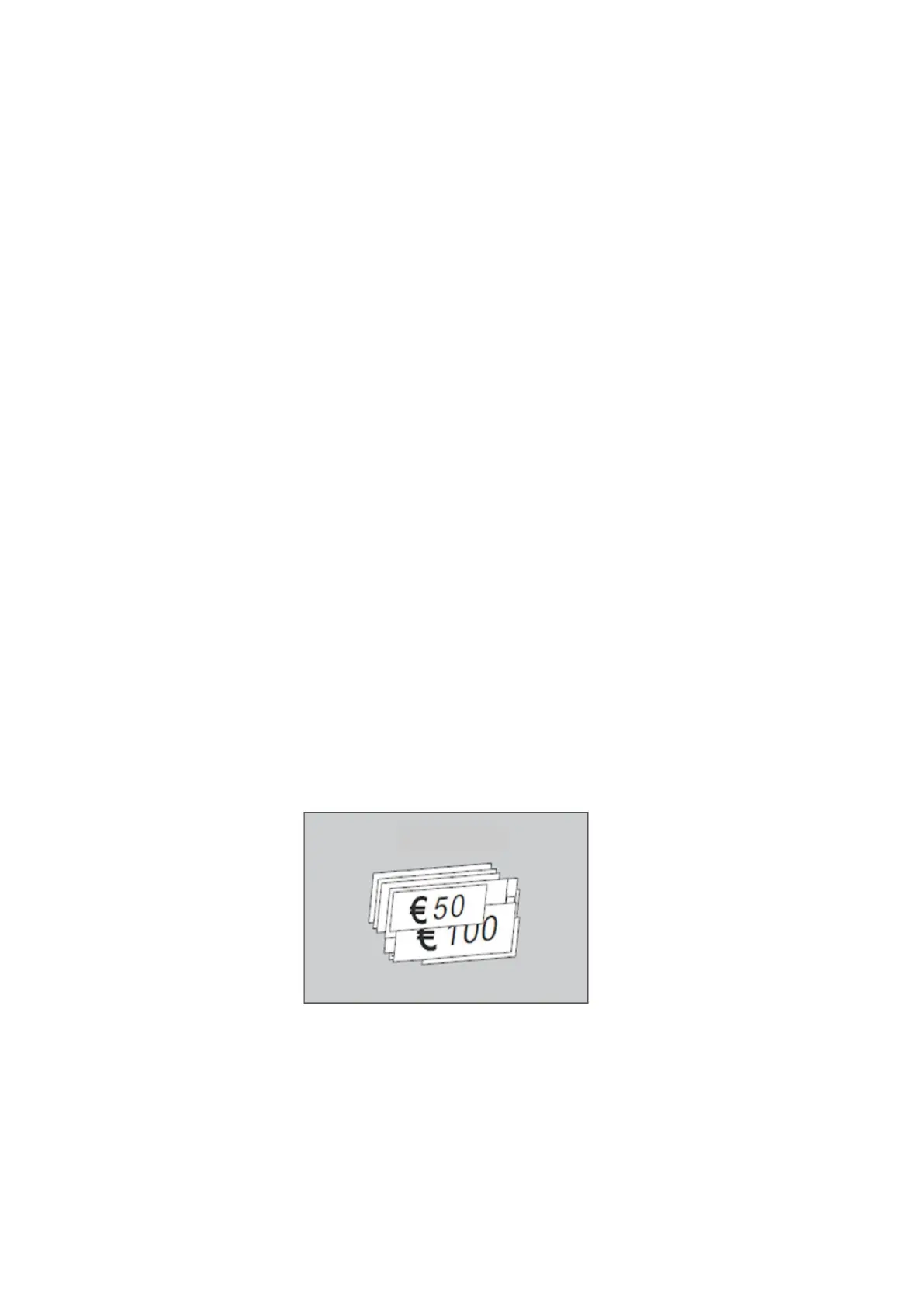
“MIX” mode
When you need counting/detecting a pile of banknotes with
different denomination, press the "MODE" key on the control
panel, if "MIX" is displayed on the LCD, the machine will count
the total value.
DoCash DC-45V
10
www.docash.de


 To Next Page