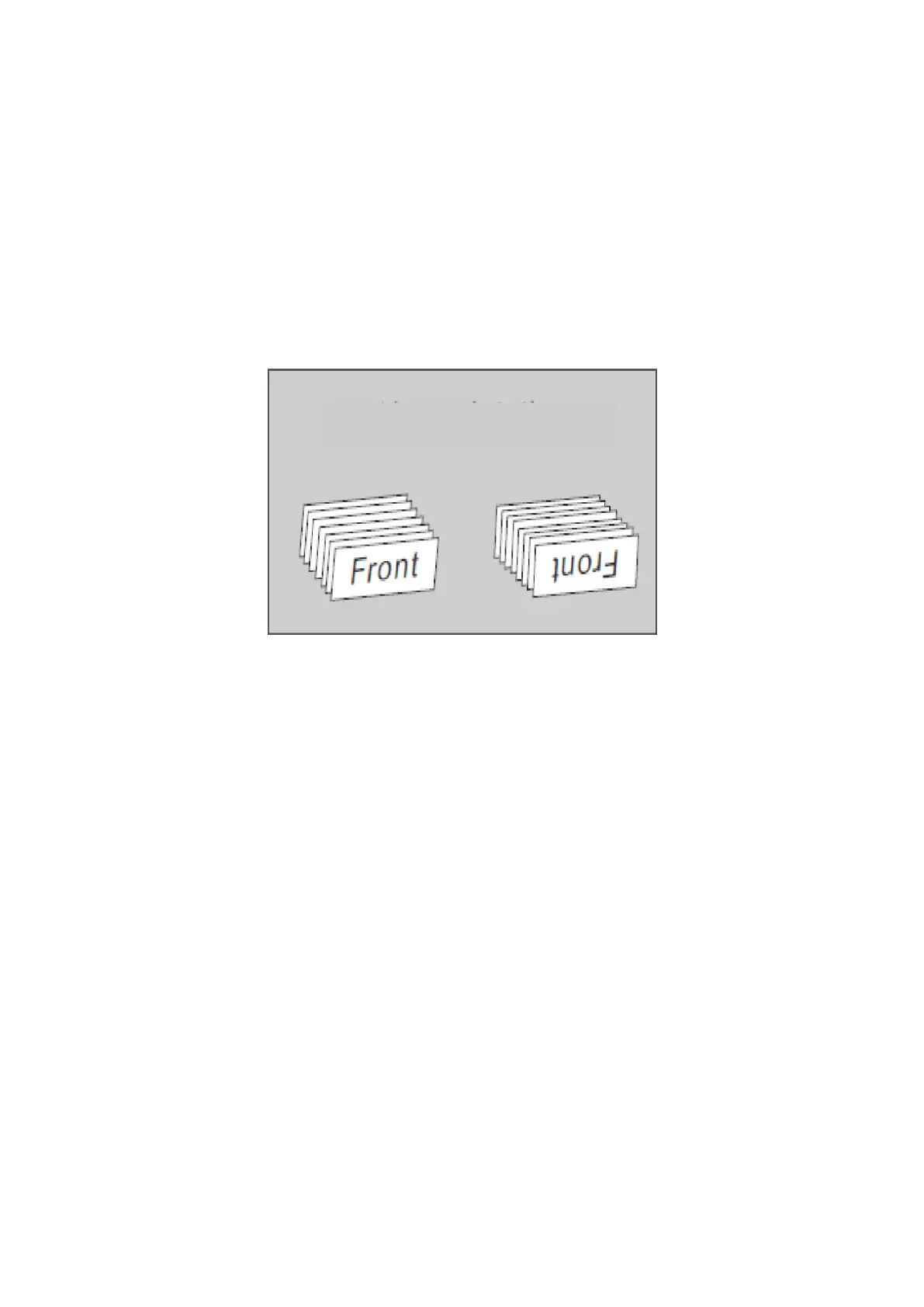
Orient mode
In this mode the machine will sort the notes by orientation. Notes
that match the set orientation will end up in stacker, any other note
will be rejected.
Count mode
When you need only counting the pieces of banknotes, press the
"MODE" key on the control panel. If the "COUNT" is displayed on
the LCD, the machine will only count the total pieces without
detections. After the banknote counting is finished, the number
displayed on the LCD is the total pieces that have been counted.
5.3. ADD mode
When you need accumulative counting, press the "ADD" key on
the control panel, if "ADD" is displayed on the LCD, the machine
will count on the basic of the original number displayed on the
LCD. After the banknote counting is finished, the number
displayed on the LCD is the summation of the several times'
counting.
DoCash DC-45V
13
www.docash.de


 To Next Page