6.3 Exit Banknotes Direction
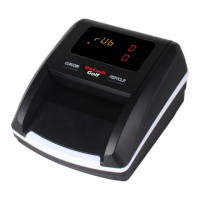
If you want to change the output direction of the genuine notes, press
"DIR" button and hold it for about 3 seconds. The direction indicator
will be changed with 1 beep.
A means the genuine banknote will exit from the front while a
means genuine banknotes will exit from the rear.
Pressing the "DIR" button does not affect the output direction of suspi-
cious banknotes. The machine can memorize the last setting.
6.4 Rules of Feeding Banknotes
There is no limitation on side and direction of the banknotes to be de-
tected.
You could feed the banknotes by either side in any orientation. In case of
rejected banknote, please repeat testing three times.
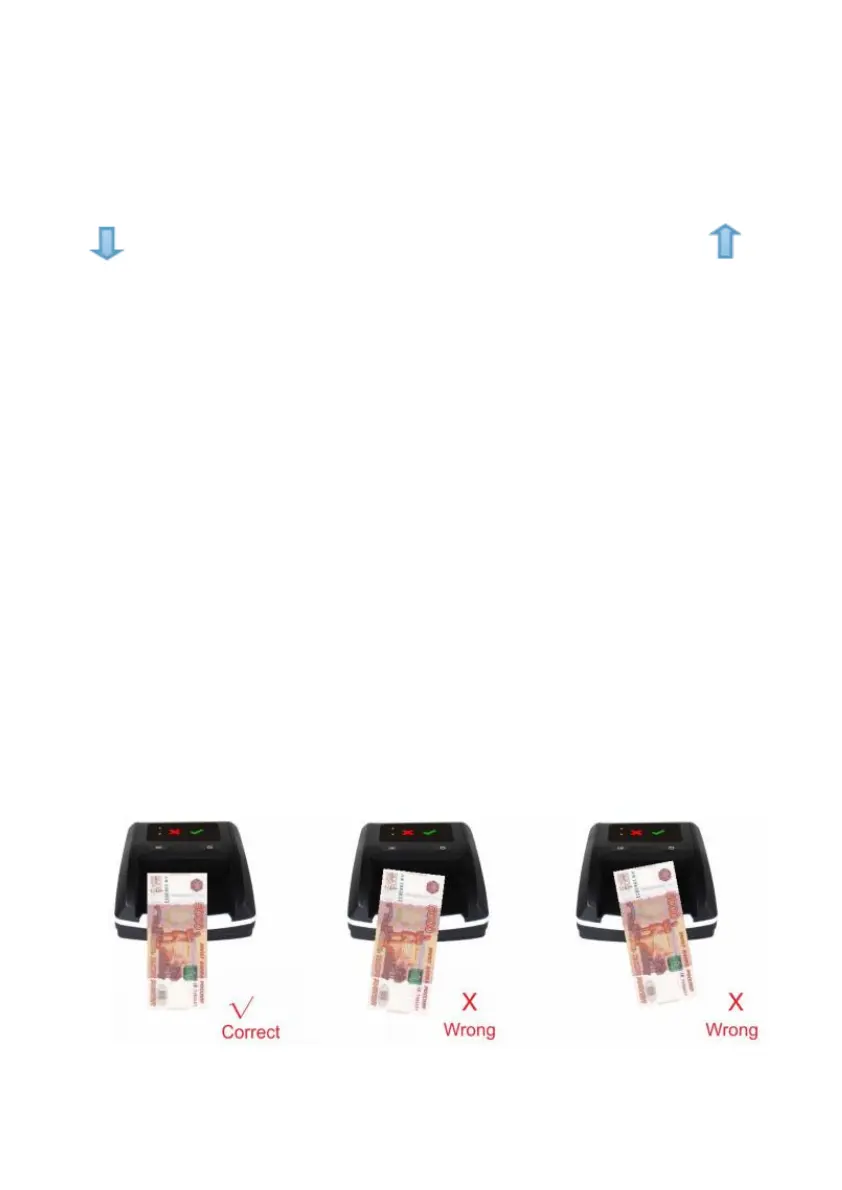
If a note guide is not installed in the detector, the feeding of banknotes is
performed as follows: please insert the banknotes in left side as shown in
below pictures. If a banknote was incorrectly inserted, the machine will
refuse it and alert.
10


 To Next Page