Accessing the Tuner
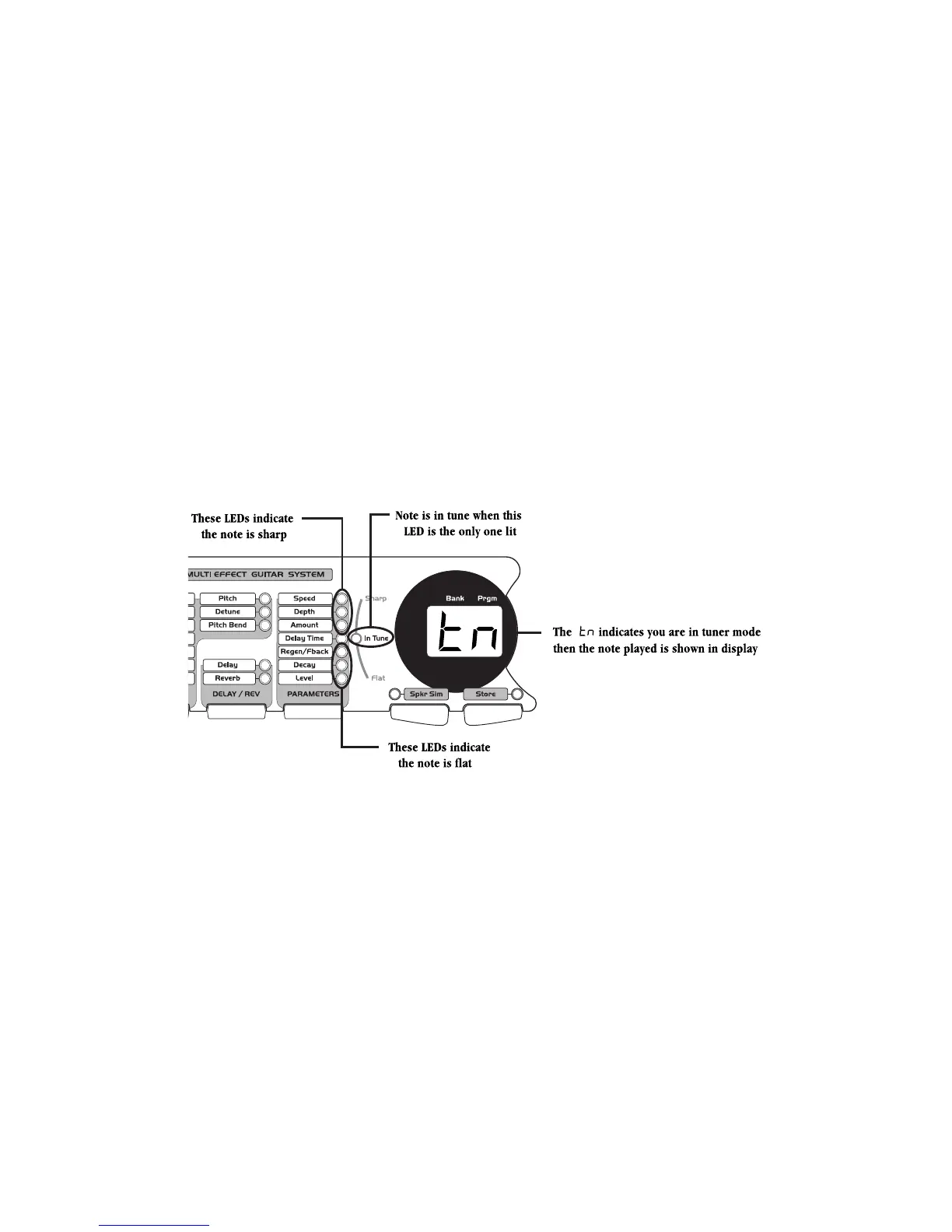
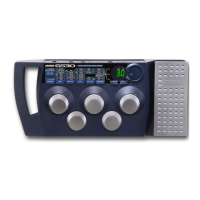
he GS30 includes a chromatic Tuner to quickly get your instrument in tune. To access the Tuner, press and hold
he numbered footswitch that is currently active (the footswitch with a lit LED above it) until the letters tn
ppear in the display (and abreviation for tuner). You can then play any string on your guitar. The display will
how the note played, and the Parameter LEDs will light to let you know whether you are sharp or flat. Your note
in tune when the In Tune LED is lit. The LEDs above the In Tune LED indicate that you are sharp and need to
une down. The LEDs below the In Tune LED indicate that you are flat and need to tune up.
he tuning reference on the GS30 has been set to A=440 (concert pitch) from the factory. You may change the
uning reference for drop tunings by rotating the Data Wheel at any time while in the tuner mode. Your tuning
hoices are A (standard tuning), Ab (1/2 step flat), G (whole step flat), and gb (one and 1/2 steps flat).
ressing any footswitch will exit the tuner mode and return you to the performance mode.


 To Next Page