SECTION ONE - Introduction
A Guided Tour of the GS30
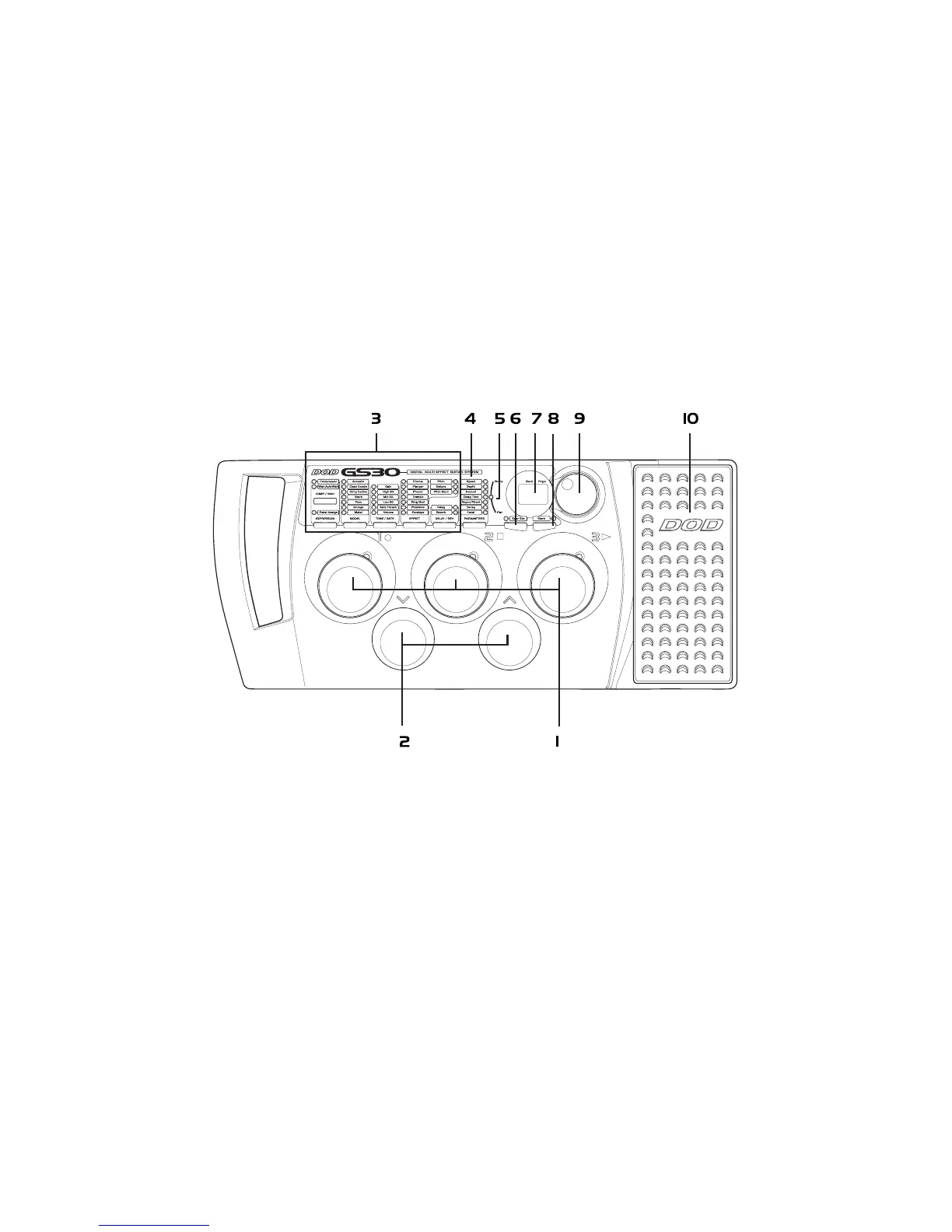
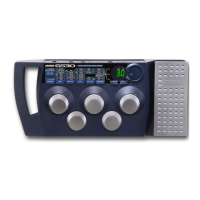
Front Panel
Program Footswitches - These switches provide access to the GS30 user presets. They are also
used to bypass the GS30, access the Tuner, and perform various functions
for the Learn-A-Lick feature.
2. Bank Footswitches - These two switches are used to advance or reverse the currently selected Bank.
The Bank Up switch is also used to access the Learn-A-Lick mode.


 To Next Page