nce the desired effect or Parameter has been selected, you can set minimum and maximum values for the
xpression Pedal. These are stop points which limit the range of variance for the Pedal.
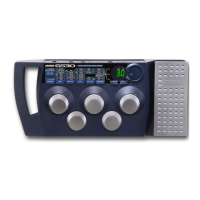
. - Press the Expression button a second time to set the toe up value. The Display will alternate between showing
tu and the value currently assigned. Rotate the Data Wheel to select the value that the Expression Pedal will
reach in the toe up position.
. - Press the Expression button a third time to set the toe down value. The Display will alternate between showing
td and the value currently assigned. Rotate the Data Wheel to select the value that the Expression Pedal will
reach in the toe down position.
17


 To Next Page