Getting Started
3. Turn on Your Vehicle.
Power from your vehicle through the outlet will automatically turn on your camera and when power
is turned off your camera will shut off automatically. The camera automatically begins recording
every time it is turned on and stops recording when it is turned off.
Note: In some vehicles, the power outlet is continuously providing power, even when the vehicle is turned off.
4. Turn on/off Your Camera.
Press[ ]to turn on or turn off the unit.
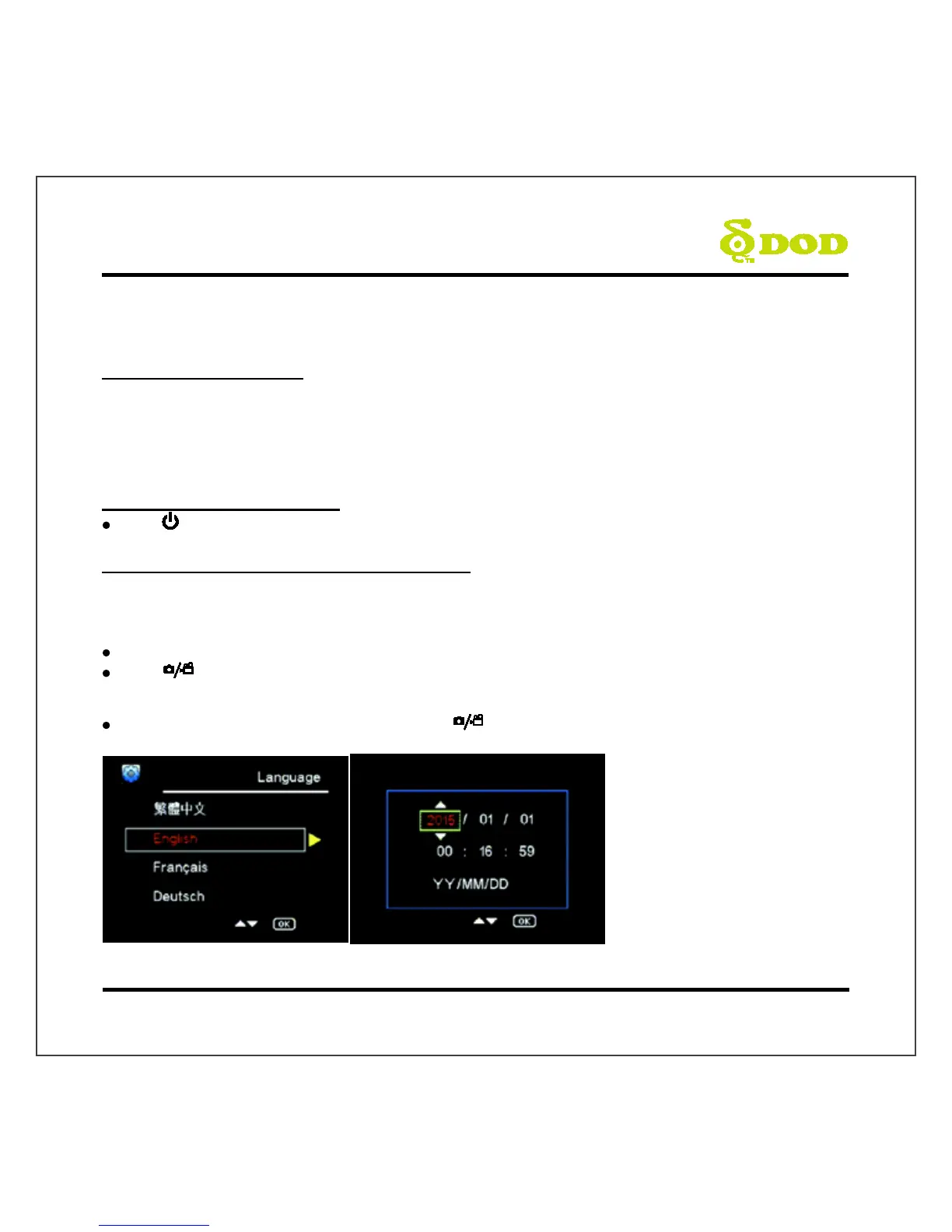
5. Select Language→Set the Date and Time
Upon powering up the camera for the first time or after upgrading the firmware on the device, you
will need to go through the Settings below.
Select Language
Select the language of your choice by pressing[] / [].
Press [ ] found on the top of your unit to confirm your selection.
Set the Date and Time Format
Select your Year, Month, Day, Time and press [ ] to confirm.



 To Next Page