Getting Started
Setting Up Your Camera
Set up your camera inside your vehicle to ensure easy access to power.
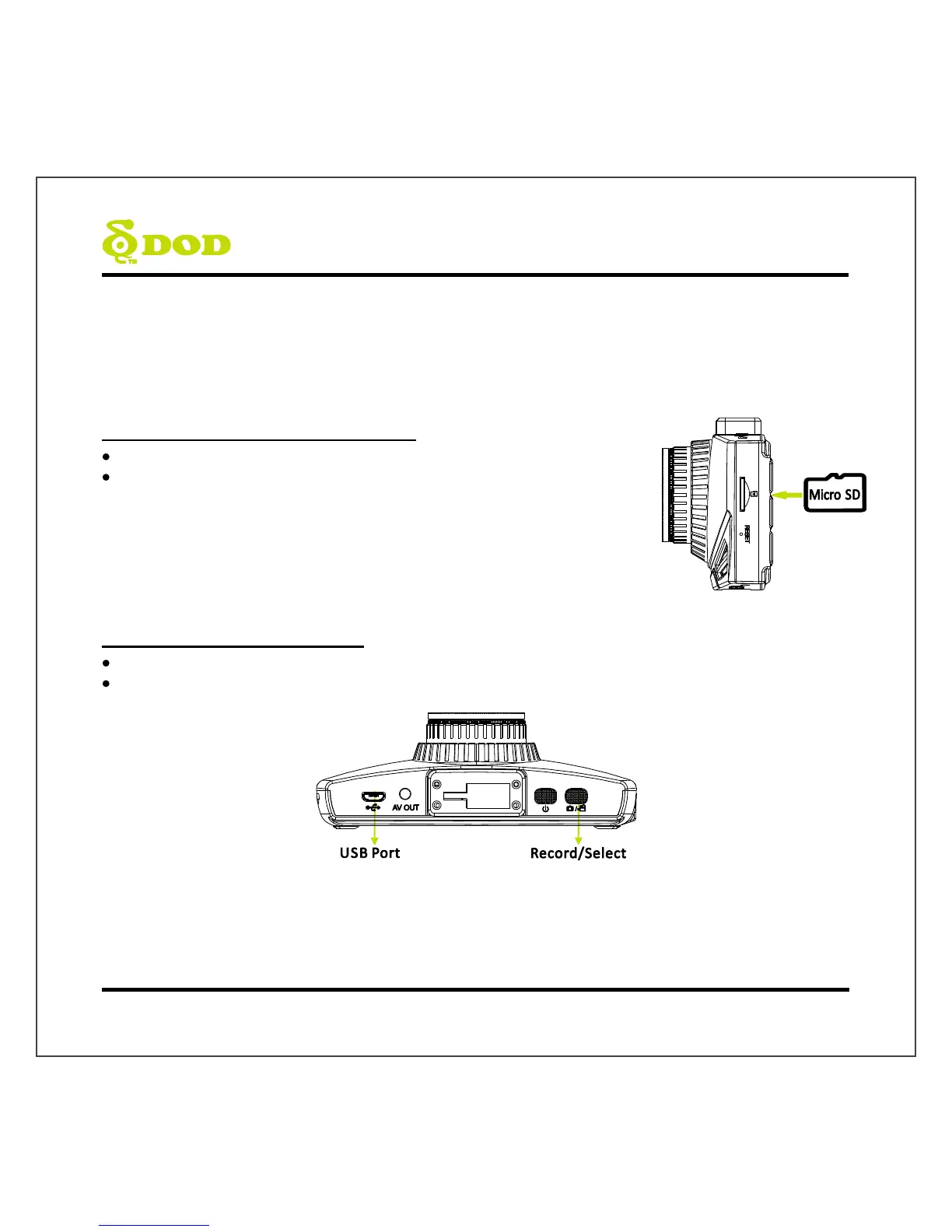
1. Insert the Micro SD Memory Card.
To save recorded videos stably, DOD Tech recommends
formatting your SD card every two weeks.
Note:
Please purchase a micro SD card for use with this unit.
After formatting the SD card, all of your data will be lost. Be sure that you have
backed up the important files.
2. Connect the Power Adapter.



 To Next Page