14
Camera Modes
LED Light Notification
Steady Blue – Powered off and charging
Steady Pink – Powering up while charging or is in playback mode
Steady Red – In Standby Mode
Flashing Red – Recording video, not charging
Flashing Blue and Pink – Recording video and charging
Video Recording Shortcuts
Muting the Microphone
Press the microphone button [ ]
SOS/Emergency Lock
Pressing the SOS lock while a video is playing will lock the camera from overwriting
the video.
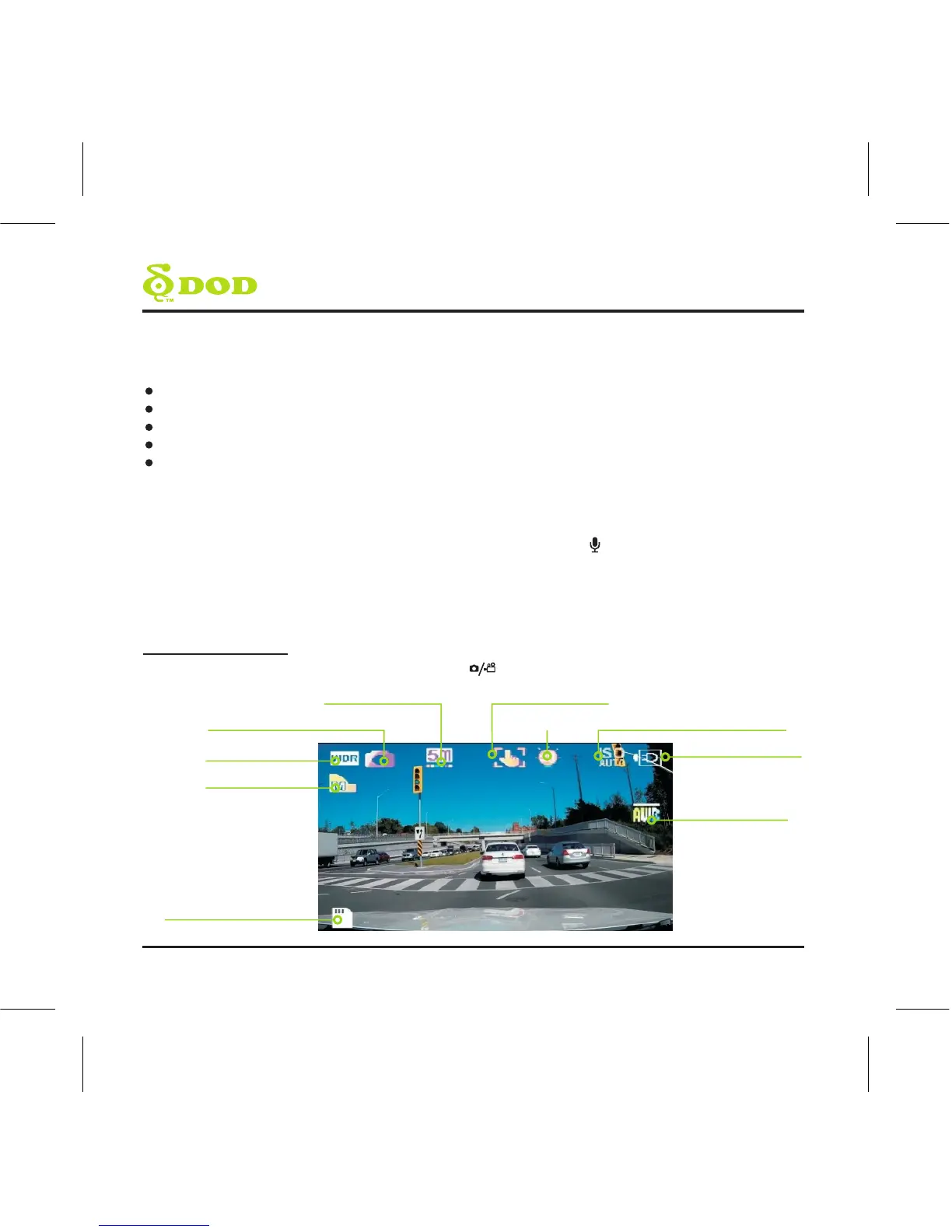
Photo Mode
In Photo Mode press the record/select [ ] button to take a photo
WDR Enabled
Camera Mode Icon
Image Resolution Shake Reduction
Exposure Value
ISO Setting
Power Connected
White Balance
Memory card Inserted
Image Quality



 To Next Page