ignition is turned OFF or the driver’s door is opened.
This feature can be turned off by your authorized dealer.
NOTE: The Power Accessory Delay feature will allow
the power windows to operate for ten minutes after the
ignition it turned OFF.
Auto Down
The driver’s window switch has an Auto Down feature.
Push the window switch past the first detent, release, and
the window will go down automatically. To cancel the
Auto Down movement, operate the switch in either the
up or down direction and release the switch.
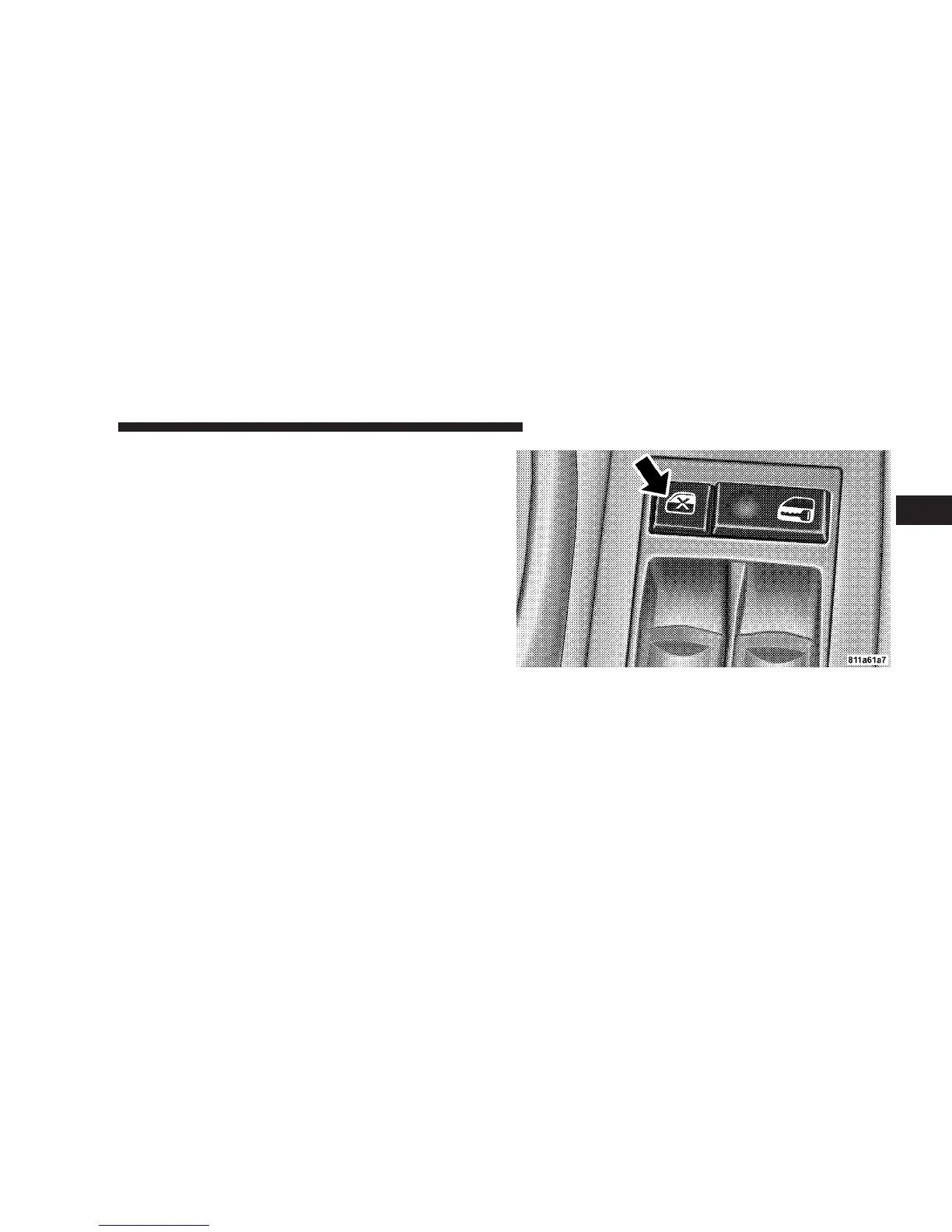
Window Lockout Switch
The window lockout switch on the driver’s door allows
you to disable the window control on the other doors. To
disable the window controls on the other doors, press the
window lock button. To enable the window controls,
press the window control button again.
Window Lockout Switch
THINGS TO KNOW BEFORE STARTING YOUR VEHICLE 35
2















 To Next Page