section on the Owner's Manual on the DVD. Refer to www.dodge.com/uconnect
website for a list of tested iPod
®
s. Some iPod
®
software versions may not fully
support the USB port features. Please visit Apple’s website for iPod
®
software
updates.
Bluetooth
®
Streaming Audio (Media Center 430/430N/230/130 only)
If equipped with Uconnect™ Voice Command, your bluetooth-equipped iPod
®
devices,
cellphones or other media players, may also be able to stream music to your vehicle's
speakers. Your connected device must be bluetooth-compatible, and paired with your
Media Center radio (see Uconnect™ Phone for pairing instructions). Press the AUX
button on the radio faceplate until "BT" is displayed on the radio screen.
WARNING!
Do not plug in or remove the iPod
®
or external device while driving. Failure to
follow this warning could result in a collision.
VIDEO ENTERTAINMENT SYSTEM (VES)™
System Operation
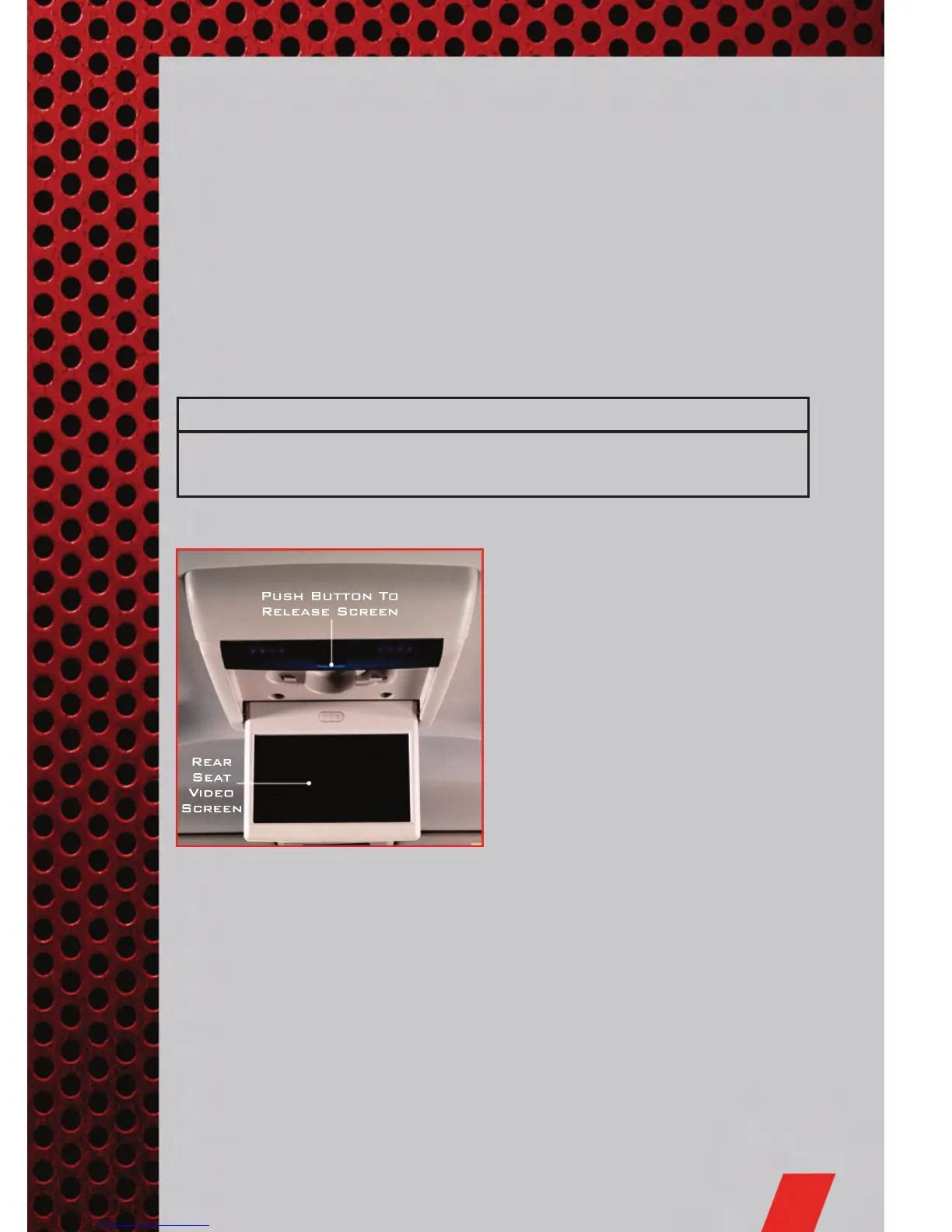
• The screen is located on the headliner
behind the front seat. To lower the
screen, press the release button
located in the rear of the overhead
console.
• The system may be controlled by the
front seat occupants using the
touch-screen radio, or by the rear seat
occupants using the remote control.
• The video screen displays information in a split-screen format. The left side of the
screen is referred to as Channel 1 and the right side of the screen is referred to as
Channel 2. All modes except video modes are displayed in a split-screen format.
• To use the headphones, press the power button located on the right ear cup. Select
the channel on the headphones (1 or 2) that corresponds to the channel selected
on the VES™ screen.
ELECTRONICS
47



 To Next Page
 Loading...











