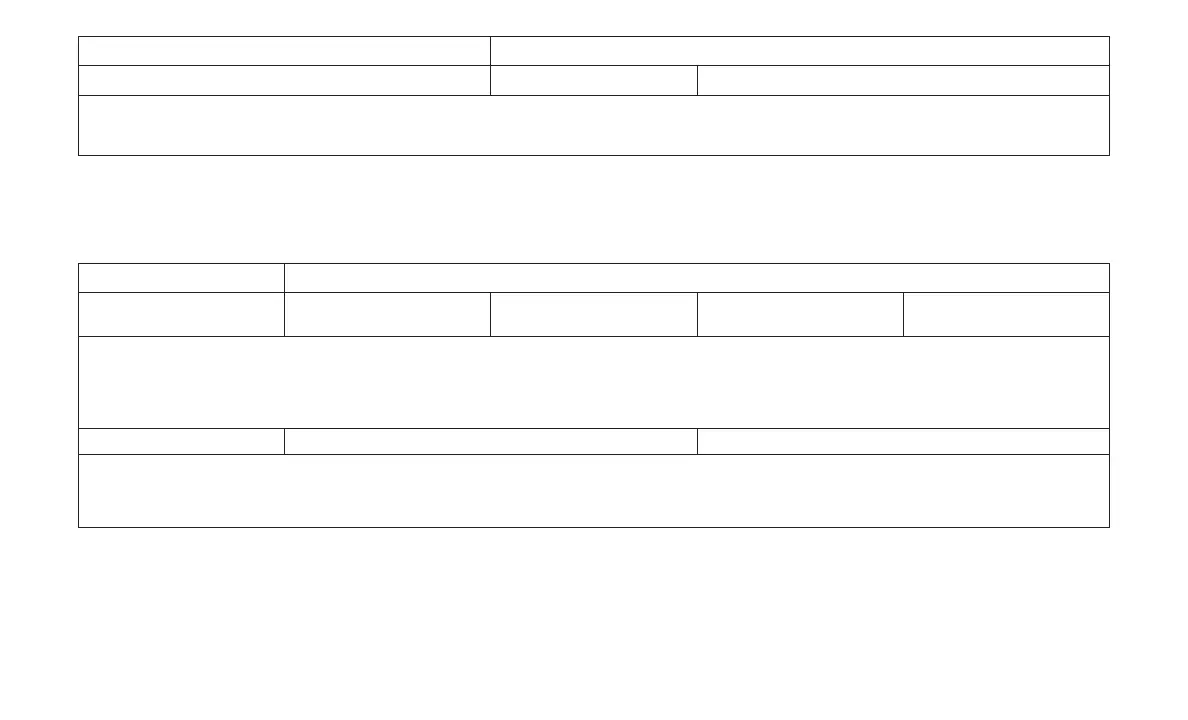
Setting Name Selectable Options
Passive Entry — If Equipped On Off
NOTE:
The “Passive Entry” feature allows you to lock and unlock the vehicles door(s) without having to push the key fob lock or unlock buttons.
Engine Off Options
After pressing the Engine Off Options button on
the touchscreen the following settings will be
available:
Setting Name Selectable Options
Engine Off Power Delay
— If Equipped
0 sec 45 sec 5 minutes 10 minutes
NOTE:
When the “Engine Off Power Delay” feature is selected, the power window switches, radio, Uconnect phone system (if equipped), DVD video system
(if equipped), power sunroof (if equipped), and power outlets will remain active for up to 10 minutes after the ignition is cycled to OFF. Opening either
front door will cancel this feature.
Headlight Off Delay +-
NOTE:
When the “Headlight Off Delay” feature is selected, it allows the adjustment of the amount of time the headlights remain on after the engine is shut
off.
90











 To Next Page