17
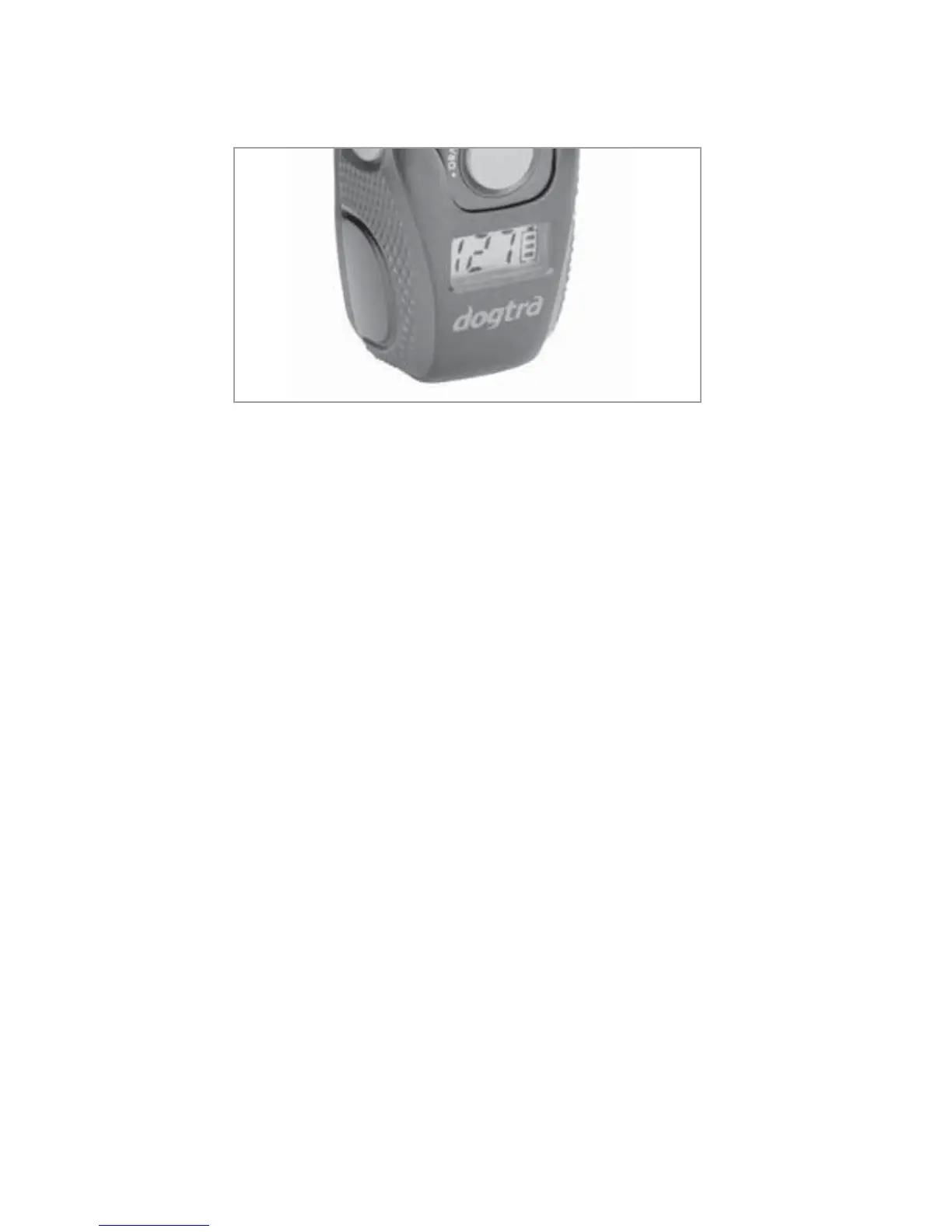
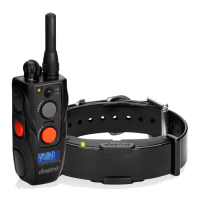
9. The handheld transmitter LCD
Turn the LCD backlight on and off with a short press of
WKHRQRIIEXWWRQ
The LCD screen indicates the stimulation level (0-127).
The LCD battery life indicator shows 3 bars at full charge,
2 bars at medium charge and 1 bar when it needs to be
FKDUJHG7KHEDWWHU\OLIHLQGLFDWRURQO\VSHFL¿HVWKH
UHPDLQLQJFKDUJHIRU\RXUWUDQVPLWWHU7R¿QGWKHUHPDLQLQJ
charge for your receiver, observe the LED indicator on the
UHFHLYHUFROODU
Green = full charge
Amber = medium charge
Red = needs charge
Care for LCD Transmitters in Cold Temperature
In cold temperatures (10 degrees F or below), the Liquid
Crystal Display (LCD) on your transmitter may be dim
or slow to respond. Wait until the display becomes visible
before selecting any training level. Even though the LCD
screen might be dim or slow to respond when you push the
1LFNRU&RQVWDQWEXWWRQWKHWUDQVPLWWHUZLOOVWLOOIXQFWLRQ
properly. In the occurrence of extremely cold weather, the
LCD screen might take a moment to respond causing the


 To Next Page