WeeklyTimer(Optional)
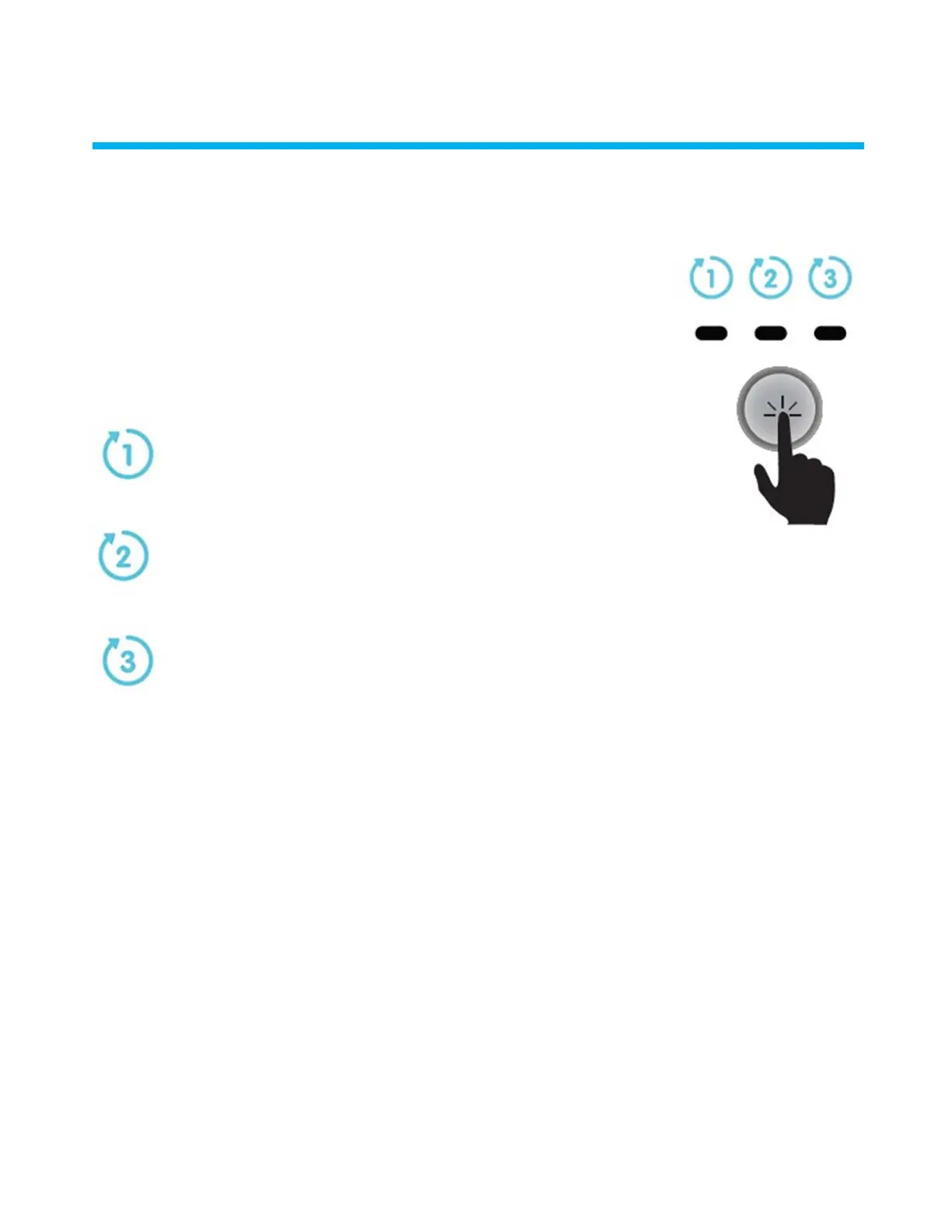
Your robot has a Weekly Timer feature that enables you to set an automatic cleaning schedule for the week ahead
One click – The robot will automatically work every day for a full
cycle,that is, once a day for 7 days.
When the power supply is switched on, you can press the Weekly Timer button to select
one of the following cleaning schedule options for the week ahead:
Two clicks –The robot will automatically work every alternate
day for a full cycle,that is, 4 times in a week.
Three clicks – The robot will automatically work every 3 days,
that is, 3 times in a week.
After selecting one of the above options, the robot will start to operate at the next occurrence of the programmed start time.
Note: A fourth click will cancel the cleaning schedule program (without a visible indication).
If the robot is working in Weekly Timer mode, the Weekly Timer button constantly blinks between cycles. At the end of the
week, the power supply automatically switches off and you need to reschedule the robot.
1 –
1
2 –
1 4
3 –
3 3
: 4 ()
Weekly Timer mode
Weekly Timer



 To Next Page