CoolFreeze Function description
9
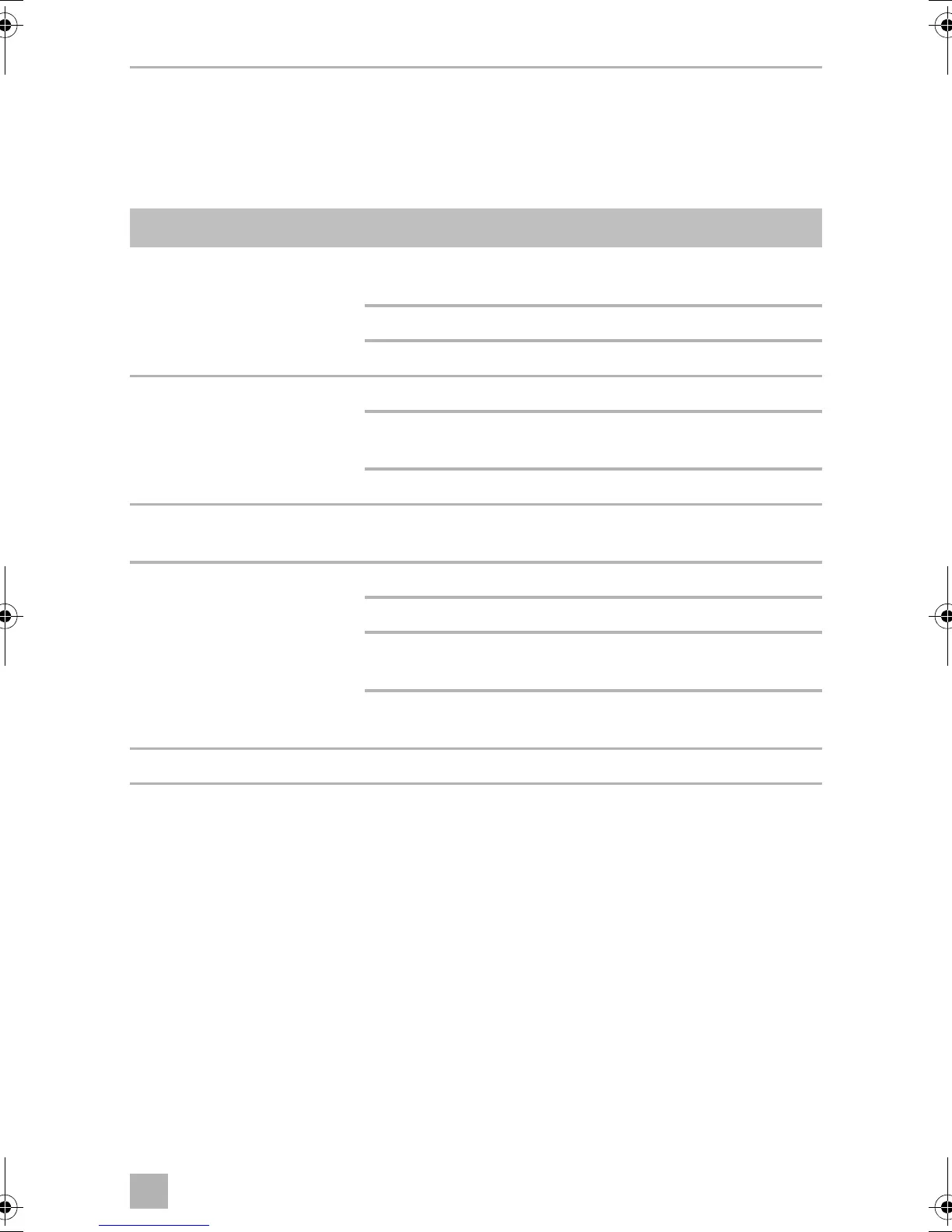
6.1 Operating and display elements
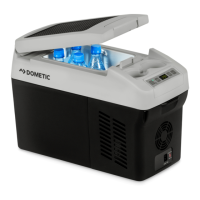
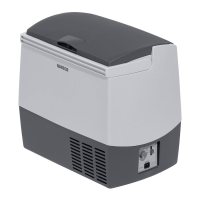
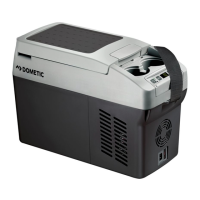
CDF18
Operating panel and connection socket (fig. 2, page 2):
Item Description Explanation
1 TEMPERATURE Temperature controller,
cooling temperature at the end positions:
COLD: +10 °C
FREEZE: –18 °C
2 POWER Operating display
LED is lit green: Device is switched on and ready for
operation
LED is lit yellow: Set temperature has been reached
3 ERROR LED flashes red: Switched on device is not ready for
operation
4 BATTERY MONITOR Switch-on device/battery monitor:
0: Device is switched off
HIGH: Device is switched on, battery
monitor is in HIGH mode
LOW: Device is switched on, battery
monitor is in LOW mode
5 12/24V DC Connection socket DC voltage supply
CDF18-26-36-46--O-16s.book Seite 9 Montag, 7. November 2016 2:13 14





 To Next Page