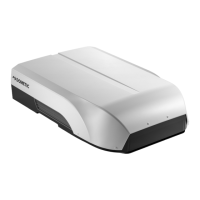
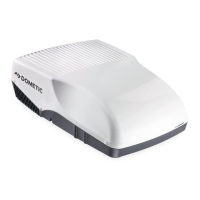
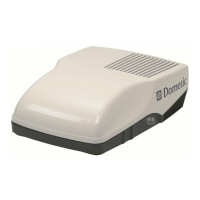
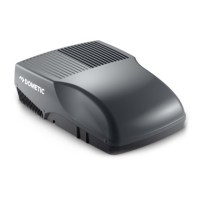
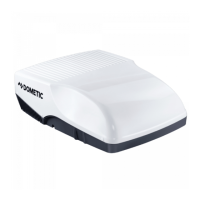
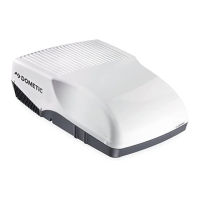
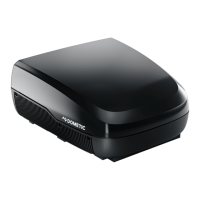
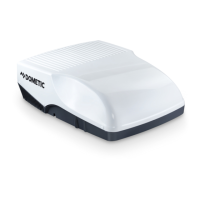
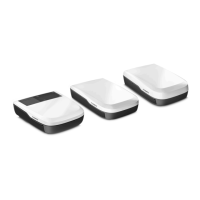
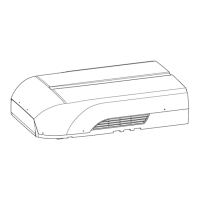
Dometic FreshJet Series 4, FreshJet Series 7EN
FJX4333EEH FJX7333IHP FJX7337IHP FJX7457IHP
Air purifier
ADB light
External light
Timer
Sleep
So start
Inverter
7.2 Control panel
Symbol Description
Switches the roof air conditioner on or to standby mode.
Increases the currently displayed value.
Reduces the currently displayed value.
Pairs with bluetooth/WLAN when both buttons are pressed simultaneously.
Switches the ambient lights in the roof top unit on or off.
Switches the ambient lights in the air distribution box on or off.
Activates the sleep function (only for models with sleep function).
Displays the set temperature and indicates fan level when fan is adjusted.
Indicates the AirPurifier mode is active.
Indicates the temperature is displayed in degrees Celsius.
Indicates the timer is set.
Enables/disables the automatic mode (only for models with automatic mode).
Enables/disables the cooling mode (only for models with cooling mode).
Enables/disables the heating mode (only for models with heating mode).
7


 To Next Page
 Loading...