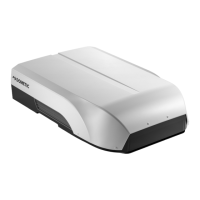
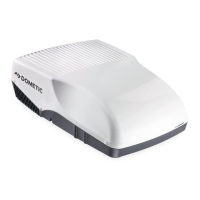
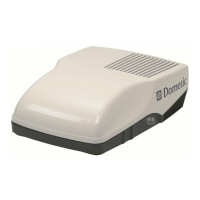
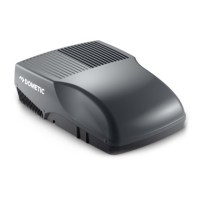
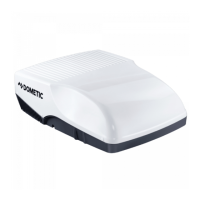
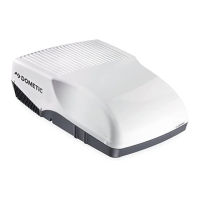
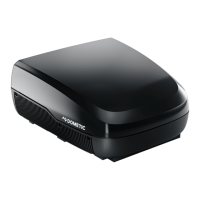
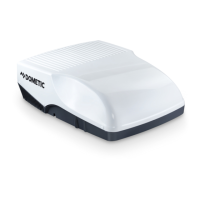
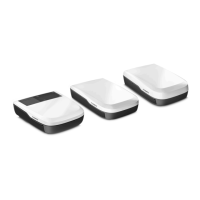
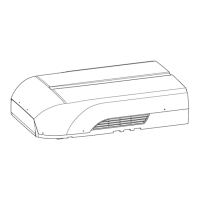
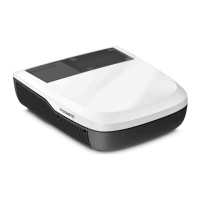
ENDometic FreshJet Series 4, FreshJet Series 7
Symbol Description
Adjusts the fan speed between Low, Med, High, Turbo or Auto (shown as 1, 2, 3, 4 or AA on the air distribution
box display for a short time when changed).
Enables/disables ventilation mode (only for models with ventilation mode). Circulates air without heating or
cooling.
Enables/disables dehumidification mode (only for models with dehumidification mode).
7.3 Remote control
Control and display elements Fig. on page8:
8


 To Next Page
 Loading...