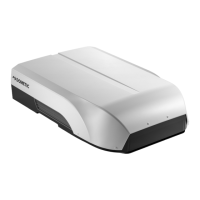
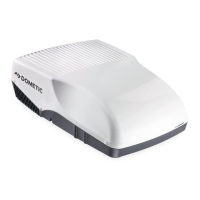
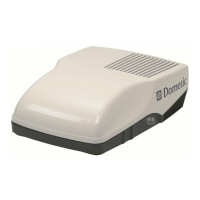
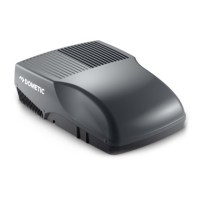
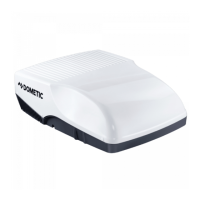
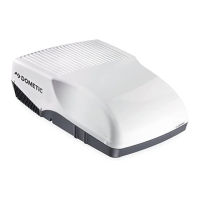
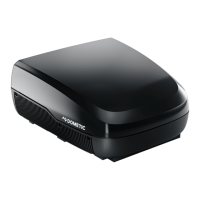
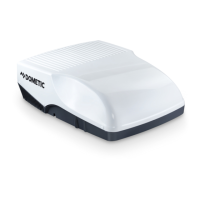
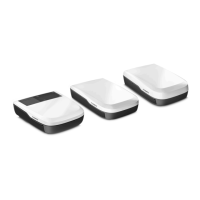
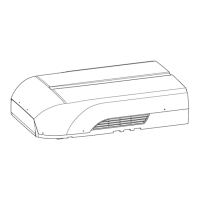
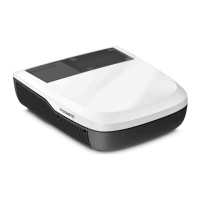
Dometic FreshJet Series 4, FreshJet Series 7EN
Button
Description
—
Display
Displays the following:
• Time
• Selected room temperature (target value) in °C
• Actual room temperature
• Air conditioning mode
• Fan speed
• Symbols for active additional functions
• Battery status
Switches the roof air conditioner on or to stand-by mode.
Increases the currently displayed value.
Reduces the currently displayed value.
Selects the fan speed (Selecting the fan speed manually on page12).
Selects the air conditioning mode (only for models with automatic mode). The corresponding symbol is dis-
played.
Activates the sleep function (only for models with sleep mode). The symbol is displayed.
Confirms and saves settings.
Sets the timer and the clock.
Switches the ambient lights in the air distribution box on or off.
Press once to display the current interior temperature. The symbol is displayed.
Press twice to display the set temperature.
Activates the I feel function. The symbol is displayed.
Every 10 min the I feel function adjusts the target temperature to the actual temperature measured by the re-
mote control.
Switches the ambient lights in the roof top unit on or off.
Displays that the remote control's batteries are empty. Replace the batteries (Replacing the remote control bat
teries on page15).
Displays that the remote control is transmitting values to the roof air conditioner.
9


 To Next Page
 Loading...