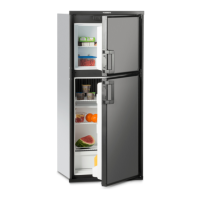
Changing the Doorhang
9
4.9
Pull out LED, lay the cable
into the cable routing and
insert the LED at the oppo-
site side.
If the miniBar is equipped with the LED first carry out steps a. - e. :
LED
(optional) LED
door-opening con-
trol always opposite
the hanging side
d. + e.
device with feet
a.
b.
d.
e.
c.
device with feet
1.
2.
3.
4.
5.
6.
Pull the lower hinges forwards, pull out the door with the hinge.
Remove the upper hinge pin and insert on the other side, change the lower pin in the door.
Then push the door in together with the lower hinge.



 To Next Page
 Loading...