11
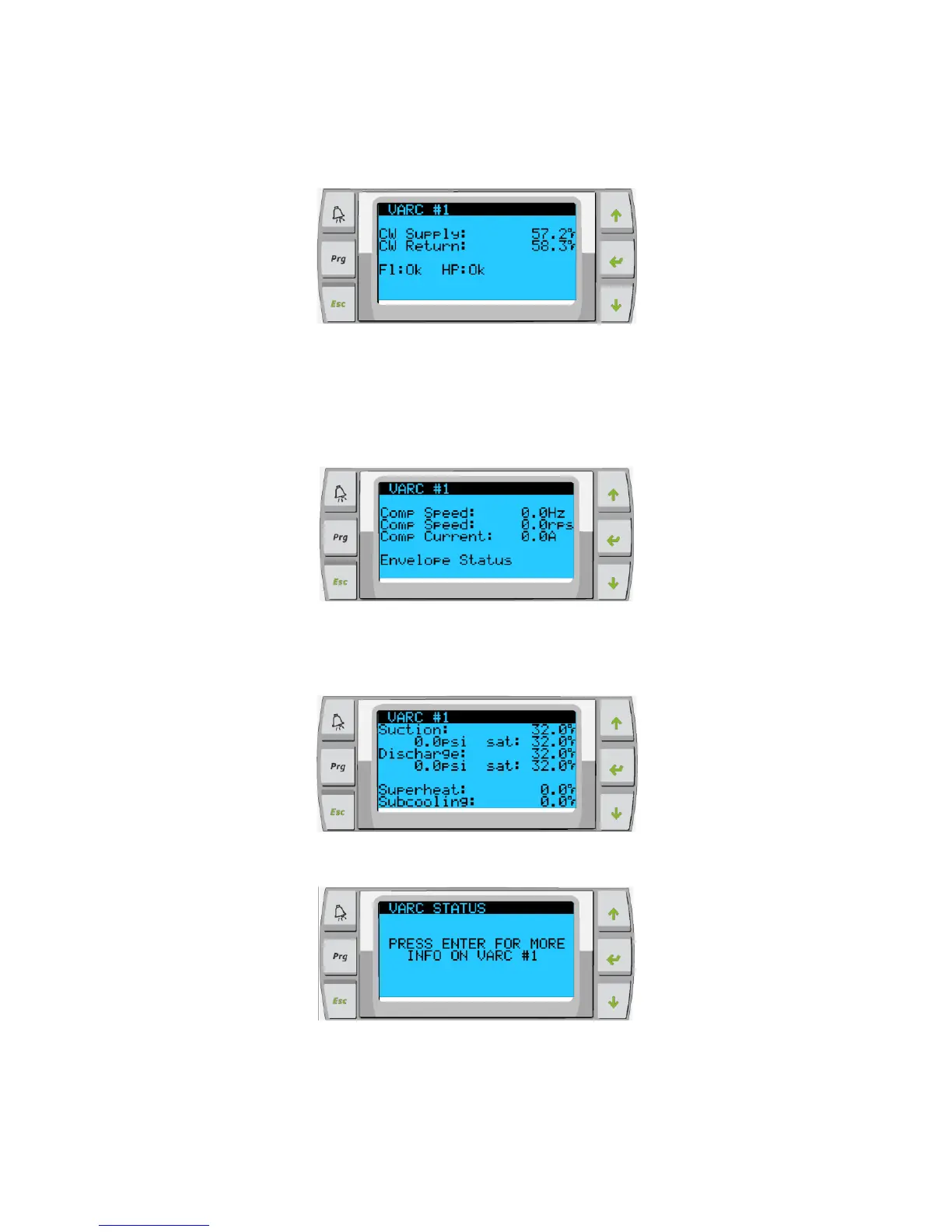
The additional screens following the main screen will contain information per Stage. The first screen includes the CW Supply & Return
temperature, flow switch and high pressure Ok or Alarm.
Figure 9:
The next screen you are able to read compressor speed also contains information to let you know if the system is in a safety count down.
Once this time has elapsed and other time delays have been met the system will start up. At the bottom of the screen the unit will display
the envelope status for the operation of the compressor. The envelope status basically tells you if the unit is functioning within the control
parameters for suction and discharge. If the system has a problem controlling the envelope the message will be displayed at the bottom of
that screen.
Figure 10:
The next screen will contain the suction pressure information the discharge pressure information as well as the superheat and sub-cooling
values being calculated by the system.
Figure 11:
The following screens contain the drive status, to access them press enter:
Figure 12:
Figure 13:



 To Next Page