27
Appendix II: PGD1 & PRO DISPLAY NAVIGATION
TREE
Main Status Screen
Main Status Screen
Mode Off/Cool/Heat/ El Ht*
CW Supply Temp #.#°F
CW Return temp #.#°F
CW Supply temp #.#°F
Cond. Outlet temp #.#°F
Mode Off/Cool/Heat/El Ht*
Main Mode Active*
Stage # Auto/Disabled
Pumps
CW On/Off
SW On/Off
Chiller Status Normal/Econo/Boost
Varc #1
CW supply temp #.#°F
CW return temp #.#°F
Flow status Ok/Alm/Off
High pressure status Ok/Alm/Off
Electric Heat* Ok/Alm/Off
EH FL* Ok/Alm/Off
Compressor speed #.# Hz
Compressor speed #.# rps
Compressor Current #.# A
Envelope Status #
Suction
Temperature #.#°F
Pressure #.# psi
Saturation Temp. #.#°F
Discharge
Temperature #.#°F
Pressure #.# psi
Saturation Temp. #.#°F
Super heat temp #.#°F
Subcooling temp #.#°F
Varc #2-4 (repeat as above)
Varc #1 information (will show the stage the display is
connected to)
Varc # 1 Information
Compressor Capacity Regulator
Required Capacity %
Actual Capacity %
Actual Speed rps
Drive Status
Motor Current #.# A
Motor Voltage # Vrms
DC Bus Voltage # V
Drive Temperature # °F
Drive Status Stopped
Fault
Flow Diagram
Super Heat # °F
Compressor # °F
TXV Open # %
Steps # stp
EEV # psi
Std-by temp # °F
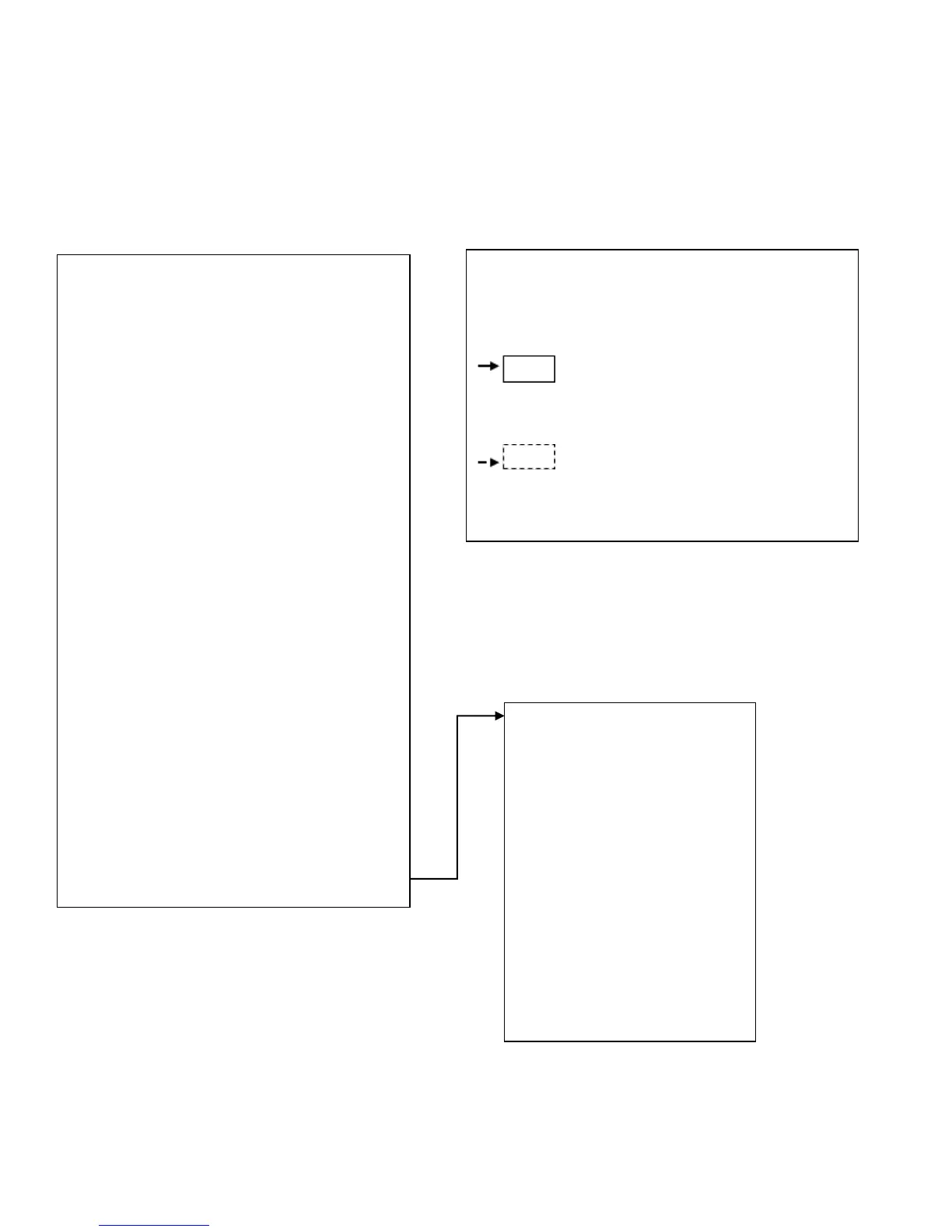
Legend
* Asterisk indicates this item is only viewable when
activated in the factory settings.
A solid box means that it is a submenu of
the menu and needs to be accessed by pressing
enter.
A dotted box is a break out of the
additional information that is contained below that
menu category.



 To Next Page