10
Status Screen Navigation
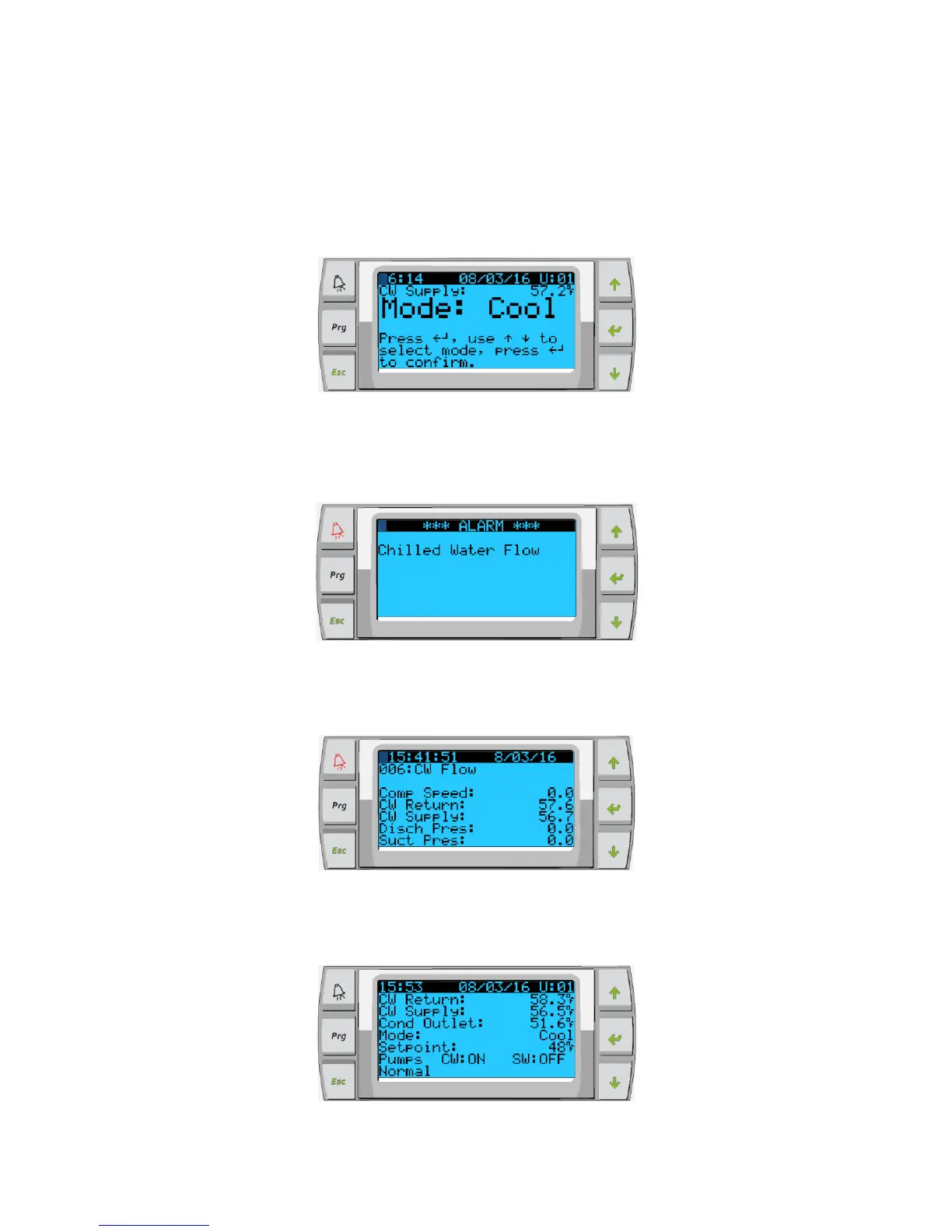
The main home screen is the status screen where the single stage operation can be reviewed or in a multistage configuration the user can
scroll and see the values of the chilled water and other parameters of the additional stages. The user will simply use the down arrow key to
scroll through the various parameters being displayed on the LCD screen. The LCD screen will also indicate on the main screen the mode
of operation whether it is Econo or Normal mode.
Figure 5:
The main screen will also indicate if there is an alarm present on the system by flashing the word alarm in the lower right-hand corner. The
smaller PLD Pro LCD screen also has an audible tone that you will hear when there is an alarm present on the system as well as display
the word alarm in the lower right-hand corner.
Figure 6:
The alarm logger is used to see the alarm history and displays the compressor speed, the CW return & supply temperature, the discharge
& suction pressure.
Figure 7:
The main screen will indicate the chilled water return temperature the chilled water supply temperature as well as the condenser outlet
temperature which is the freeze control indicator for the condensers in heat mode.
Figure 8:



 To Next Page