EasyManua.ls Logo

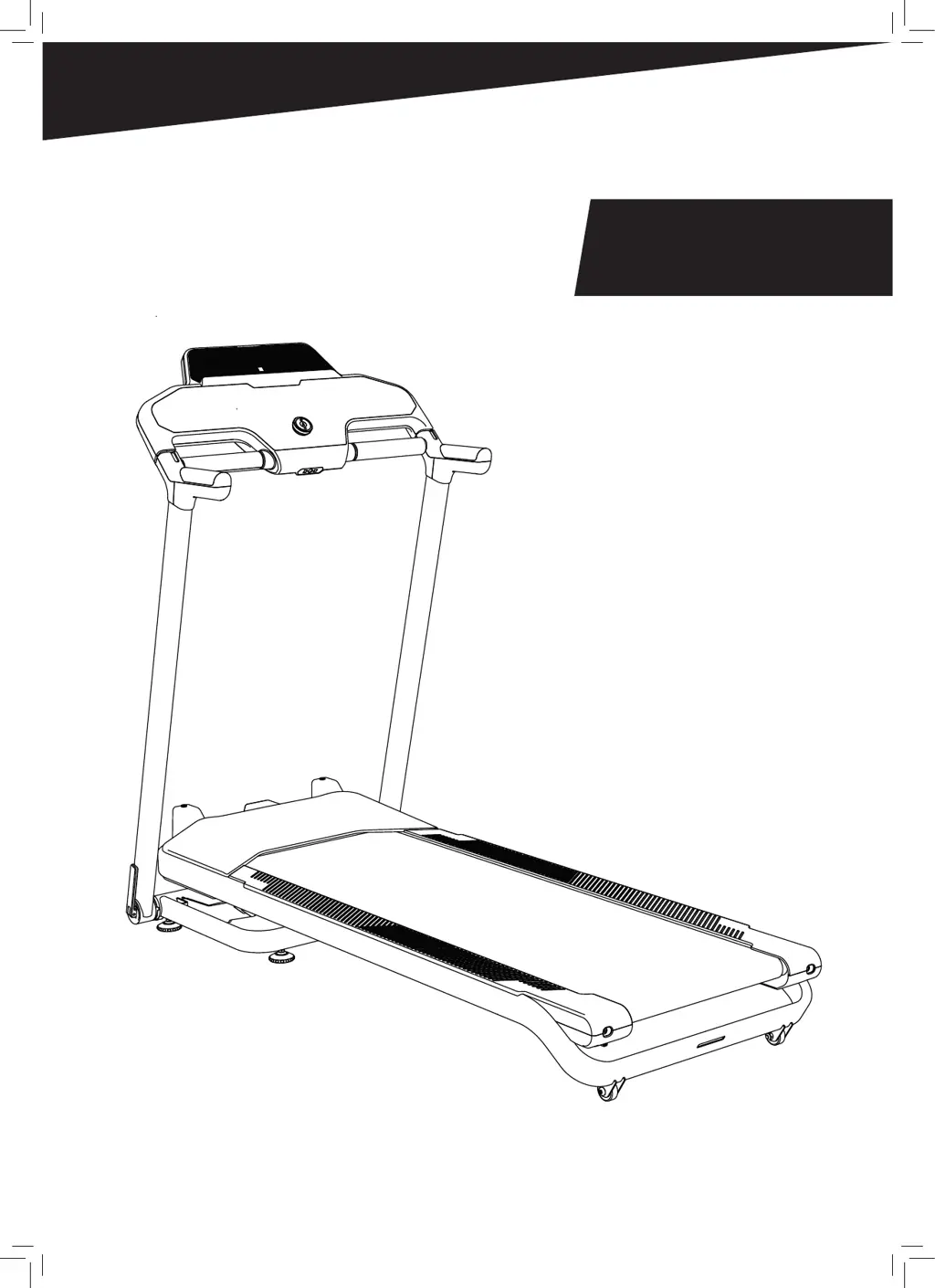
Domyos RUN500 - User Manual

Domyos RUN500
120 pages
Print Icon
To Next Page IconTo Next Page
Loading...
DOMYOS
RUN500

Questions and Answers

  • R
    Ryan BrownJul 29, 2025
    How to troubleshoot a Domyos Treadmill that won't turn on?
    • J
      Julie DukeJul 29, 2025
      First, ensure the power cord is properly plugged into a working wall outlet by testing the outlet with another device. Next, check that the power cord is securely plugged into the back of the Domyos Treadmill. Finally, verify that the switch on the Treadmill frame near the power cord is in the | position and check the fuse.
  • K
    Katherine WilsonAug 3, 2025
    Why is my Domyos RUN500 making noise?
    • S
      Sherry SmithAug 3, 2025
      There could be several reasons for the noise. It could be frictional noise, in which case you should check that the running belt is centered properly, so it doesn't rub on the sides. If it's a squeaking noise, inspect and tighten all external parts of the treadmill. Also, some noises are simply due to your shoes rubbing against the running belt or the heat sealing of the running belt to the rollers.
  • T
    Tina KingAug 7, 2025
    What to do if Domyos RUN500 trips my circuit breaker?
    • E
      Emily FisherAug 8, 2025
      Ensure the treadmill's power cord is plugged directly into a wall outlet, not a power strip or extension cord. Also, confirm that the treadmill is the only device plugged into the 16 amp circuit breaker.
  • J
    John MorrisonAug 13, 2025
    How to fix E1 error on Domyos RUN500?
    • S
      Stacey AlvarezAug 13, 2025
      1. Turn the treadmill off with the on/off switch for one minute, then on again. If the problem persists, go to step 2. 2. Turn the treadmill off using the on/off switch and unplug it. 3. Make sure the console cable is properly connected to the console and control board. 4. Make sure the PINs on the console cable connectors are not bent or broken. 5. Check that the console cable is not damaged, crushed or cut during installation. If the problem persists, go to step 6. 6. The damaged part (cable, console or control board) should be replaced. Contact technical support.
  • A
    Angela HoodAug 18, 2025
    What to do if my Domyos RUN500 Treadmill displays E4 error?
    • O
      olsonjeremiahAug 18, 2025
      1. Turn the treadmill off with the on/off switch for one minute, then on again. If the problem persists, go to step 2. 2. The control board needs to be replaced. Contact technical support.
  • J
    Jake PerezAug 23, 2025
    How to resolve E14 error on Domyos RUN500?
    • L
      Lauren BrownAug 23, 2025
      1. Turn the treadmill off with the on/off switch for one minute, then on again. If the problem persists, go to step 2. 2. Check to make sure the tilt motor cables are securely plugged into the control board. If the problem persists, go to step 3. 3. The damaged part (tilt motor) must be replaced. Contact technical support.

Summary

Assembly and Setup

Product Dimensions and Weight

Displays the treadmill's physical size and maximum load capacity.

Folding, Unfolding, and Moving

Operating the Folding Mechanism

Step-by-step guide for folding and unfolding the treadmill for storage.

Safe Treadmill Transportation

Instructions on how to safely move the treadmill between locations.

Program Overview

Pre-Registered Workout Programs

Introduction to the 30 built-in programs categorized into Calorie Burn, Training, and Endurance.

Calorie Burn Programs

Calorie Burn Program Profiles

Visual representation of the 10 Calorie Burn programs, showing speed and incline changes.

Training Programs

Training Program Profiles

Visual representation of the 10 Training programs, detailing speed and incline variations.

Endurance Programs

Endurance Program Profiles

Visual representation of the 10 Endurance programs, illustrating speed and incline adjustments.

Product Introduction and Console Operation

Presentation and Technical Specifications

Overview of the treadmill's features, benefits, and key technical data.

Console Operation Guide

Instructions on starting, using quick start, selecting programs, and target modes.

Connectivity and Configuration

Device Integration and Settings

Information on connecting to apps, Wi-Fi, heart rate, remote control, and user setup.

Treadmill Maintenance

Cleaning and Belt Care

Procedures for cleaning the treadmill and adjusting belt tension.

Treadmill Maintenance and Troubleshooting

Belt Centering and Maintenance

Procedures for centering the running belt and general maintenance tasks.

Troubleshooting Common Issues and Error Codes

Guidance on resolving common problems and understanding error code meanings.

Customer Support and Assistance

How to Get Help

Contact information and resources for obtaining customer support and assistance.

Declaration of Conformity

Product Compliance Information

Details regarding the product's adherence to European directives and standards.

Important Product Information

Manual Retention and Manufacturer Details

Instructions to keep the manual and information about the manufacturer and disposal.

Domyos RUN500 Specifications

General IconGeneral
BrandDomyos
ModelRUN500
CategoryTreadmill
LanguageEnglish

Related product manuals