Cleaning & maintenance: Clean the screen surface regularly; use the dedicated screen cleaners or soft, clean cloth. Don’t use any irritating chemical or sharp
object to clean the screen to avoid scratches or damages.
Dustproof and Waterproof Reminder: The touch screen may have specific dustproof and waterproof levels. Guarantee that you know the protection levels of
your product and avoid the ingress of liquid or dust.
Temperature environment: Avoid using the screen in extreme temperatures, as this may compromise its performance.
Damaged screen: If the screen surface has any damages, cracks or other defects, stop using it immediately and contact our customer service or professionals
for repairing or replacement.
01
MODULE USAGE INSTRUCTIONS
DRUM KIT
EFFECTS
PRACTICE
RECORD
EDITOR
SYSTEM
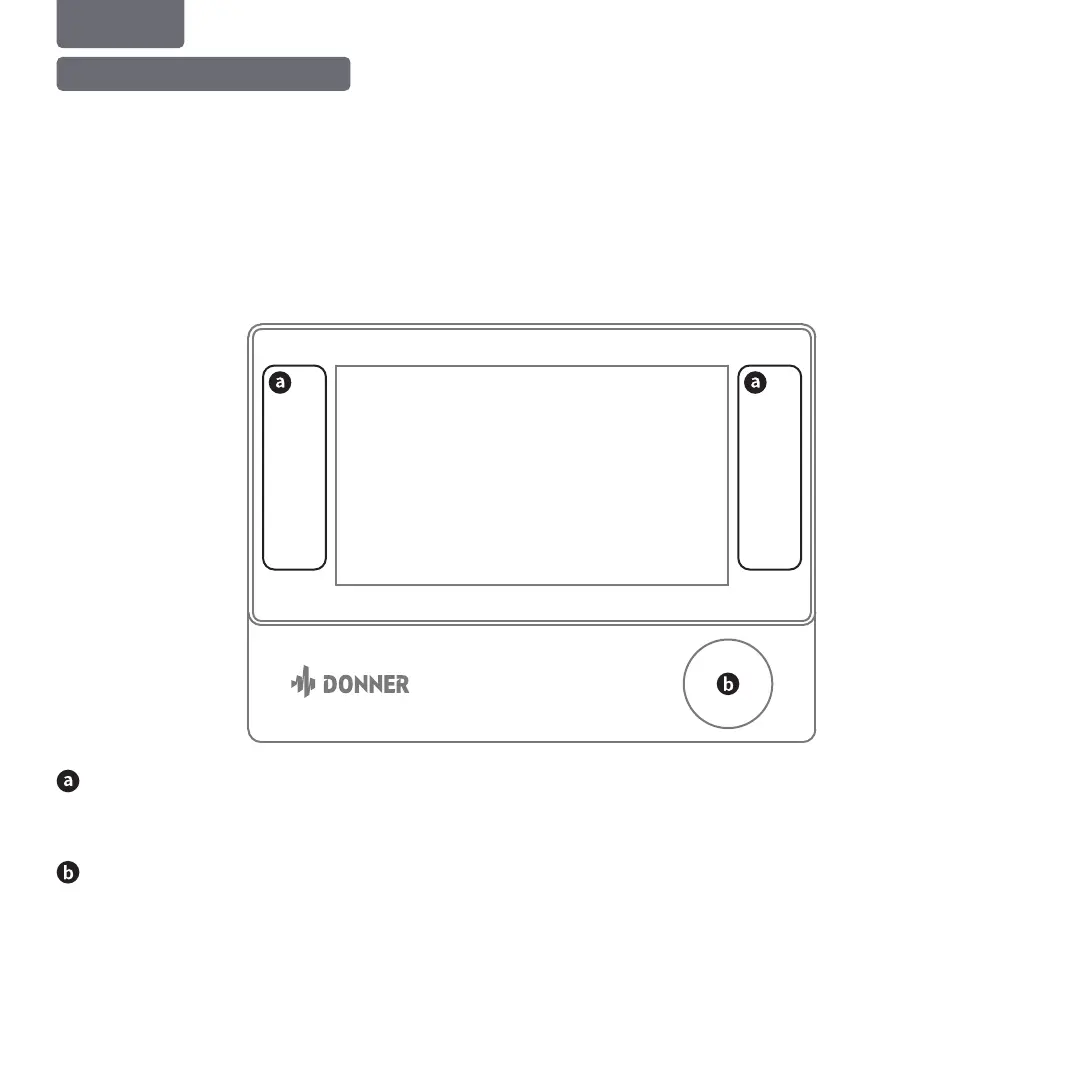
Main interface function buttons
Touch the word to switch to different pages. Please refer to the main interface operation description for details.
Encoder(w/ Switch) operation description
In the default DRUM KIT main interface, rotate the encoder to switch to Drum Kit; when tapping the screen to select any parameter column with parameter
adjustment, the encoder can be used for parameter adjustment. The encoder is equipped with press switch functions. A prompt shows when the encoder is
pressed; at this moment, rotate the encoder to select any parameter column that to be changed, and use the encoder for parameter adjustment. In the Drum Kit
page, long press the encoder to restore to the drum kit switch functions.
1. Module Panel Operation and Usage
ENGLISH



 To Next Page