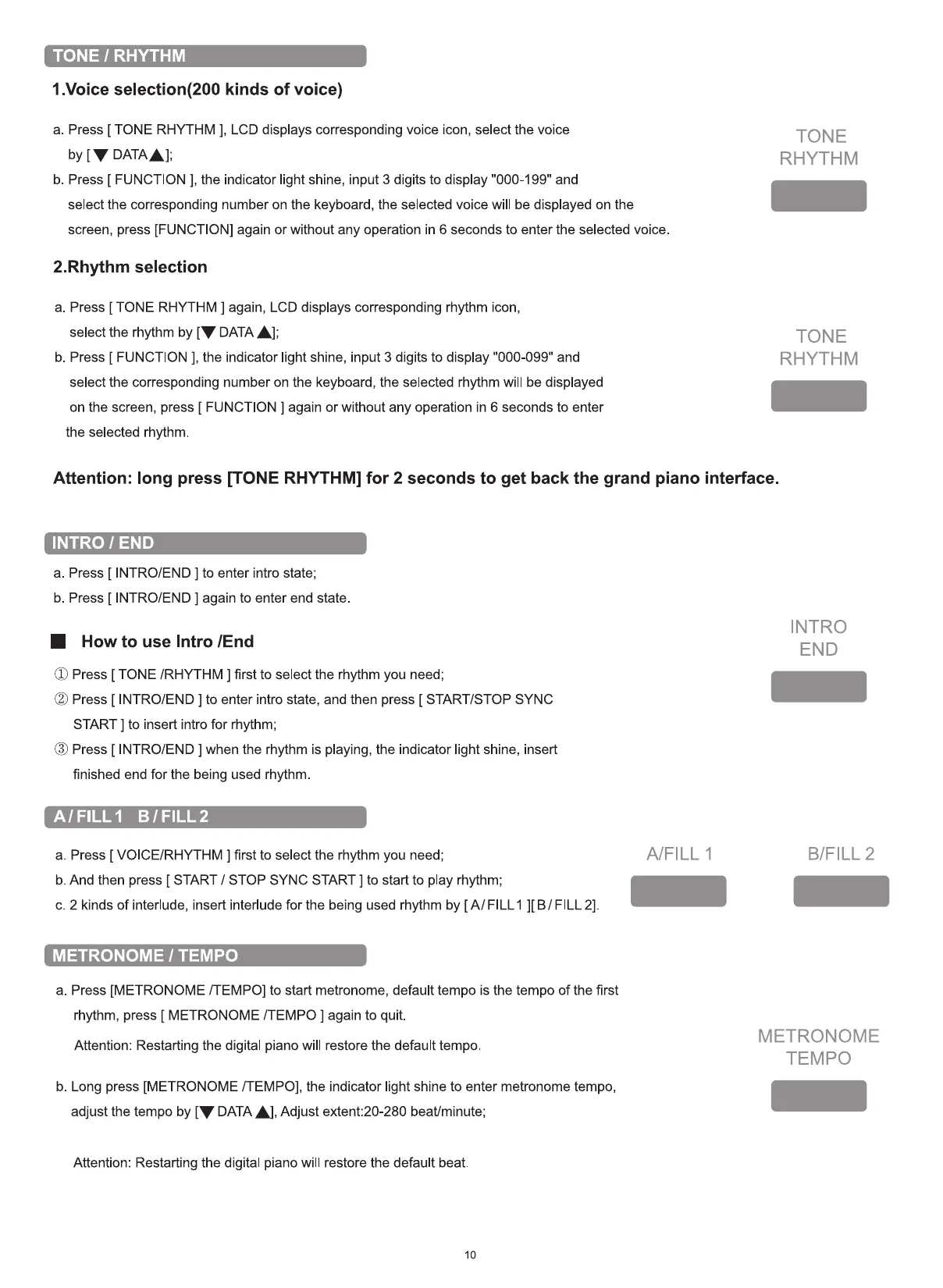
TONE 1 RHYTHM
1.Voice selection(200 kinds of voice)
a. Press [ TONE RHYTHM ], LCD displays corresponding voice icon, select the voice
by [V DATAA];
b. Press [ FUNCTION ], the indicator light shine, input 3 digits to display "000-199" and
select the corresponding number on the keyboard, the selected voice will be displayed on the
screen, press [FUNCTION] again or without any operation in 6 seconds to enter the selected voice
2.Rhythm selection
a. Press [ TONE RHYTHM ] again, LCD displays corresponding rhythm icon,
select the rhythm by [V DATAA];
b. Press [ FUNCTION ], the indicator light shine, input 3 digits to display "000-099" and
select the corresponding number on the keyboard, the selected rhythm will be displayed
on the screen, press [ FUNCTION ] again or without any operation in 6 seconds to enter
the selected rhythm.
Attention: long press [TONE RHYTHM] for 2 seconds to get back the grand piano interface.
TONE
RHYTHM
TONE
RHYTHM
INTRO 1 END
a. Press [ INTRO/END ] to enter intro state;
b. Press [ INTRO/END ] again to enter end state.
• How to use Intro IEnd
(O Press [ TONE /RHYTHM ] first to select the rhythm you need;
(2) Press [ INTRO/END ] to enter intro state, and then press [ START/STOP SYNC
START ] to insert intro for rhythm;
($) Press [ INTRO/END ] when the rhythm is playing, the indicator light shine, insert
finished end for the being used rhythm.
AIFILLI B/ FILL 2
a. Press [ VOICE/RHYTHM ] first to select the rhythm you need;
b. And then press [ START / STOP SYNC START ] to start to play rhythm;
c. 2 kinds of interlude, insert interlude for the being used rhythm by [A/ FILLI FILL 2]
METRONOME 1 TEMPO
a. Press [METRONOME [TEMPO] to start metronome, default tempo is the tempo of the first
rhythm, press [ METRONOME /TEMPO ] again to quit.
Attention: Restarting the digital piano will restore the default tempo.
b. Long press [METRONOME [TEMPO], the indicator light shine to enter metronome tempo,
adjust the tempo by [V DATA A], Adjust extent:20-280 beat/minute;
Attention: Restarting the digital piano will restore the default beat
10
A/FILL 1
INTRO
END
B/FILL 2
METRONOME
TEMPO


 To Next Page