Operation Section
73
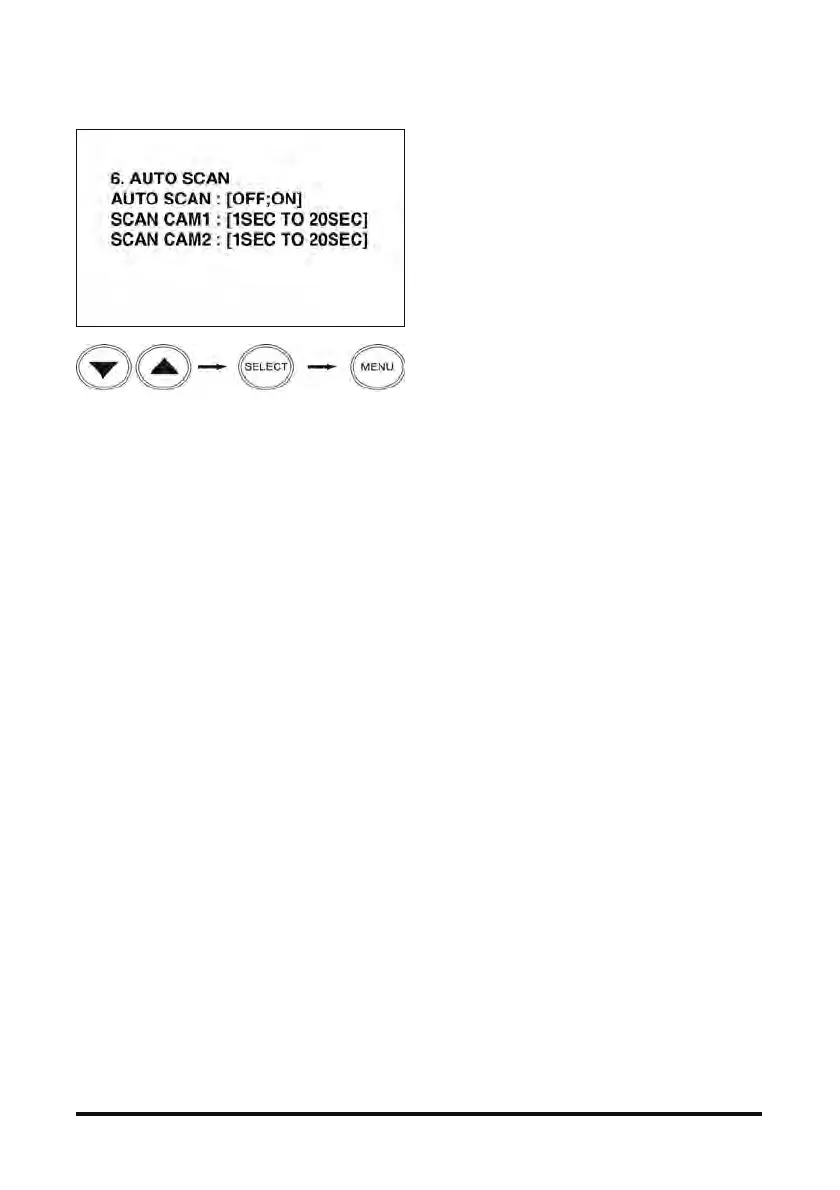
6. AUTO SCAN
- If AUTO SCAN is set to ON, images are displayed
in the sequence of CAM1→CAM2.
- The duration of an image display can be set to
0~20 seconds. ‘0’ setting eliminates the image.
- Press the SELECT button to stop repeating images,
and press it again to see the images repeatedly.
Search menu Select image Reset function



 To Next Page