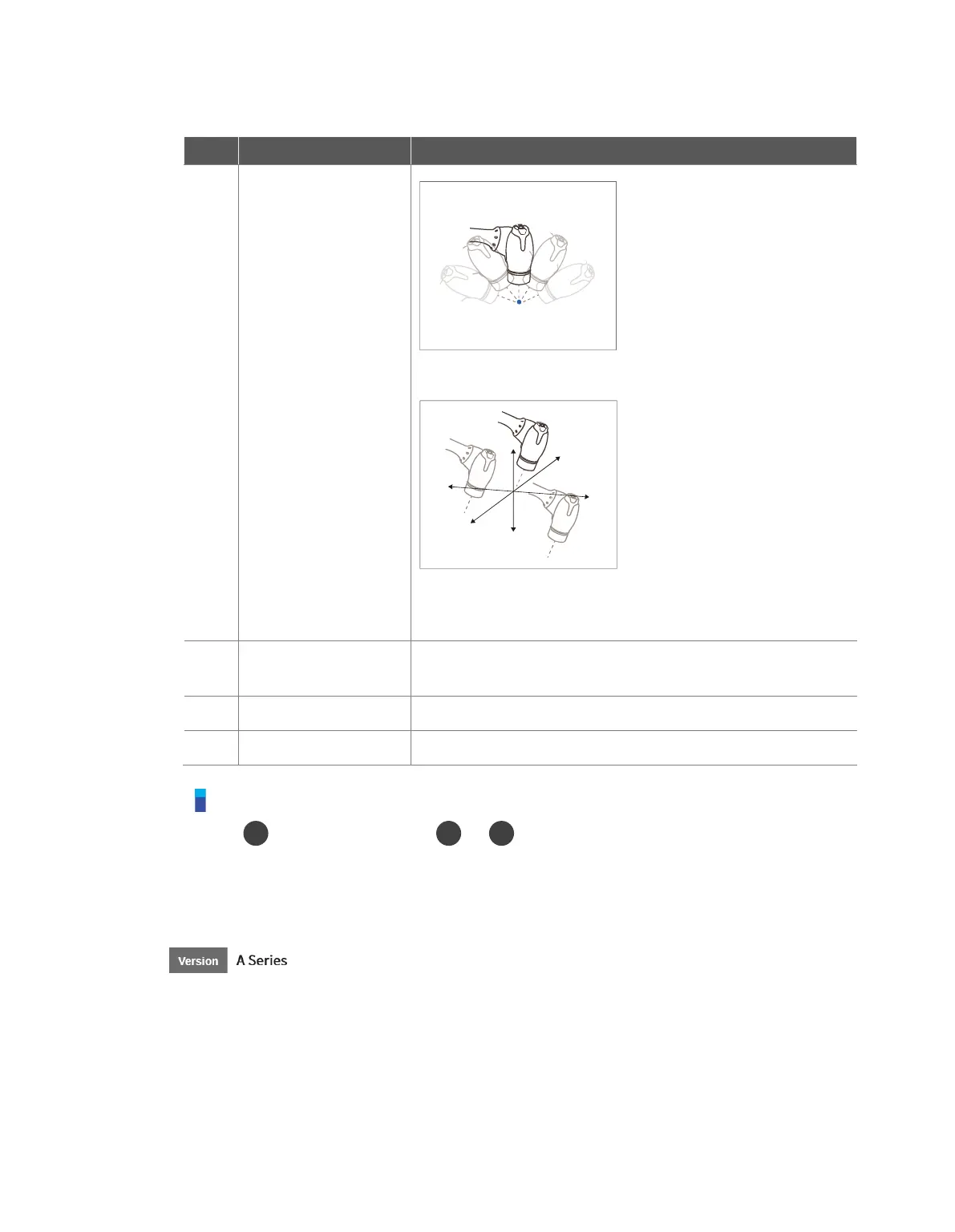
point of the tool coordinates
Angle Lock: Changes the position only with the current
TCP angle locked
For more information about the settings, refer to “12.3.2 Cockpit
Setting.”
Saves the current robot pose. For more information, refer to “8.7.3
Skill Command Work Point Setting with Cockpit Buttons.”
Moves the Focus displayed on the screen one line up
Moves the Focus displayed on the screen one line down
Note – Cockpit Setting Change
The hand-guiding button and constraints motion button settings require 0.2
seconds to be modified.
Pressing the Save Pose button on the Skill Setting screen will automatically move the focus to
the next pose.
The cancel button can only be used in the Skill Setting window that manages multi-poses.
A Series models without FTS (A0509, A0912) cannot use fixed motion.



 To Next Page