9
MX 2000/2500/3000 MX25ATCE26
6) Repeat pressing briefly the
“START”
button in the
ATC manual OP until the main changer arm
moves to the home position where it doesn't move
further.
☞
If the main changer arm doesn't move further
even by your pressing the
“START”
button,
this indicates that the main changer arm
reaches its home position.
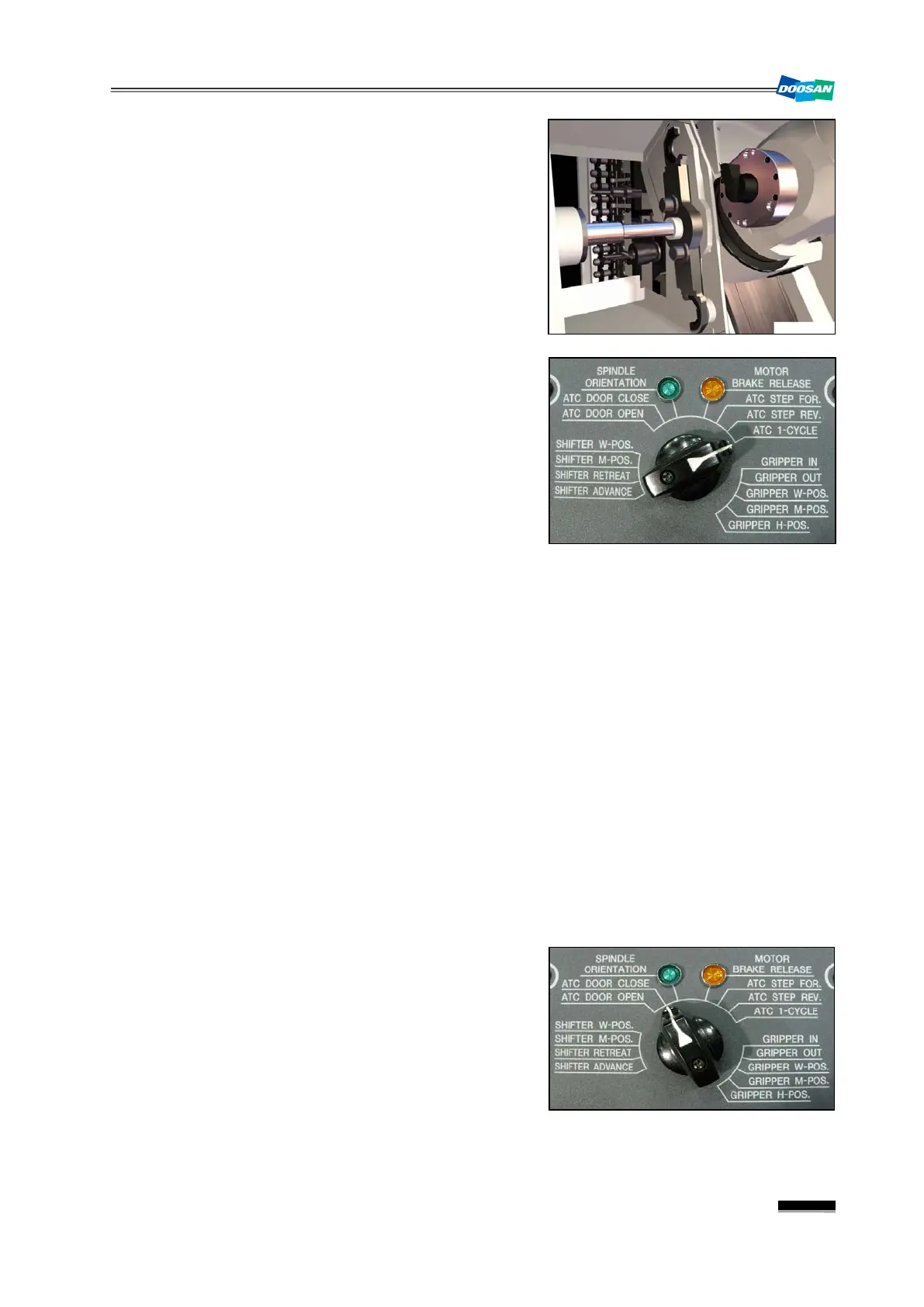
7) Turn the mode selection switch on the ATC manual
OP to
“ATC 1- CYCLE”
, and press the
“START”
button to perform the tool changing automatically.
Then, the alarm 2103 will be released and the ATC
home position will be restored.
☞
If the Tool Change 1 Cycle operation is not
performed, check the “Conditions of Tool
Change 1 Cycle ” below:
Conditions of Tool Change 1 Cycle
①
Turn the mode switch in the ATC manual OP to
“ATC 1- CYCLE”
②
Switch the mode selection switch in the ATC manual OP to
“MA NUAL”
.
③
Waiting Pot Spindle Side (X10.5)
④
ATC Main Changer Home Position (X8.2)
8) When ATC home positioned is restored successfully, check between tool number in PMC data
screen and actual tool in the machine, and make correction if they do not match.
Select SYSTEM > PMC > PMC DATA > G.DATA, and check the tool number (D450) in the
spindle as well as the tool number (D448) in the waiting pot. Make correction if necessary.
▪ D450 : Tool number in the spindle
▪ D448 : Tool number in the waiting pot
9) Turn the switch to
“ATC DOOR CLOSE”
the
START
button to close the ATC door.
10)
When each axis returns to their respective home position, ATC troubleshooting will be
completed.


 To Next Page
 Loading...