Starting your Tablet
Power On/Off/Standby Mode
ON: Press and hold the side POWER button on the side for about 3 seconds until the
logo screen appears, then release.
OFF: Press and hold the side POWER button until the POWER OFF window appears,
then slide down to turn off.
STANDBY MODE: While the Tablet is on, press the side POWER button quickly to power off
the display only. The Tablet will enter a sleep mode which minimizes some of the battery
functions (turn off completely to avoid unnecessary battery drainage).
Press the POWER button quickly to wake from sleep mode so that you can use the
Tablet immediately.
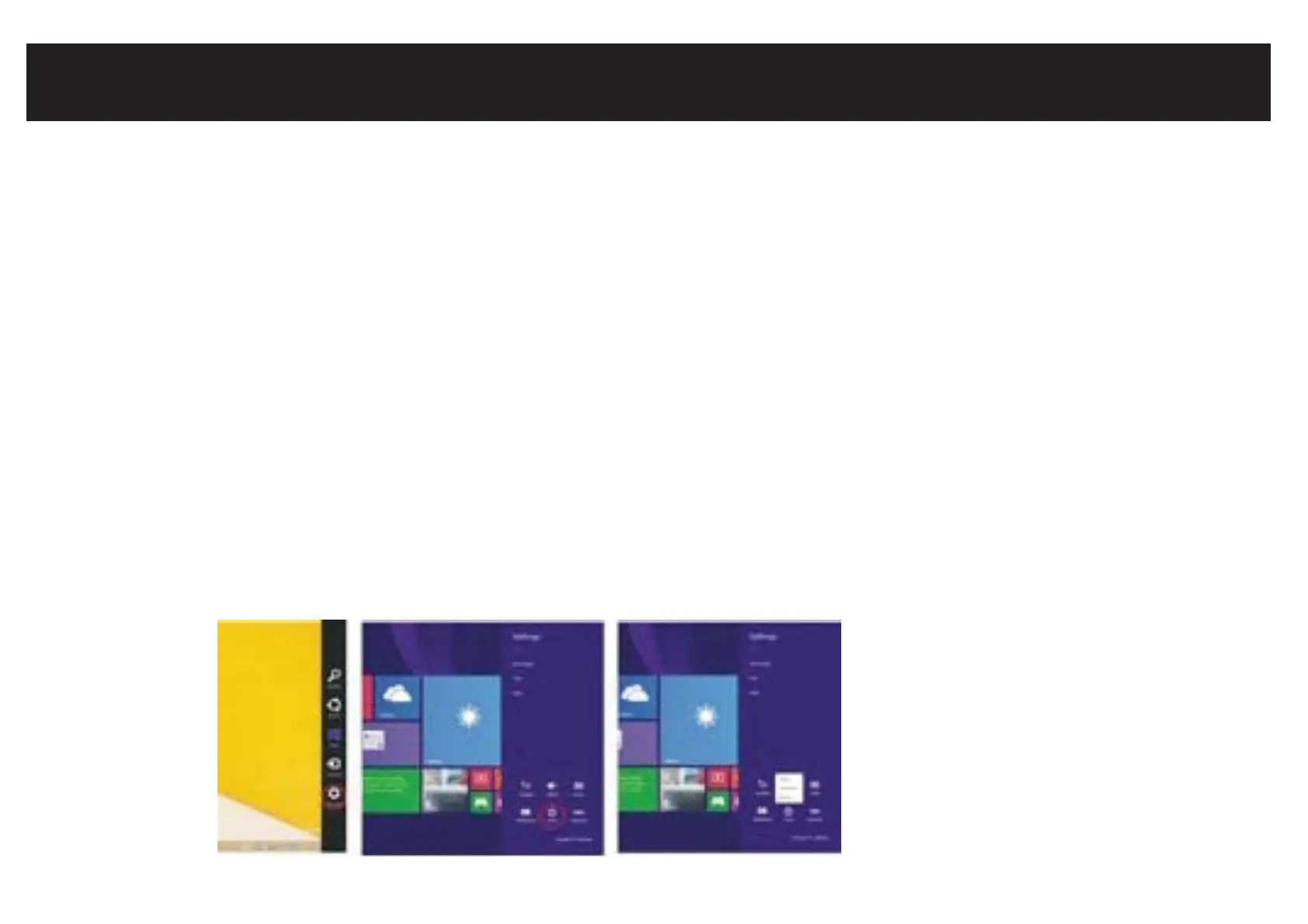
NOTE: Another way to access Power, Shut Down, or Update and Restart is to swipe left
from the right edge of the screen and tap SETTINGS.



 To Next Page