Starting your Tablet
First time Setup
Setup runs the first time you power on your Tablet. During setup you’ll choose a language,
color scheme, and name, all of which can be change at a later time.
User and Password Setup
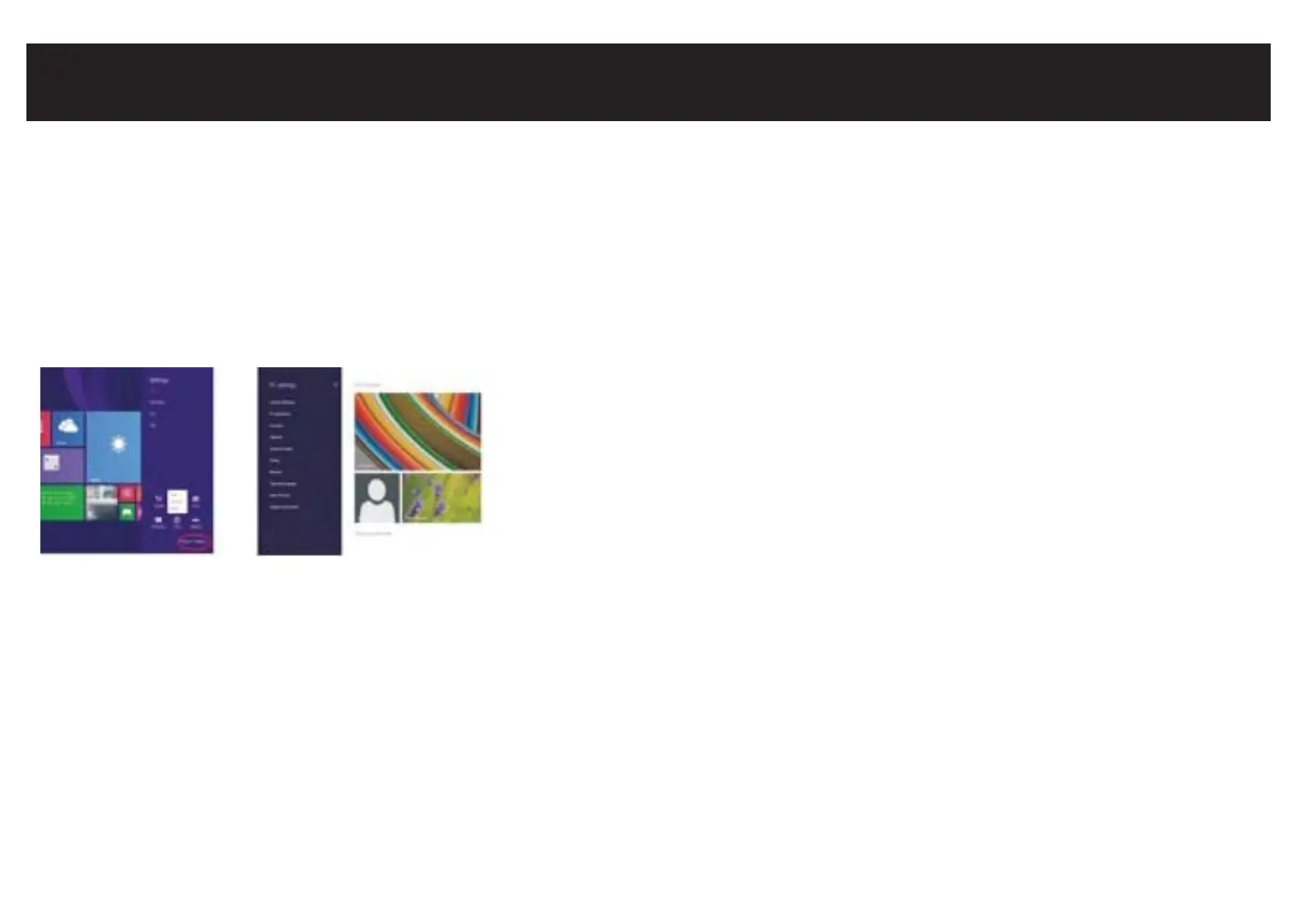
Swipe inward at left edge of display to call up the
Charm Menu. When a password is required,
you can choose one to sign in. Here’s how:
1. Swipe inward from the left edge of the display to
call up the Charm Menu. Open the SETTINGS charm,
then tap or click PC settings > Accounts > Sign-in options.
2. Under Password policy, choose an item from the list:
Microsoft account: Choose a time frame or to Always require a password.
Local account: Choose a time frame, Always require a password, or Never require a password.
NOTE: Password policy setting may not be available if you’ve added a work email account
to the Mail app.


 To Next Page