13
Locking the revolving door Locking with a floor locking device*
5.3 Locking with a floor locking
device*
Personnel
• Operator
Special tool
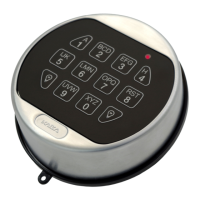
• Key/code for program switch
• Key for the floor locking device
Requirements
• No persons are in or near the revolving door
• The program switch is set to the “Off”
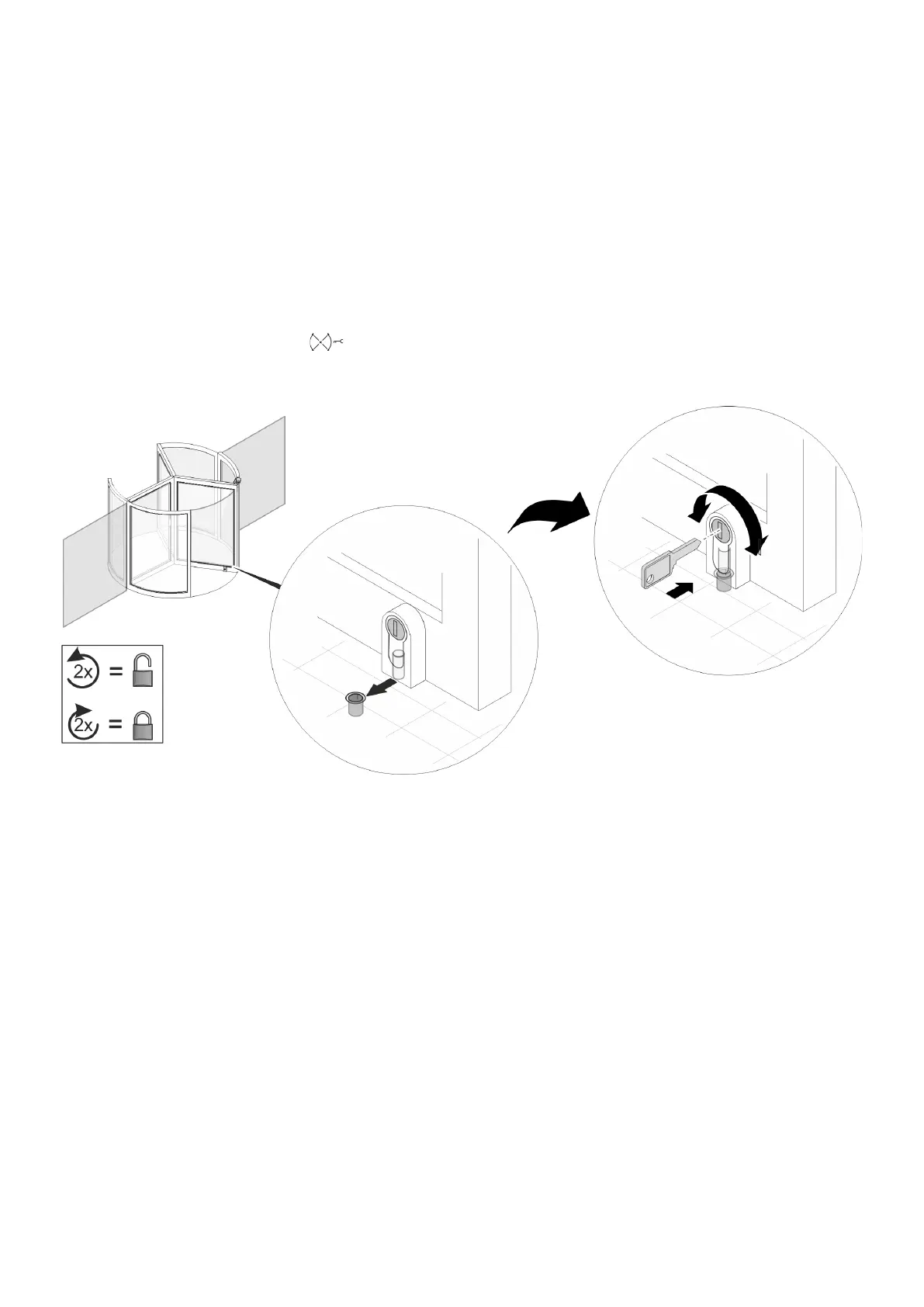
Fig. 6 Floor locking device
1. Align the door wing with floor locking device with the
floor sleeve in the floor. (Fig. 6/middle).
2. Lock the floor locking device on the door wing with
key. For this purpose lock the locking cylinder (Fig. 6/
right) with two full revolutions.
5.4 Unlocking with a floor locking
device
Personnel
• Operator
Requirements
• The program switch is unlocked with a key / code
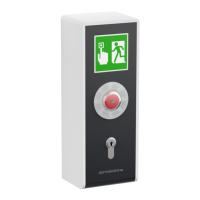
• All emergency stop switches are unlocked by turning
or pulling, depending on the type of the emergency
stop switch
• No persons are in or near the revolving door
1. Unlock floor locking device at the door wing with the
key. For this purpose unlock the locking cylinder (Fig.
6) with two full revolutions.



 To Next Page