English
Alternatively, press Call log.
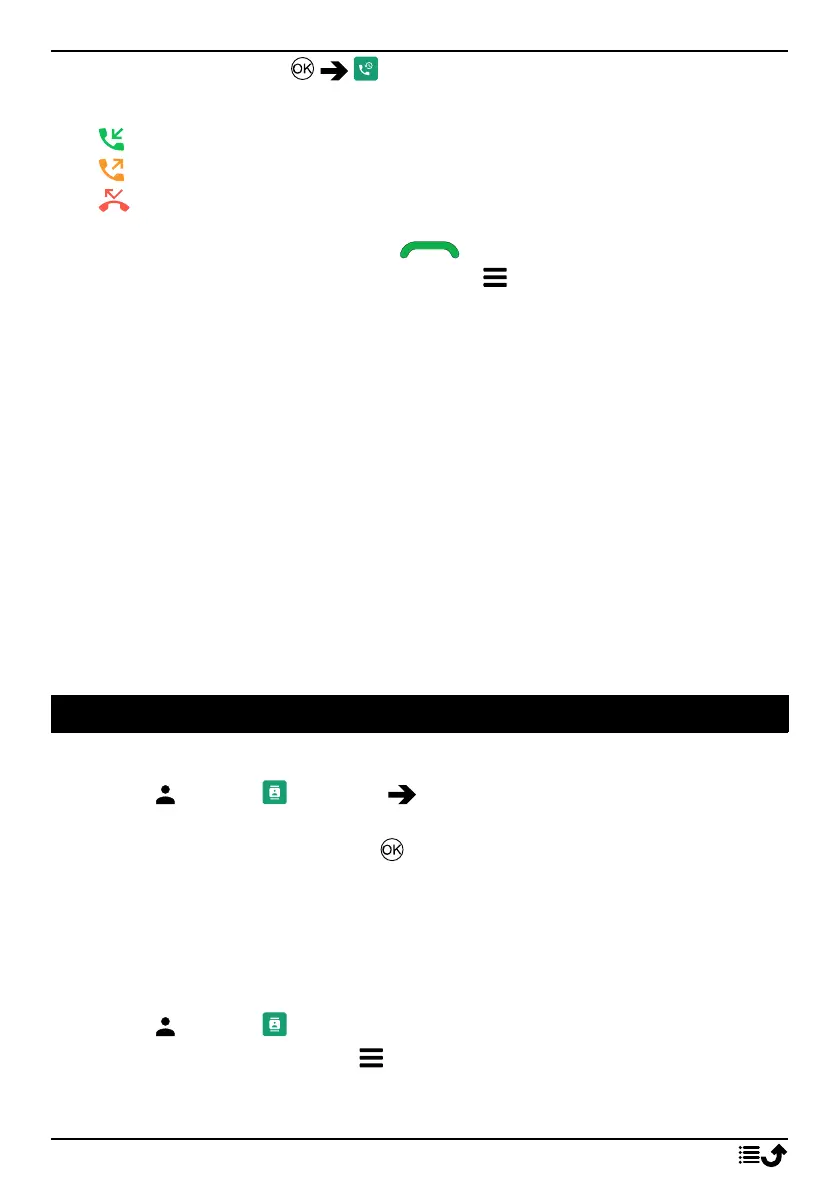
2. Calls are displayed as follows depending on call type:
Incoming call
Outgoing call
Missed call
3. Select wanted entry and press to dial.
Alternatively, select an entry and press to:
• Details to show details for the selected call.
• Call to call the selected number/contact.
• Send message to send a text message.
• Add to contacts to save the number to the contacts.
• Add to new contact to add the number as a new contact.
• Add to existing contact to add the number to an existing
contact.
• Add to blacklist/Remove from blacklist to block/unblock the
number. You will not receive calls or messages from a blocked
number. See Blacklist, p.37.
• Delete to delete the selected entry in the call log.
• Delete all to delete all entries in the call log.
Contacts
Add contact
1. Press to open Contacts Add contact and select where to
save it.
2. Select Set picture and press to add a picture for the contact.
3. Enter Name, Mobile number, Home number, Work number and
choose a special ringtone for calls from the selected contact.
4. Press Save.
Manage phonebook contacts
1. Press to open Contacts.
2. Select a contact and press :
• Add contact to add an entry in the phonebook.
15



 To Next Page