English
Settings
Select the type of alert messages that you want to receive.
1. Press Menu Messages Settings Emergency alert
Settings.
2. Enable/disable message type with button.
Set Voice mail
If your subscription includes an answering service, callers can leave a voice-
mail message when you are unable to answer a call. Voice mail is a net-
work service and you may need to subscribe to it first. For more
information and for the voicemail number, contact your service provider.
Call voicemail
• Press and hold shortcut button
1
.
1. Press Menu Messages Settings Voice mail.
2. Press Edit and enter number and press to confirm.
Camera
You can take photos, record videos and view your photos and videos using
the camera menu.
To get sharp photos and videos, wipe the lens clean with a dry cloth.
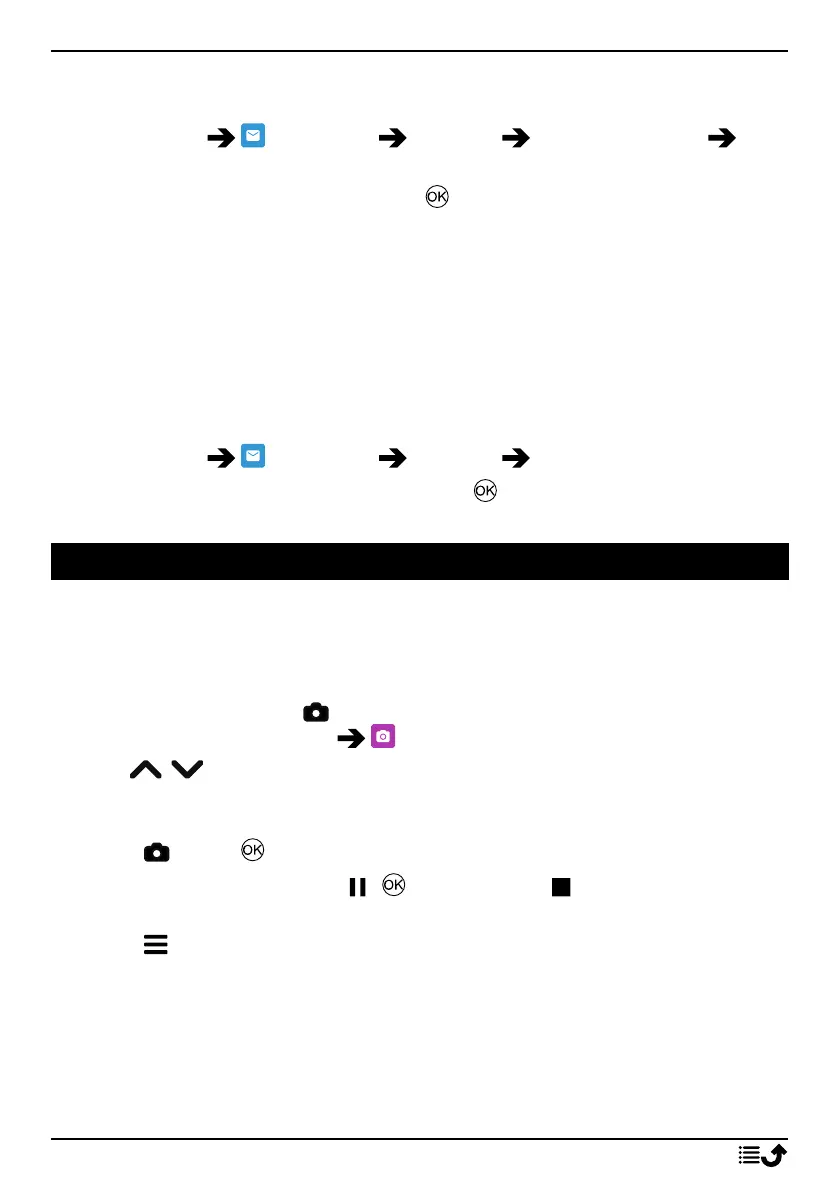
1. Press shortcut button
.
Alternatively press Menu Camera.
2. Use
/ to zoom in and out.
Note! Zoom may reduce picture quality.
3. Press
or the to take photo or start/stop video recording.
4. For video recording, press ( ) to pause and to stop the recording.
Press Yes to save the recording.
5. Press for more options:
Note! Some options are only available in photo mode and some in
video mode.
Image viewer
• The Image viewer displays all your taken photos and recorded videos
in the gallery. See more at Gallery, p.30.
26



 To Next Page