English
Media
Gallery
View and manage your saved pictures and videos.
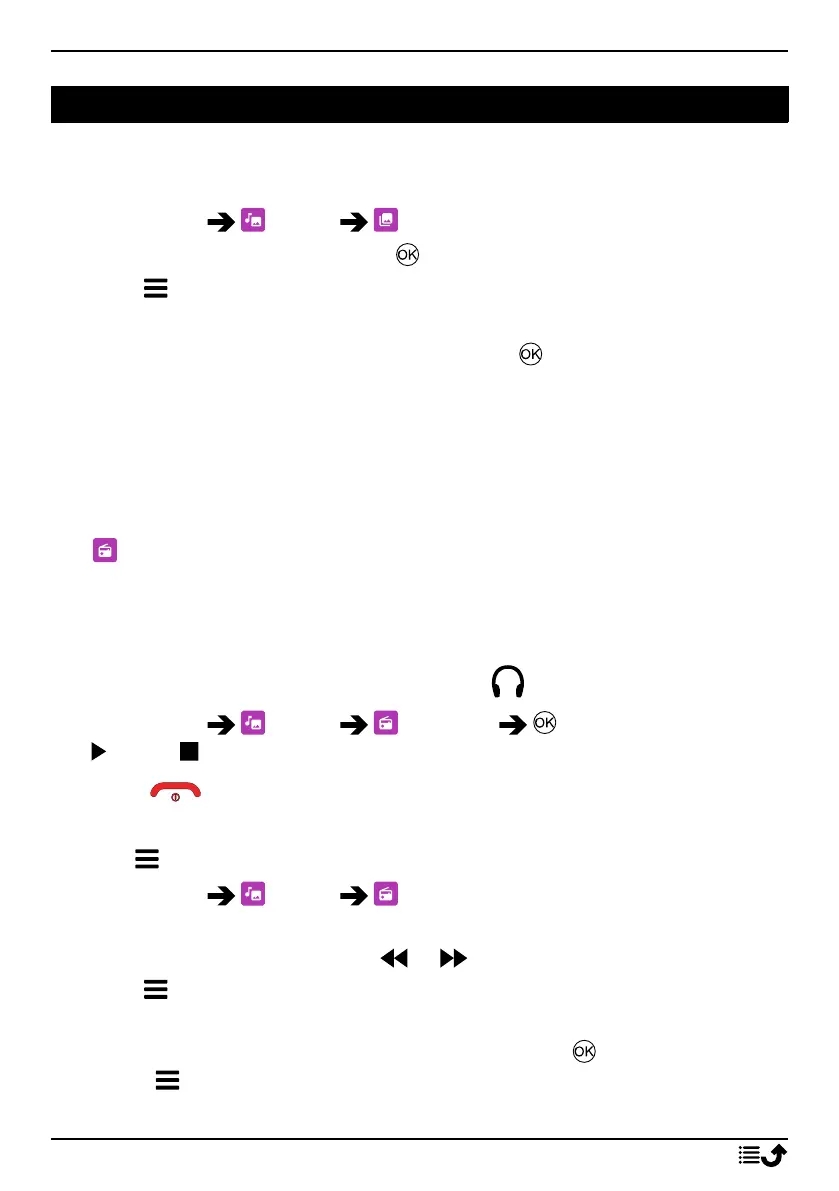
1. Press Menu Media Gallery.
2. Select a photo/video and press to view the photo or play the video.
3. Press for options.
• Send to send a picture/video via MMS or Bluetooth.
• Delete to delete the selected item. Press to confirm.
• Use to use a photo as Wallpaper or Contact Picture.
• Rename to rename. Edit the name and press Save.
• Details to view detailed information about the file, e.g. date, size,
type.
FM radio
The FM radio has a frequency range from 87.5 to 108.0 MHz. To listen
to the radio you need to connect a compatible headset that works as
antenna.
Turning the radio on/off
1. Connect a headset to the headset socket
.
2. Press Menu Media FM radio to turn the radio on (
) / off ( ). The tuned frequency is displayed.
Tip: Press to return to standby mode. The radio will continue to play.
Disconnecting the headset will turn off the radio.
Options
1. Press Menu Media FM radio.
2. The phone will automatically search for available radio stations.
3. Switch between stations with or .
4. Press for options:
• Auto save channels to search for available radio stations.
• Channel list to see your saved channels. Press to play channel
and for more options:
• Play to play channel.
30



 To Next Page