English
Use the web browser
1. Press Menu Internet Browser.
2. Press Accept to accept the End User License for using the Opera
™
Mobile browser. If not, press Exit.
Navigate the web browser
• In order to navigate the web browser, scroll up and down with the
buttons
/ , use the Camera button to scroll to the left, and
the Message button
to scroll to the right. The blue frame shows
the selected area. To select an object or click a link, use the Top 10
button (star)
.
Enter website address (URL)
• Select www. and press
to select Edit. Enter a website address
(URL) and press Go.
Search
• Press
to select , located to the right of the screen, to search
the web. Enter your search and press Search.
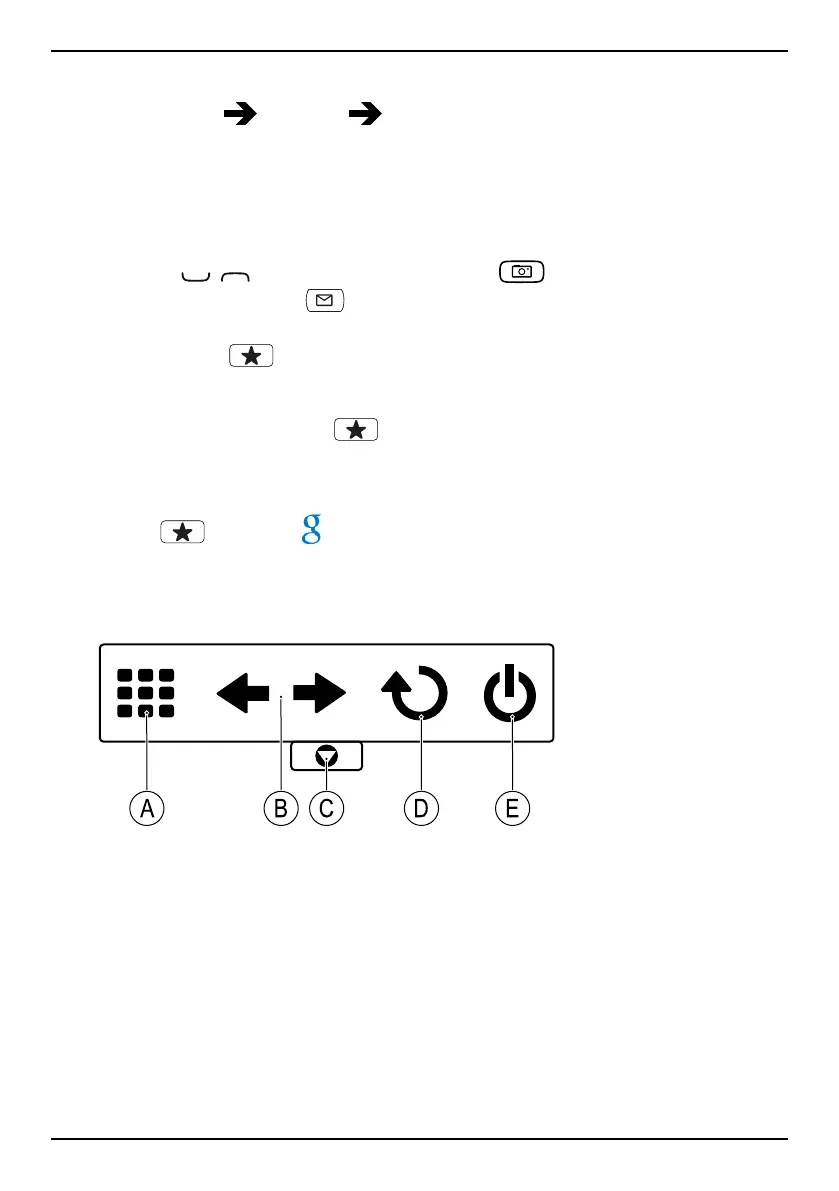
Options menu
• Press Menu to access:
• A to close the current tab, if multiple tabs are used.
• B to go to previous or next website.
• C to access Bookmarks, History, Saved Pages, Downloads, Set-
tings, Find in Page, Homepage and Help.
• D to refresh current website.
• E to exit the web browser. Press Yes to confirm.
• + located at the top right corner, to open new tab. Use the navi-
gation buttons to switch between tabs.
46



 To Next Page