EasyManua.ls Logo

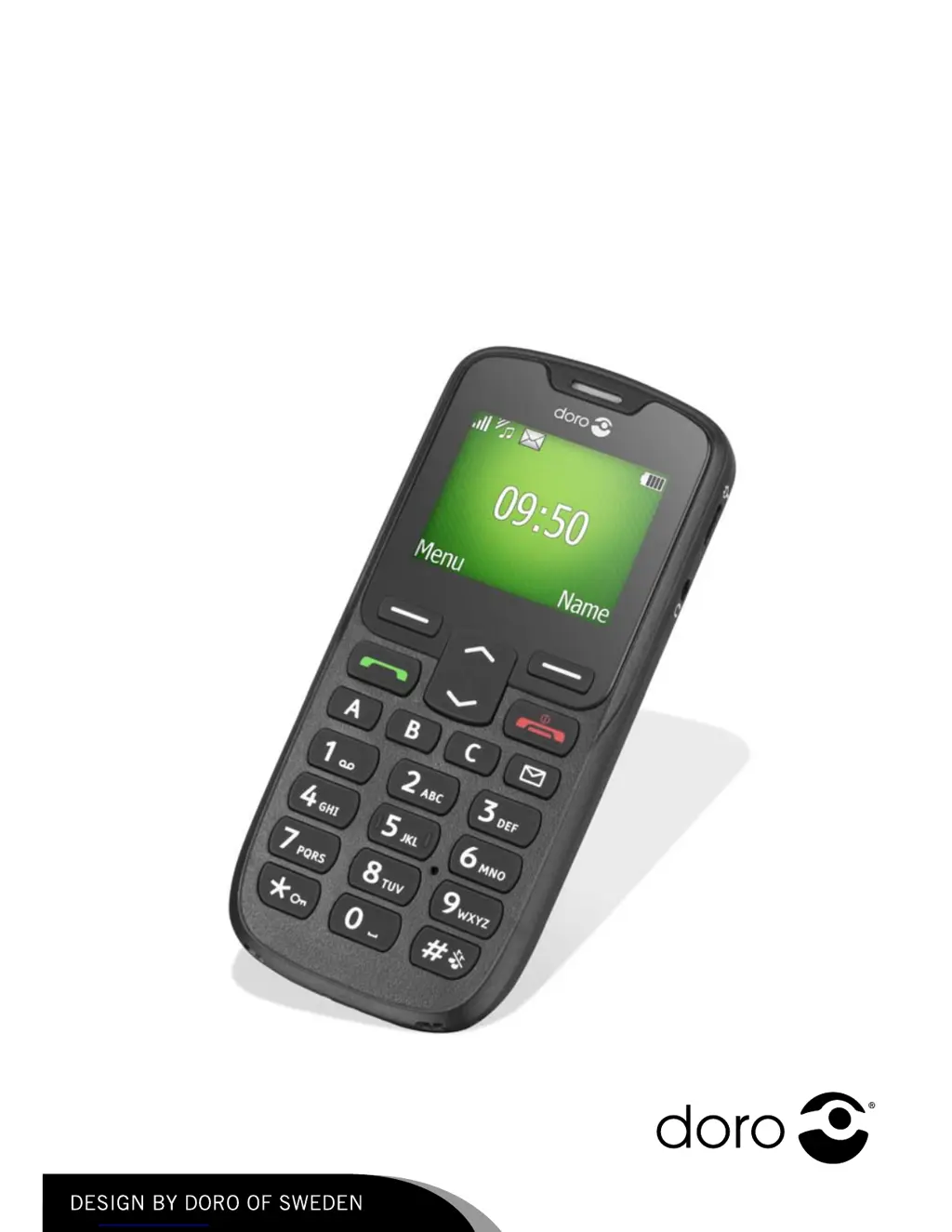
Doro PhoneEasy 506 - User Manual

Doro PhoneEasy 506
52 pages
Print Icon
To Next Page IconTo Next Page
Loading...
DoroPhoneEasy
®
506
English

Questions and Answers

  • S
    Stephen RiveraAug 15, 2025
    What to do if my Doro Cell Phone cannot be switched on?
    • S
      Shelley MayerAug 15, 2025
      If your Doro Cell Phone won't switch on, it could be due to a low battery. Connect the power adapter and charge the battery for 3 hours. Note that full battery capacity is reached after the battery has been charged 3–4 times. Alternatively, the battery may be incorrectly installed, so you should check its installation.
  • E
    Elizabeth BrownAug 18, 2025
    What to do if my Doro Cell Phone fails to add a contact?
    • K
      Kristie LaraAug 18, 2025
      If your Doro Cell Phone fails to add a contact, it could be because the phonebook memory is full. Delete contacts to free up memory.
  • P
    Phillip MorrisonAug 21, 2025
    Why is my Doro PhoneEasy 506 battery failing to charge?
    • S
      Stephen StevensAug 21, 2025
      If your Doro Cell Phone battery isn't charging, several factors could be responsible. The battery or charger might be damaged, so check them. Also, ensure the battery is charged in temperatures between 0 °C and 40 °C; otherwise, improve the charging environment. Finally, verify that the charger is correctly connected to both the phone and the power socket.
  • E
    Eric HarringtonAug 25, 2025
    What to do if my Doro PhoneEasy 506 Cell Phone shows a SIM card error?
    • A
      Amy HughesAug 26, 2025
      If your Doro Cell Phone displays a SIM card error, the SIM card might be damaged. Check its condition, and if damaged, contact your service provider. Alternatively, the SIM card might be incorrectly installed; in that case, check the installation, remove the card, and reinstall it. Also, the SIM card might be dirty or damp. Wipe the contact surfaces of the SIM card with a clean cloth.
  • N
    Nathan JohnsonAug 28, 2025
    Why does the standby time of my Doro PhoneEasy 506 decrease quickly?
    • S
      Scott HarrisonAug 28, 2025
      If the standby time of your Doro Cell Phone is decreasing quickly, it could be due to a low battery charge capacity, so install a new battery. Another reason might be that you are too far from the base station, causing the phone to constantly search for a signal, which consumes battery power. Try to find a place with a stronger signal, or temporarily turn off the phone.
  • J
    James FitzpatrickAug 31, 2025
    How to fix a weak signal on my Doro PhoneEasy 506 Cell Phone?
    • Y
      youngbryanAug 31, 2025
      If you are experiencing a weak signal on your Doro Cell Phone, it could be because you are too far from the base station. Try again from another location. Alternatively, there may be network congestion, so try calling at a later time.
  • K
    karen60Sep 4, 2025
    What to do if my Doro Cell Phone fails to place or receive calls?
    • M
      Matthew HessSep 4, 2025
      If your Doro Cell Phone fails to place or receive calls, call barring might be activated. Deactivate call barring.
  • R
    Rachael TorresSep 7, 2025
    What to do if my Doro Cell Phone doesn't accept the PIN code?
    • A
      anthonybrownSep 7, 2025
      If your Doro Cell Phone doesn't accept the PIN code, it means that the wrong PIN code has been entered too many times. Enter the PUK code to change the PIN code.
  • M
    Matthew RiceSep 12, 2025
    Why is there echo or noise on my Doro PhoneEasy 506 calls?
    • M
      megan04Sep 12, 2025
      If you experience echo or noise on your Doro Cell Phone calls, it may be due to a regional problem from a bad network relay. Hang up and redial; this may switch you to another network relay.

Doro PhoneEasy 506 Specifications

General IconGeneral
SIMMini-SIM
Display TypeTFT
Display Size2.8 inches
Resolution240 x 320 pixels
PhonebookYes
Call recordsYes
Alert typesVibration, MP3 ringtones
LoudspeakerYes
3.5mm jackYes
MessagingSMS, MMS
RadioFM radio
GamesYes
StorageNo
RAMNo
Internal MemoryNo
Expandable MemorymicroSD, up to 32 GB
NetworkGSM 900 / 1800
LanguagesMultiple
BatteryLi-Ion 800 mAh
BluetoothYes, v2.1

Related product manuals