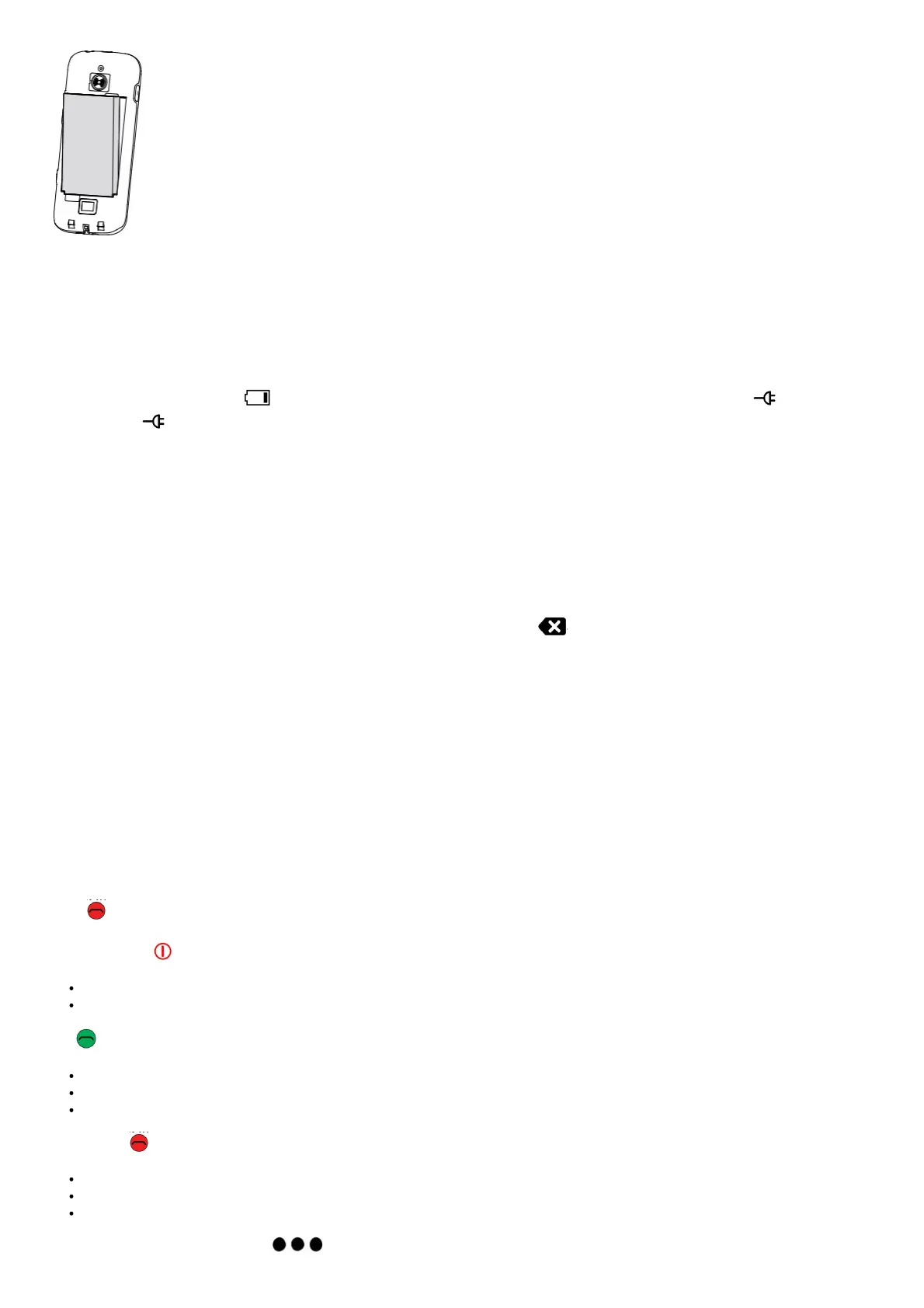
Charge
While it’s possible that your phone will already come with enough charge to be powered on right out of the box, we recommend giving it a full
charge before first use.
Caution
Only use batteries, chargers, and accessories that have been approved for use with this particular model. Connecting other accessories may
be dangerous and may invalidate the phone’s type approval and warranty.
When the battery is running low, appears and a warning signal is heard. Connect the mains adapter to a wall socket and to the
charging socket or place the device in a charging cradle. Alternatively, connect the cable to the charging socket on the phone to a USB
port on a computer.
Save energy
When the battery is fully charged, disconnect the charger from the device and unplug the charger from the wall socket.
To save power the screen goes off after a while. Press any button to wake the screen up. Batteries degrade over time, which means that call
time and standby time will normally decrease with regular use. During extended operation, the device may feel warm. In most cases, this is
normal. To avoid getting too warm, the device may switch off during charging.
Turn the phone on and off
1. Press and hold 1 (red, on the side) to turn on and off.
2. If the SIM card is valid but protected with a PIN code (Personal Identification Number), Enter SIM PIN appears. Enter the PIN code and
press the center key OK. See Enter characters. Delete any mistyped number using .
Note! If PIN and PUK codes were not provided with your SIM card, please contact your service provider. Please also note that if you use
more than one SIM card, the PIN and PUK codes might differ between SIM1 and SIM2.
Attempts: # shows the number of PIN attempts left. When no more attempts remain, PIN blocked appears. The SIM card must now be
unlocked with the PUK code (Personal Unblocking Key).
1. Enter the PUK code and confirm with OK.
2. Enter a new PIN code and confirm with OK.
3. Re-enter the new PIN code and confirm with OK.
GET TO KNOW YOUR PHONE
When starting the telephone for the first time, you are guided by the Start-up wizard to set some basic settings. Select the setting you would
like to change. When ready, scroll to the end and press Finish.
Descriptions in this document
Descriptions in this document are based on your phone’s setup at the time of purchase. Instructions normally start from the home screen.
Press (red) to reach the home screen. Some descriptions are simplified. The arrow → indicates next action in step-by-step instructions.
Handle the phone
Power on and off (red, on the side)
Long press to power on or off.
Confirm with OK to power off
Call (green):
Dial a number or answer an incoming call.
Enter the call log.
Press to confirm character input.
End call/Back (red):
Press to end calls.
Press to return to the previous screen.
Press to exit character input mode.
Menu/options button/notifications :



 To Next Page