From the Home screen, press to view notifications.
From other screens, press for to see more options available in that menu.
Assistance :
Press to make an assistance call via Response by Doro.
Note! Receivers of the assistance call needs to install the free app, Response by Doro.
Clear :
Press to clear the previous character.
Settings menu :
Press and hold (6 seconds) to get access to the settings and phonebook menu.
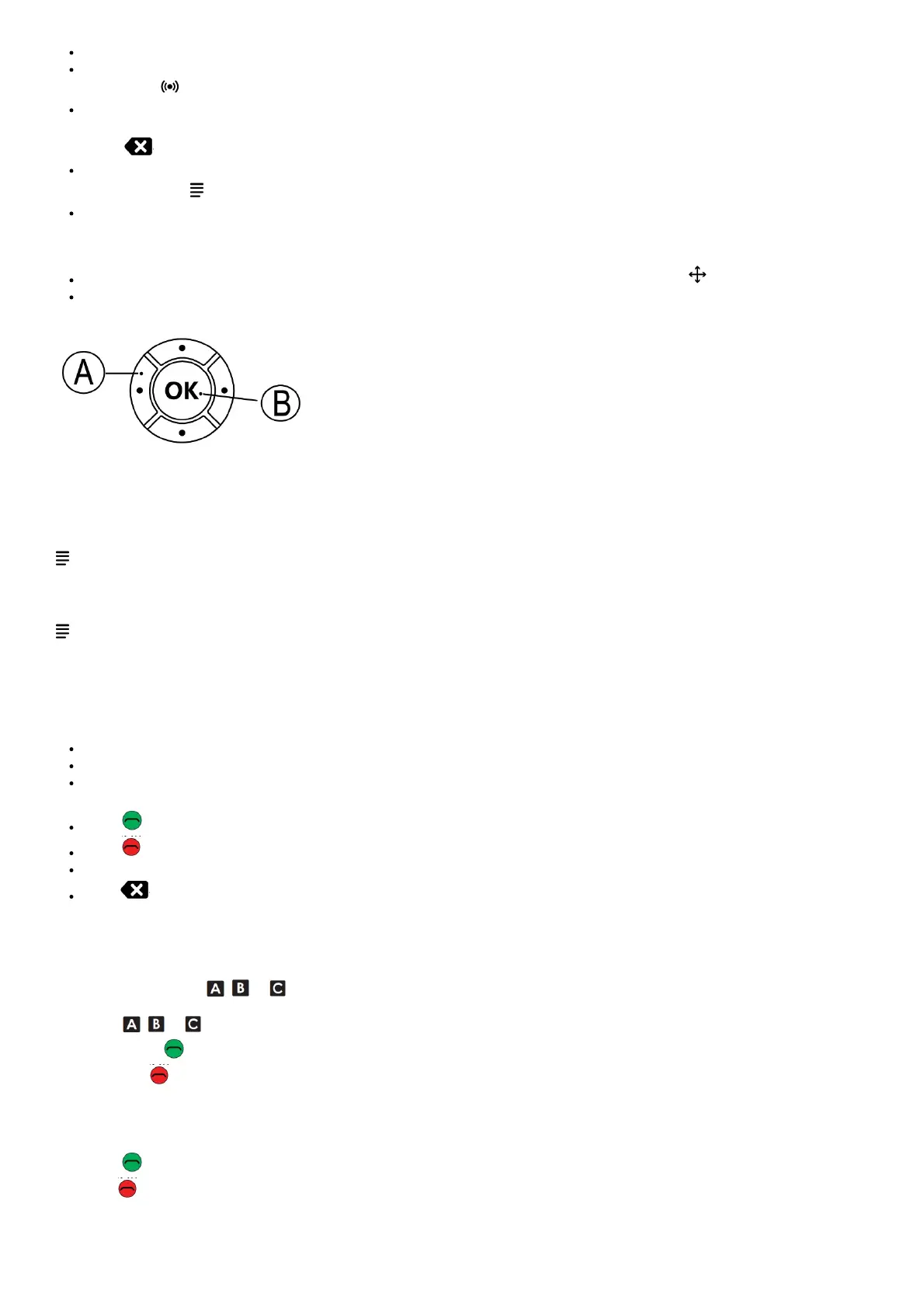
Navigation keys:
(A) Use the Four-way navigation keys to navigate up, down, left, and right. These keys will be shown as in the rest of this document.
(B) Use the center button to select items and confirm actions. This button will be shown as OK in the rest of this document. The OK
button is also used to enter character input mode.
Volume control:
Use + and – on the side of the device to adjust the sound volume. During a phone call, it adjusts the earpiece volume.
Set the language:
The default language is determined by the SIM card.
→ Settings → System → Languages & input → Languages
Set the time and date:
The time and date is usually automatically set from the mobile network.
→ Settings→System → Date & time.
Enter characters
The phone has a simplified keypad so you can make calls with just one push of a button, but since there is so few buttons on this it requires a
slightly different method to enter characters.
If you are in a place where you want and have the opportunity to enter characters:
Press OK to access the character input mode.
Use the Four-way navigation key to select the wanted character and press OK to select it.
Press MODE to change the input mode. Select between capital letters, small letters, numbers, and special characters.
The space character () is found firstly among the special characters.
Press to confirm the entered text. If wanted, continue to enter more characters.
Press to exit the character input mode.
Use the Four-way navigation key to move the cursor within the text.
Press to erase characters.
CALLS
Make a call
Note! The speed dial keys , or must have numbers configured before it’s possible to dial. See Create a speed dial.
1. Press , or .
2. Press Call or (green) to call.
3. Press (red) to end the call.
Note! There is no dial tone. As long as the phone is turned on, it is ready for use.
Receive a call
1. Press (green) to answer.
2. Press (red) to end the call.
Handsfree mode
The loudspeaker allows you to speak without holding the phone close to the ear. Speak clearly into the phone microphone at a maximum



 To Next Page